
Turo & rental fleet management software Your whole fleet.
One app.
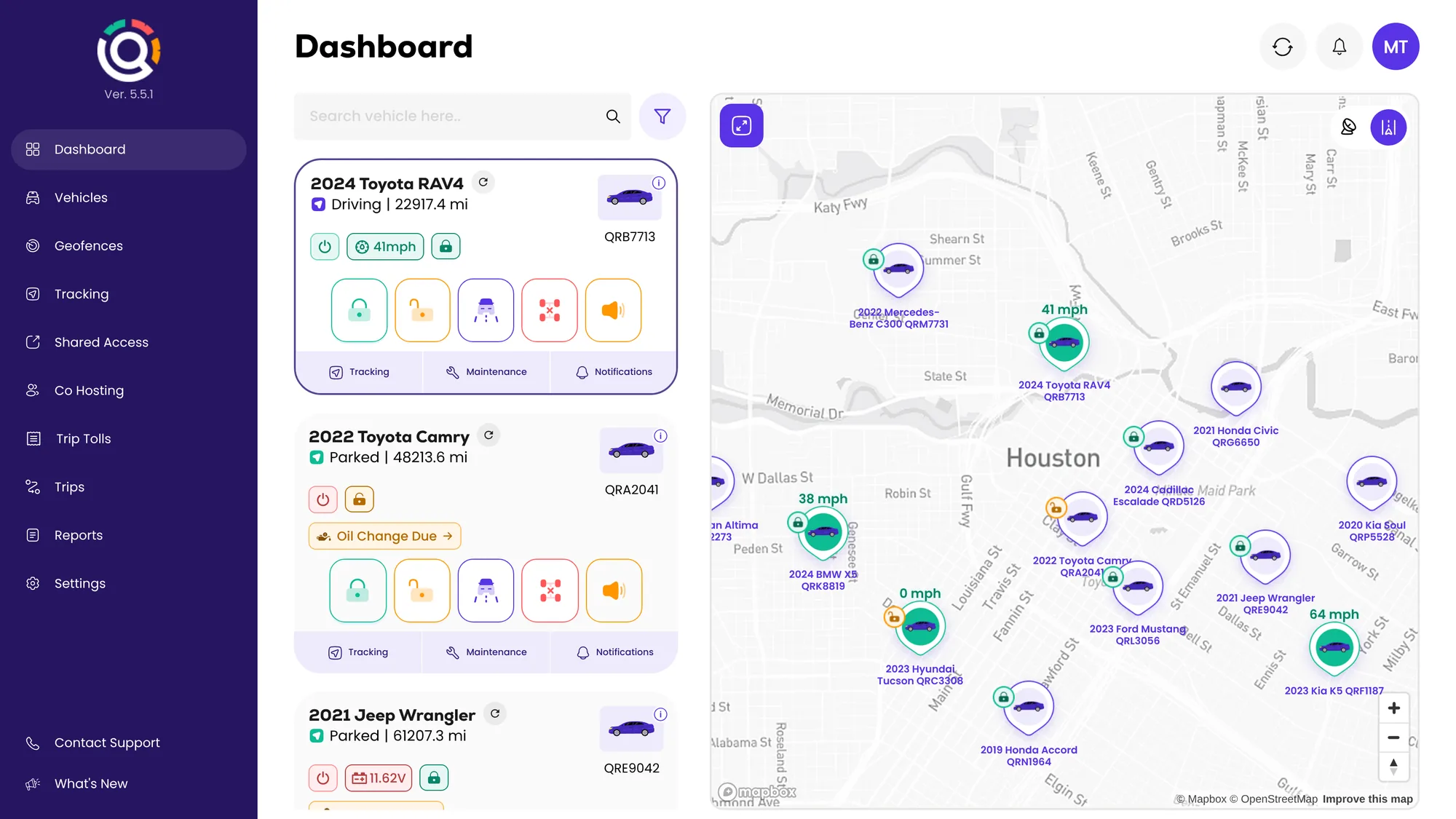
Stop running your rentals across a lockbox, a spreadsheet and five apps. Qarhami puts a GPS tracker in every car and runs the rest from one app: Turo and direct bookings, guest access, remote lock and unlock, trip evidence, maintenance and tolls.
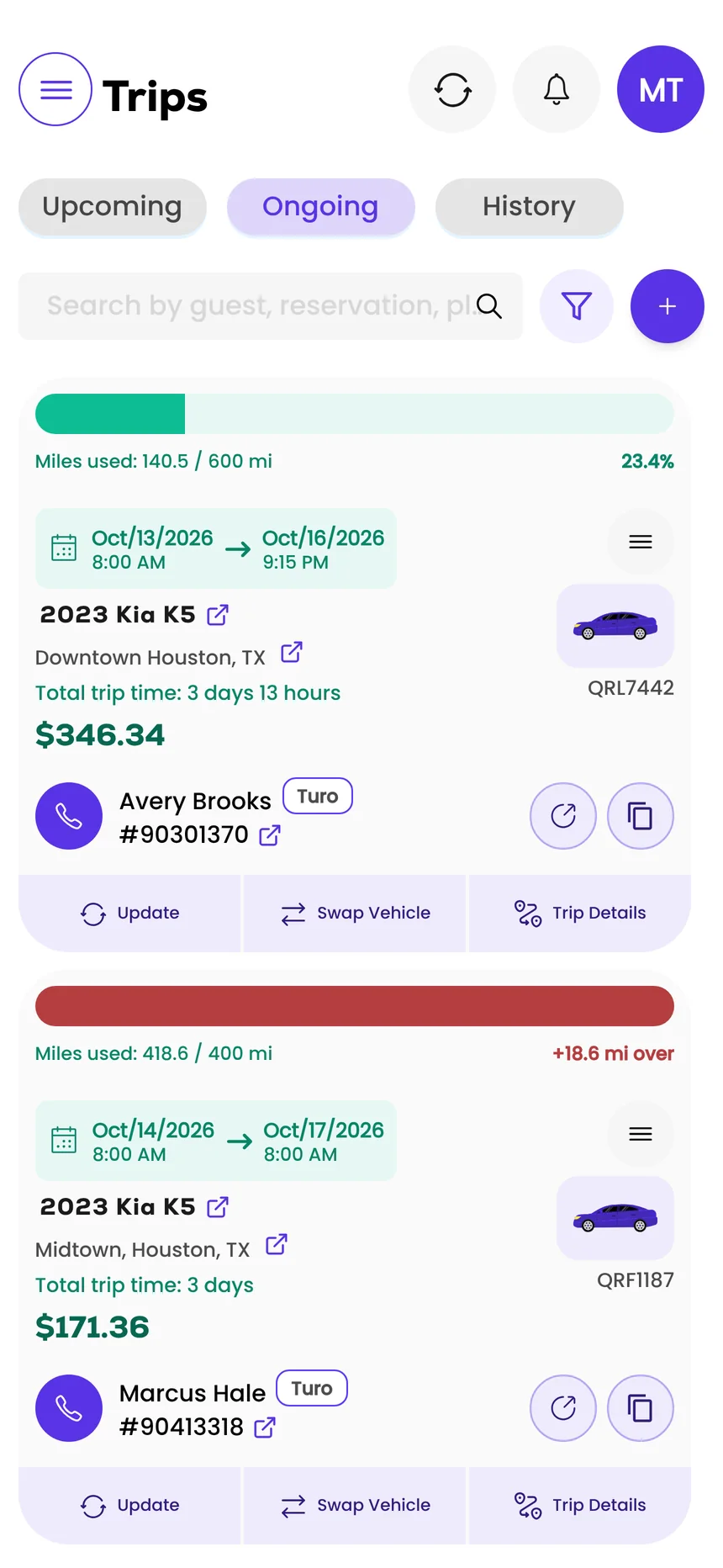
- Turo and direct bookings in one list
- Guests get in with a link, not a key
- Service history that stays with the car
- Co-host logins with their own permissions




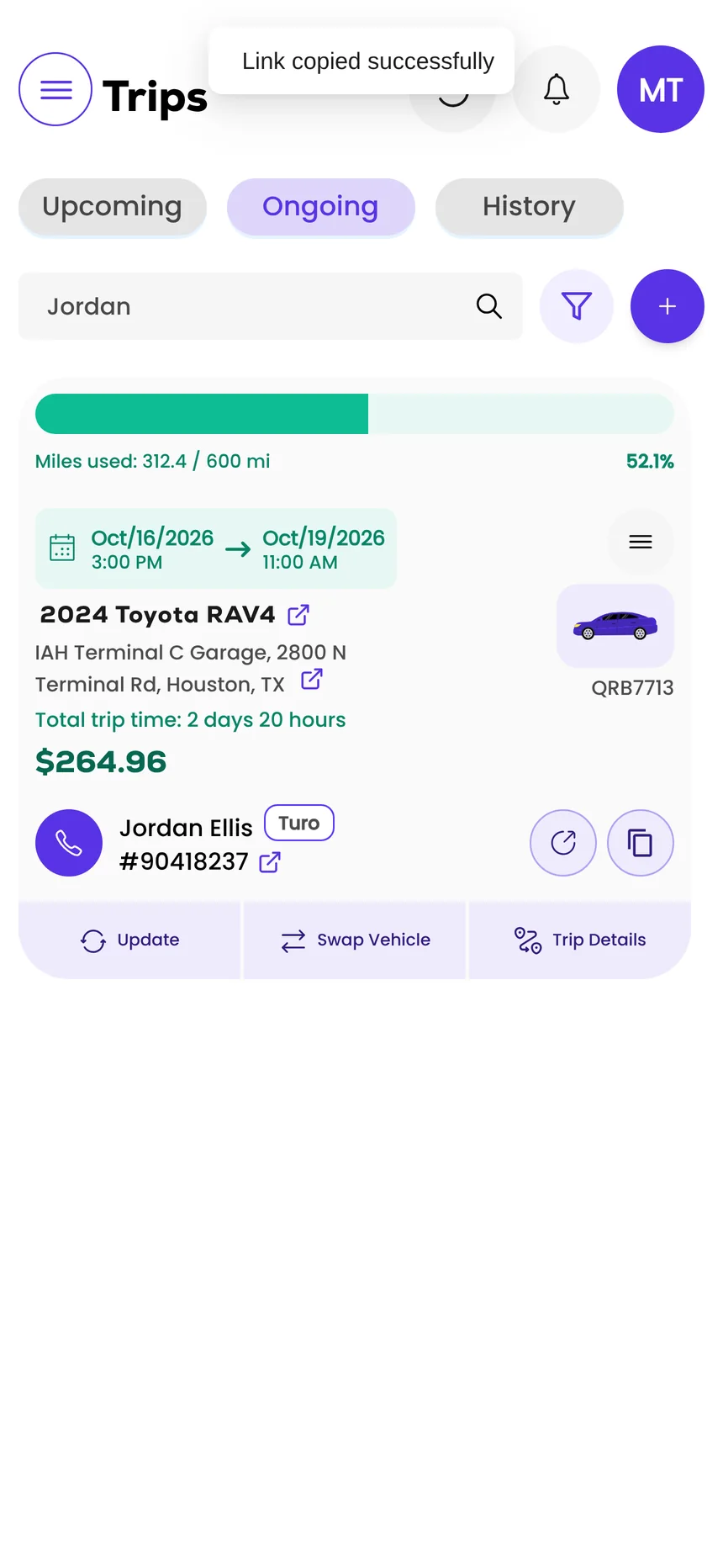


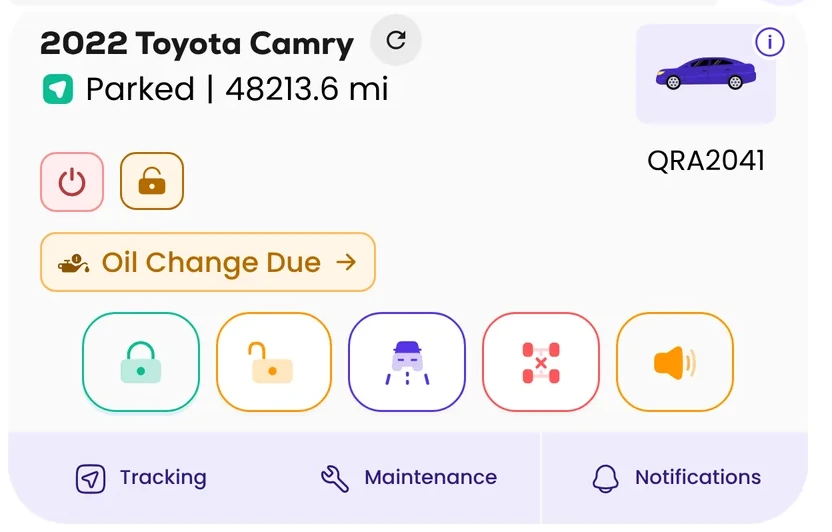
The guest has their link. Copied over breakfast. No key handoff, no lockbox.
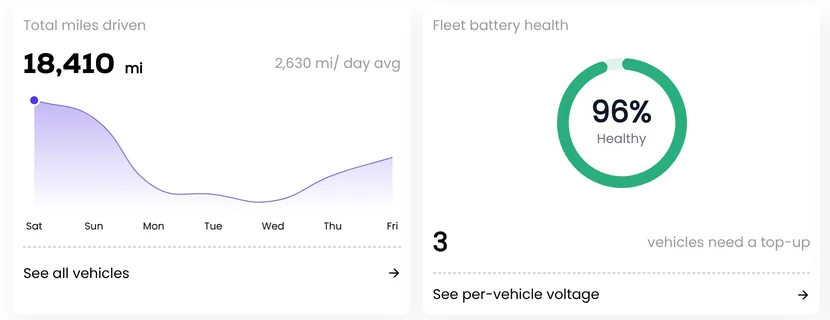
The week, in numbers. The stand-up starts from the fleet report, not a spreadsheet.
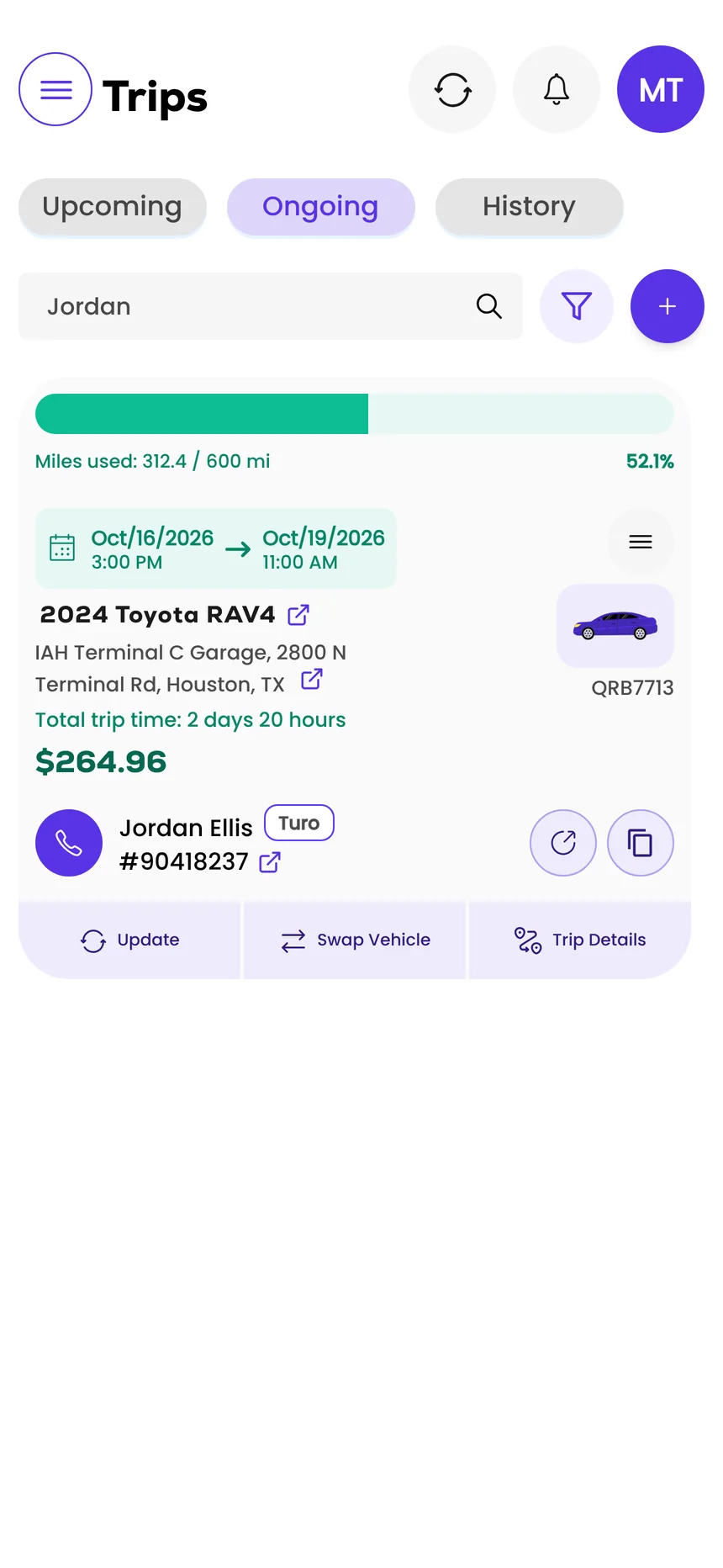
312.4 of 600 included miles. Mid-trip, without texting the guest for a photo.
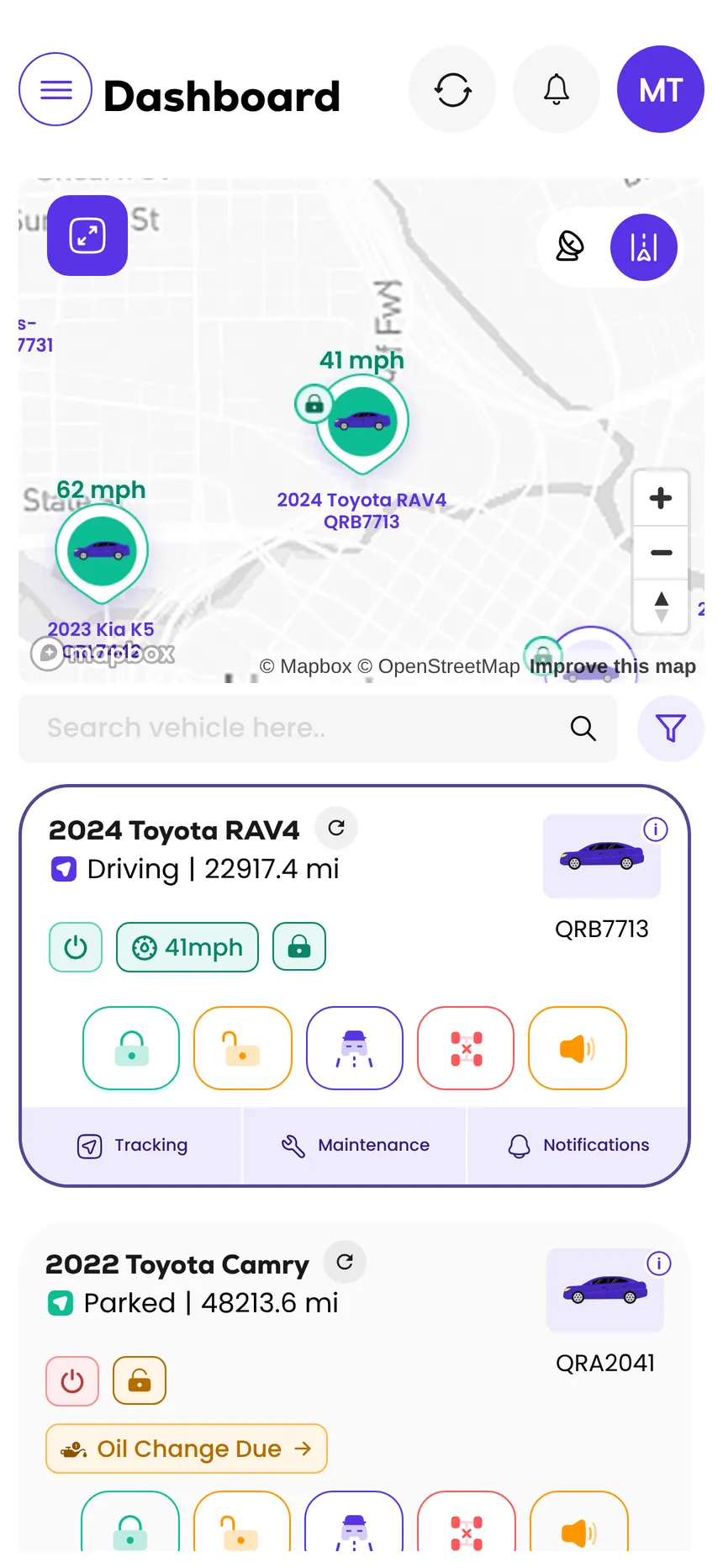
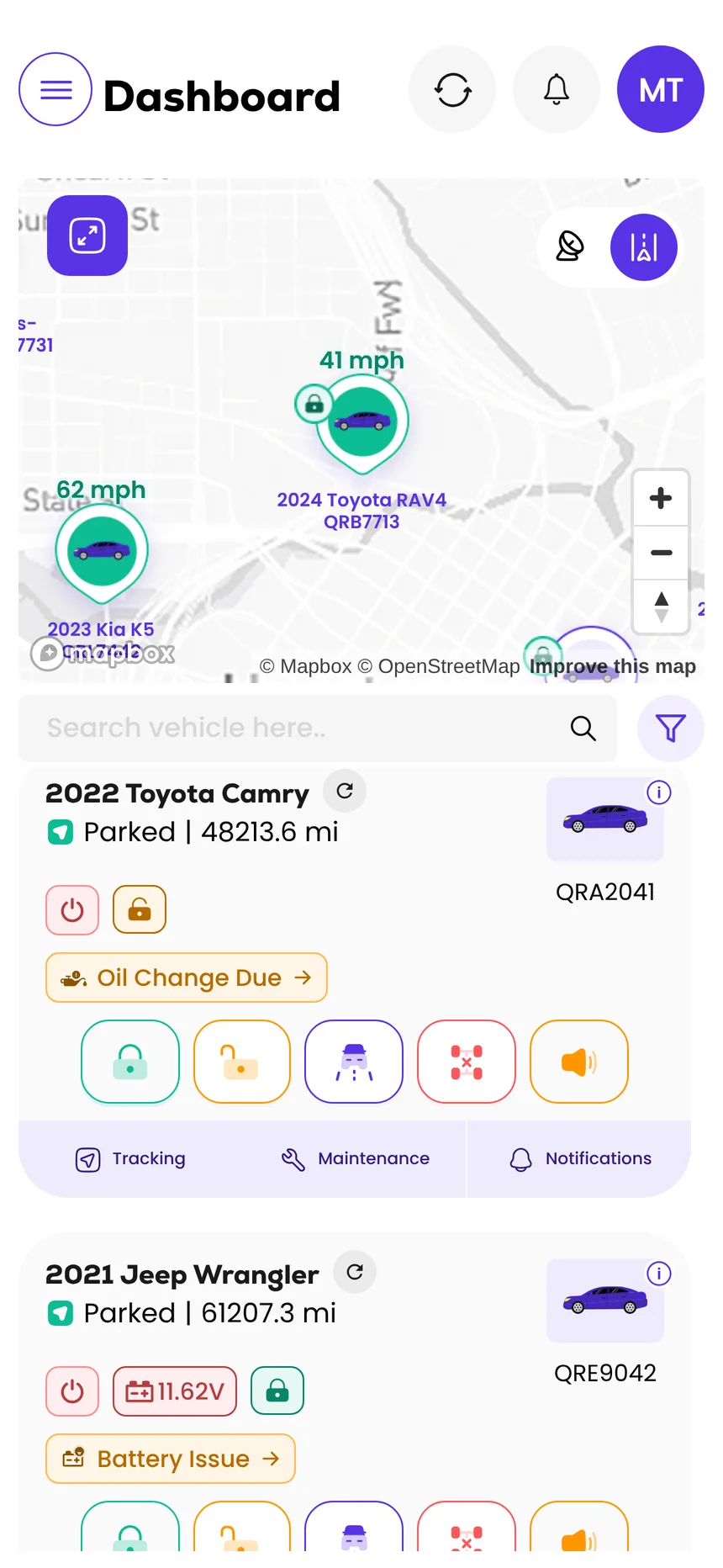
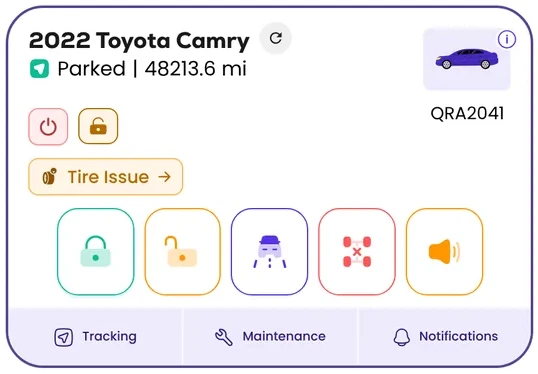
Oil change due on the Camry. Flagged on its card before it goes back out.
Phoenix bundle · through Nov 30
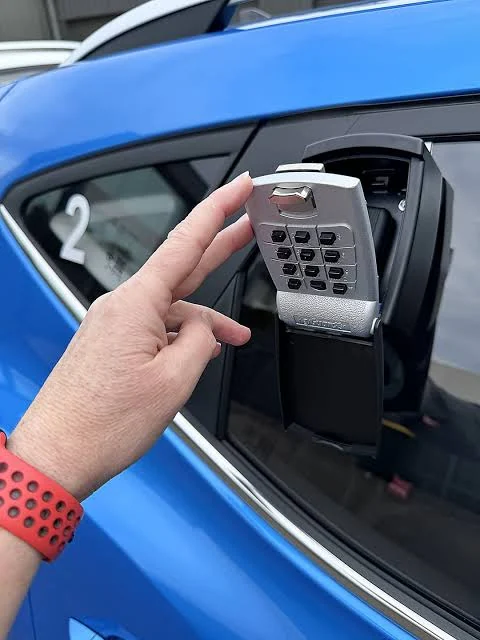
Turo's PHX lockbox rule starts Nov 15. Go keyless for $300 a car.
From Nov 15, Turo prohibits lockboxes that can be seen from outside the car at Phoenix Sky Harbor. The founder and the installer team are in Phoenix through Nov 30, installing the Qarhami Track device for $300 a car, installation included.
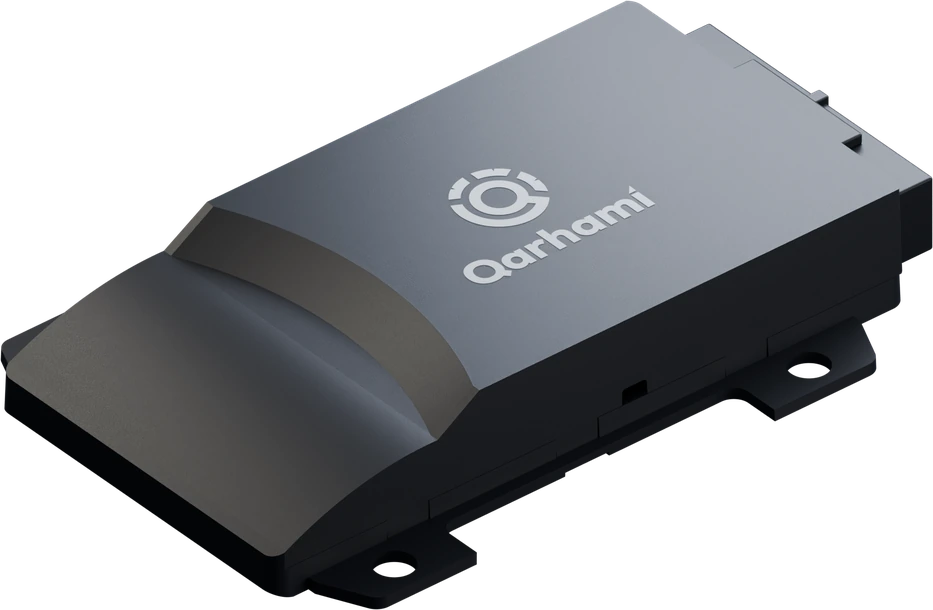
- We hardwire a Qarhami Track to the car's own locks.
- You send the guest one link for that car and that trip.
- They tap Unlock. The key stays inside the car.
- Window lockboxes · prohibited
- Hidden lockboxes · permitted
- Remote access · encouraged
Device $100 + a Phoenix installer usually runs $350 to $400. Price depends on make and model; additional installation may apply to some European vehicles. Qarhami is an independent product and is not affiliated with, endorsed by or sponsored by Turo.
The problem
A rental fleet shouldn't run on a pile of tools.
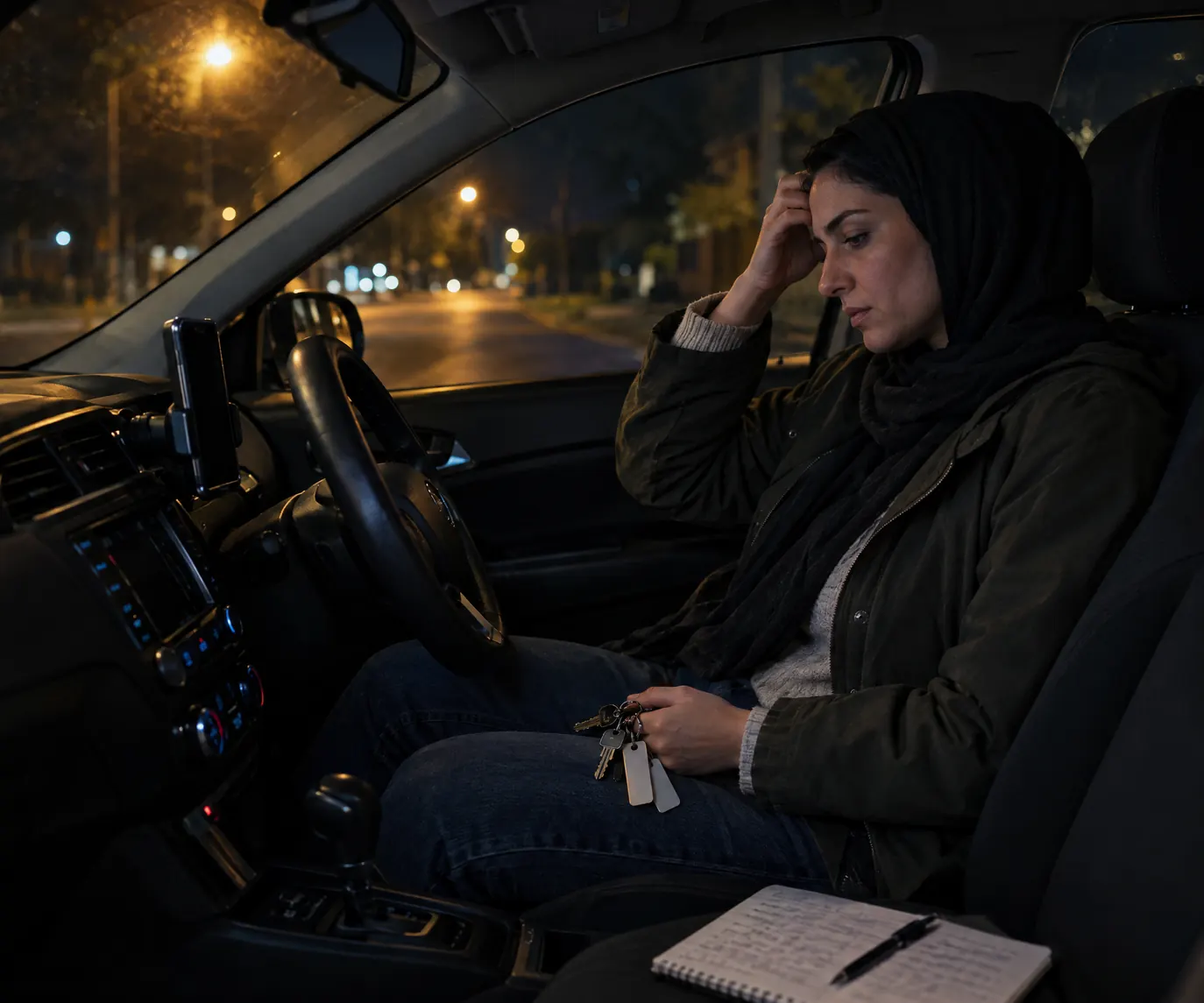
A booking lands. Then the lockbox code, the spreadsheet row, the calendar block, a tracker app that only knows where, the text thread, the mileage photo, the receipt in the glovebox. At three cars it's a habit. At fifty it's a group chat asking who has car 14.
Life on the old tools
What a rental operation looks like before one system runs it.
 Before
 Before
 Before
 Before
 Before
From a pile of tools to one system
Every car adds a layer. Qarhami takes them all.
- 1One device in every carQarhami Track, hardwired with remote controls, or Qarhami OBD, plugged in. One per car, never both.
- 2One app for every operationBookings, guest access, commands, tracking, maintenance and tolls, on the phone or the desktop.
- 3One system for the whole operationCo-hosts with their own logins and permissions, alerts by email, reports for the week. One car or five hundred.
Every new car used to add a layer. With Qarhami, it adds one more card to the dashboard.
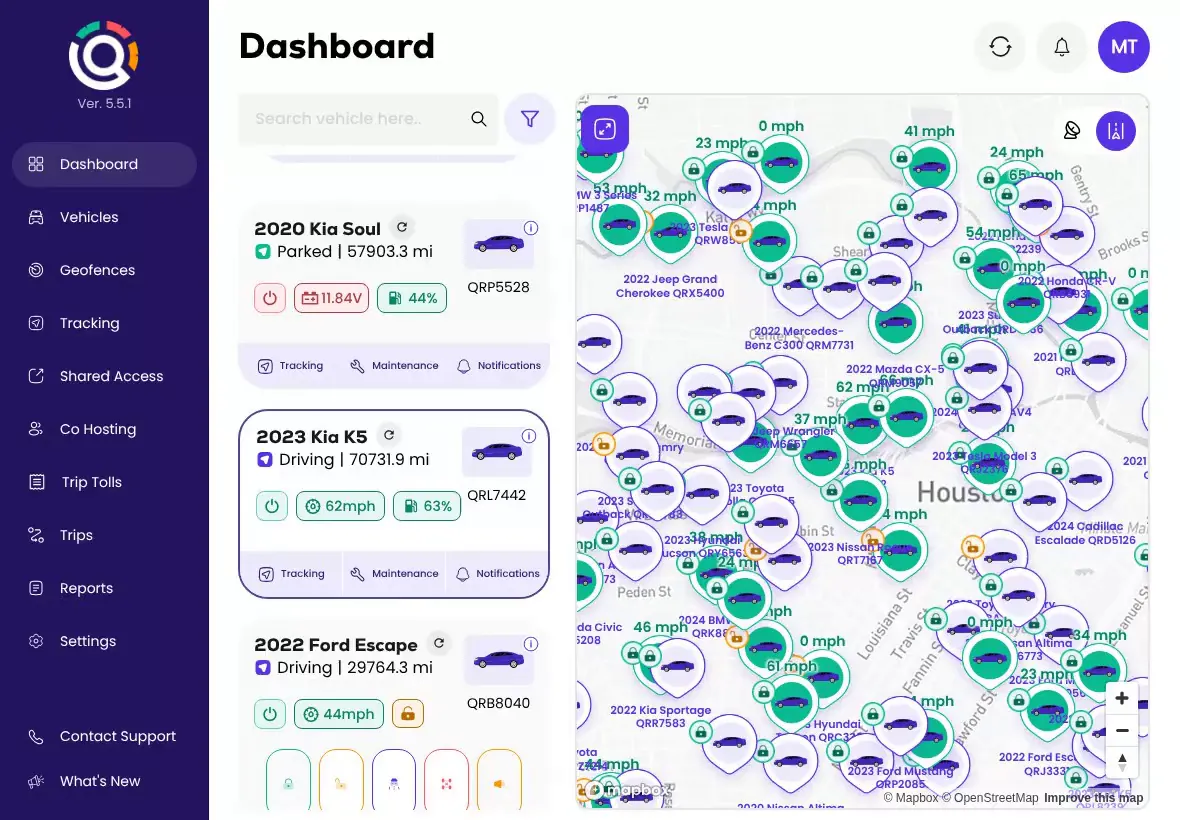
Animation: eight everyday tools (lockbox codes, a mileage spreadsheet, a booking calendar, a tracker that only knows where, guest text threads, odometer photos, glovebox receipts and a team group chat) fold into the Qarhami app. One device goes in each car, Qarhami Track or Qarhami OBD, and the whole fleet runs live in one dashboard while alerts such as Door Locked, Oil Change Due and a geofence entry surface on their own.
The Fleet OS
One app. Every operation.
Bookings, guest access, remote commands, tracking evidence, maintenance and tolls: the jobs that fill a host's day, each handled in a few taps, the same way for one car or five hundred. Pick a workflow to see it run in the Qarhami app.
Forward your Turo confirmation emails once and each booking becomes a trip — guest, car, dates and included miles. Direct bookings sit in the same list, and a booking without a car is linked to the right one in a tap.
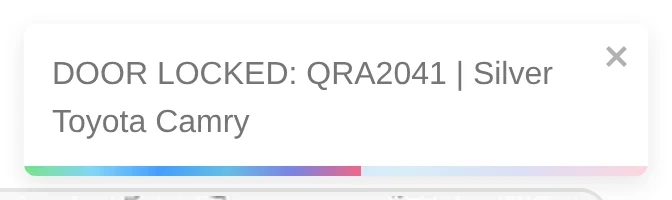
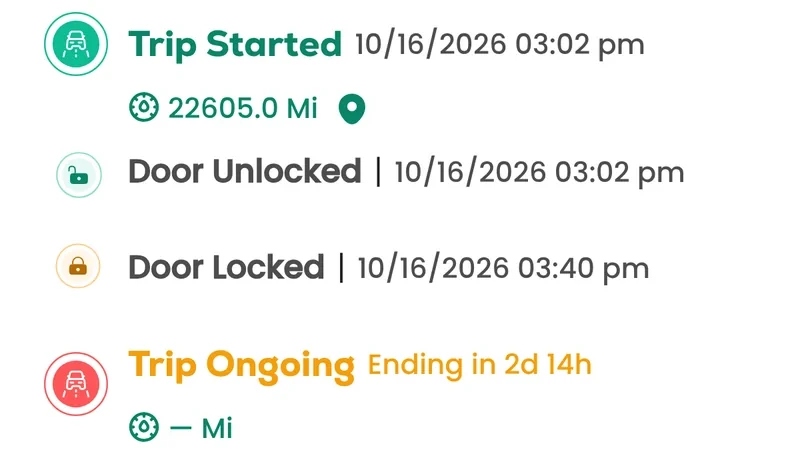
Choose the car and send the command. A notice names the car each time: door locked, door unlocked, horn request sent. A guest's Shared Access link carries the same controls for their trip window.
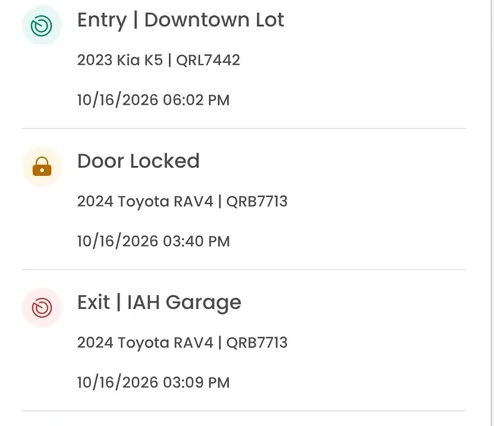
Every journey with its distance, time and driving events. Merge a week of trips onto one route, open any event on the map, and export the record as CSV when someone asks for proof.
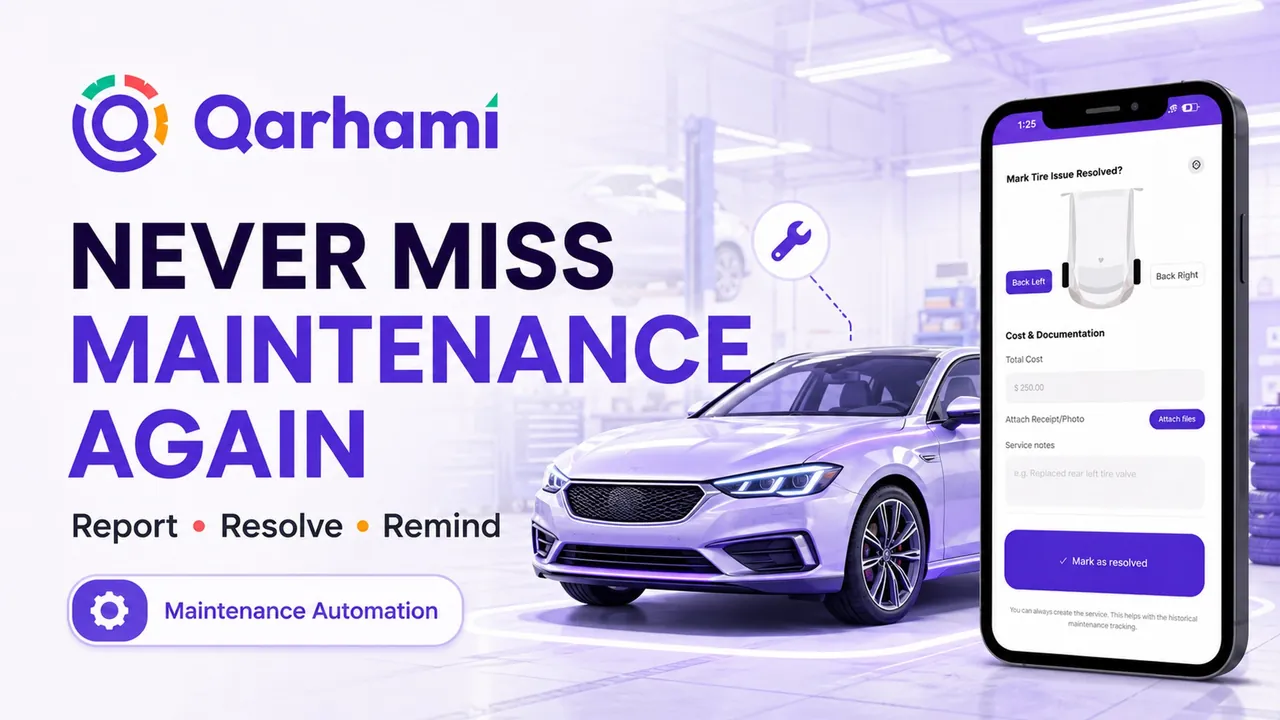
Report an issue down to the tire, record the repair with its receipt, resolve it and set the next reminder by mileage. Log work that's already done. Every service lands in History with its cost.
Generate a toll report for any vehicle and window, or open one straight from a completed booking. Choose Tag, License Plate or Cash and download it as a PDF.
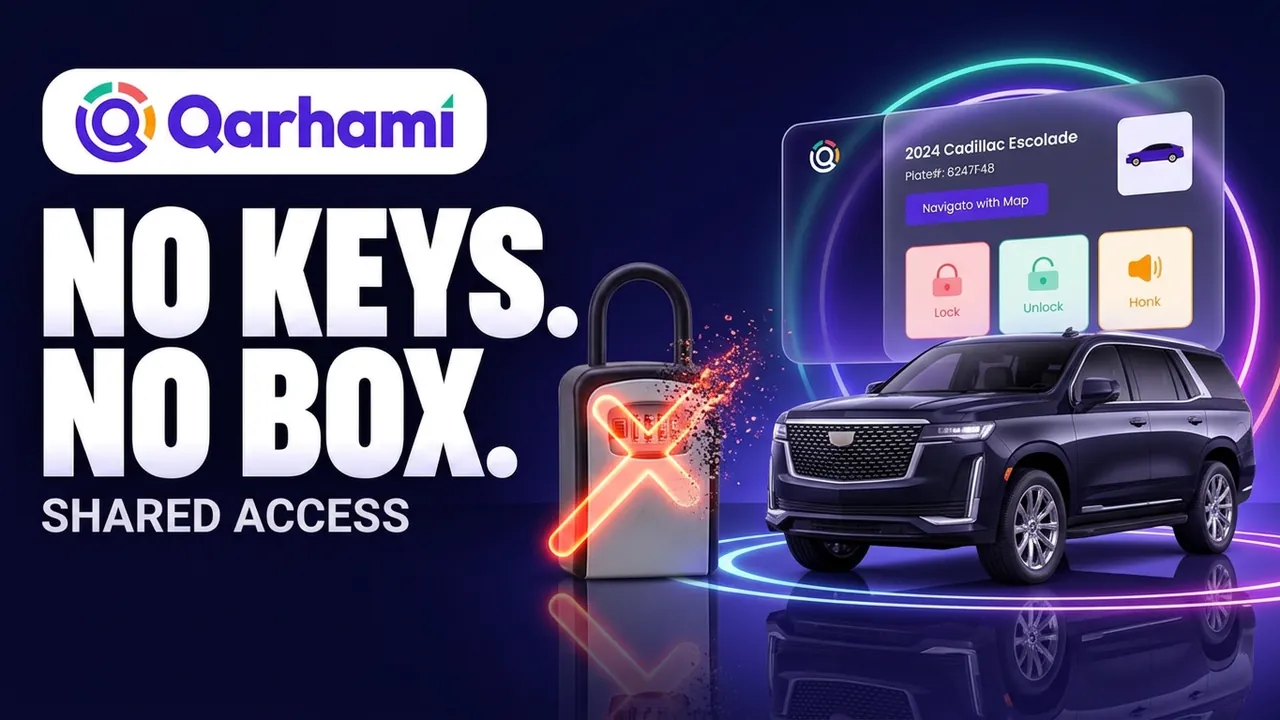
Copy the booking's access link for your guest. Before the trip they see a countdown, during it the car and its controls, after it a closing screen. Change the window, revoke or restore it any time.
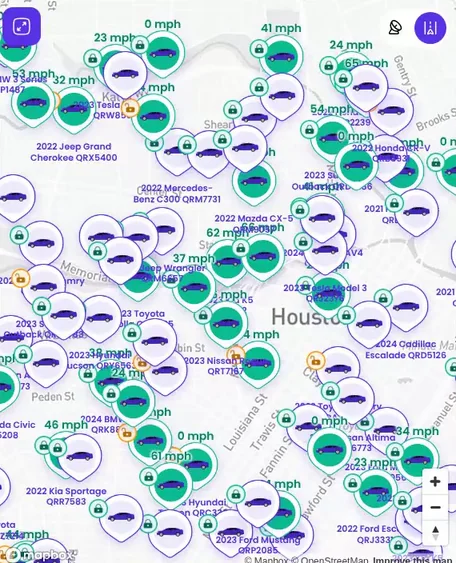
Driving, parked, idling, offline, disconnected or in tow, and the maintenance tags that need attention — on the same card, from one car to five hundred.
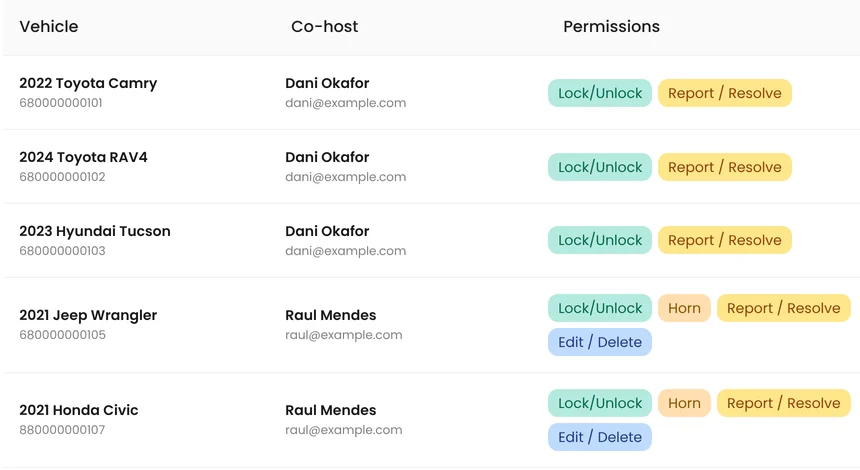
Draw circle and polygon geofences with entry and exit alerts, give a co-host their own login with seven permissions per car, choose which alerts email whom, and read the week in reports.
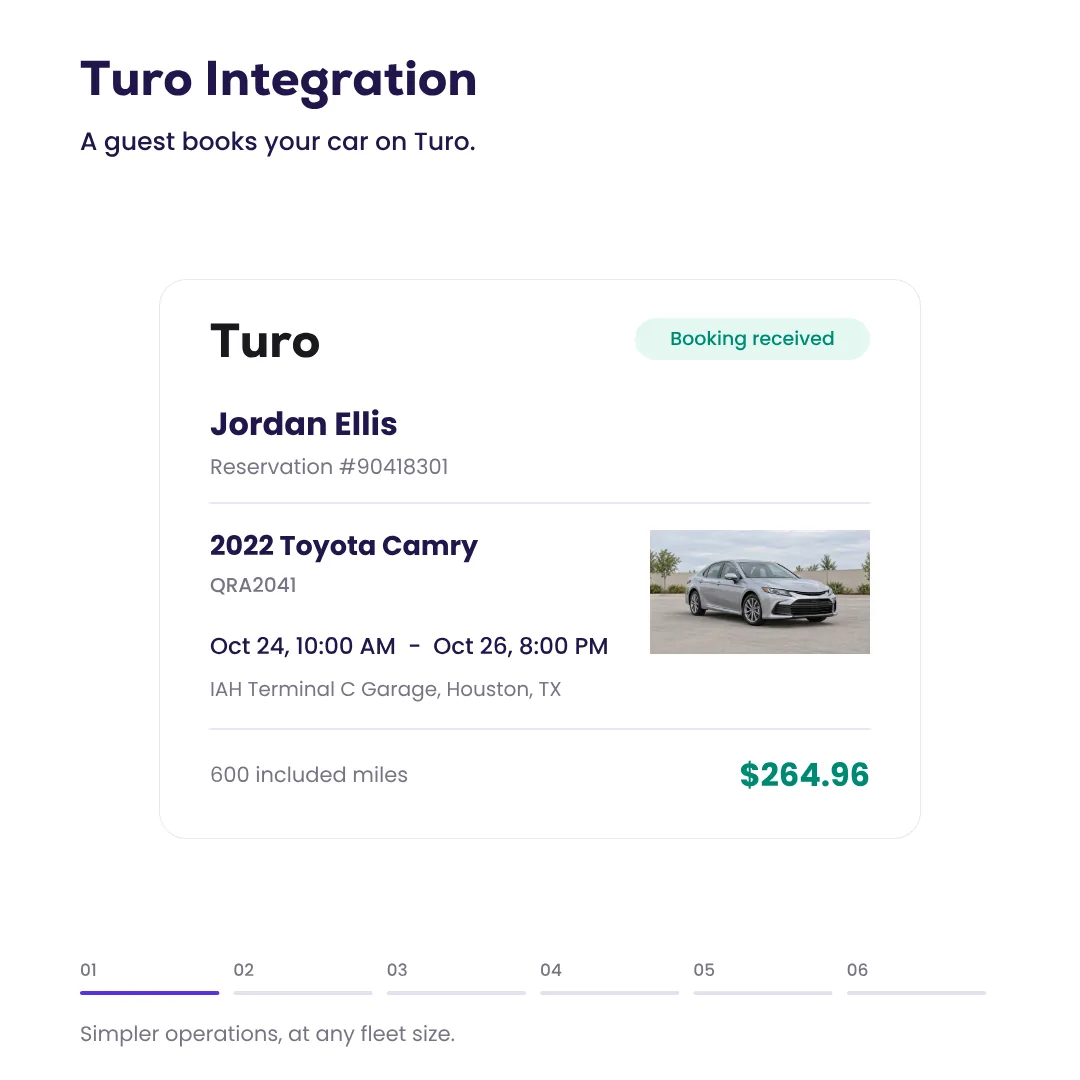
Each workflow plays through and the next one follows; scroll, swipe or use the arrow keys to move between them.Disclaimer: Remote commands need a hardwired Qarhami Track on a vehicle.
Running the fleet, from wherever you are
Run the fleet. Keep the weekend.
The questions don't stop when you leave the lot: is it locked, how many miles, which car needs service. The answers live in one app, on your phone and on everyone's who runs the fleet with you.
 Tue · 10:15 AMIn-house shop
 Sun · 11:30 AMBeach day
 Fri · 4:00 PMWeekly review
 Wed · 7:10 PMThe ballgame

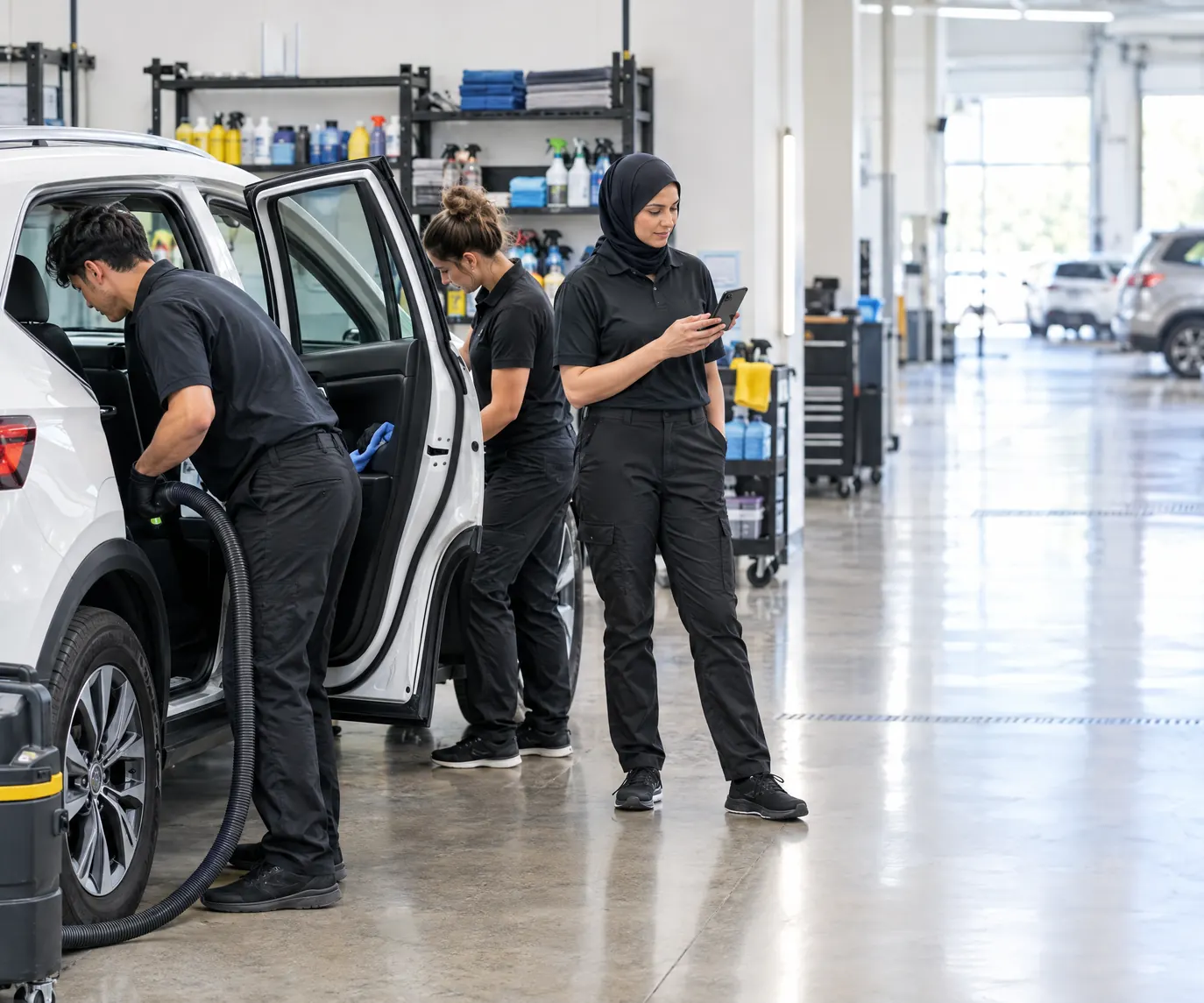 Fri · 3:41 PMPrep bay
 Thu · 2:15 PMBack nine
 Sat · 11:40 PMNight shift
 Fri · 1:20 PMGate B12
 Mon · 11:10 AMOperations floor
 Wed · 5:30 PMDog park
From the first car to five hundred
Built for the operation you're growing into.
A host with three cars and a private rental company with a lot full of them run Qarhami the same way: one device per car, one app, and a login with its own permissions for everyone who works the fleet.
 Fri · 7:05 PMClosing up
Stop keeping it all in your head
- Plug in an OBD, or book a Track install
- Turo confirmations forwarded once; direct bookings in the same list
- Every car keeps its own service history
Share the work, not your password
- A partner or co-host works from their own login
- Seven permissions, set per car
- Alert settings copied across the fleet in one step
Work the queue
- Filter by Driving, On Trip, Off Trip, Low Battery
- Exception tags on the card: Oil Change Due, Tire Issue
- Geofences for the lot, the airport, the shop
Manage by exception
- A weekly report for the whole fleet
- Tracking evidence by trip, exported as CSV
- One operating system for every car on the books
The hardware
Two GPS trackers. One app.
Choose the tracker that fits each car: Qarhami Track, hardwired with remote controls, or Qarhami OBD, plugged into the OBD-II port in seconds. One per car, both on the same app.
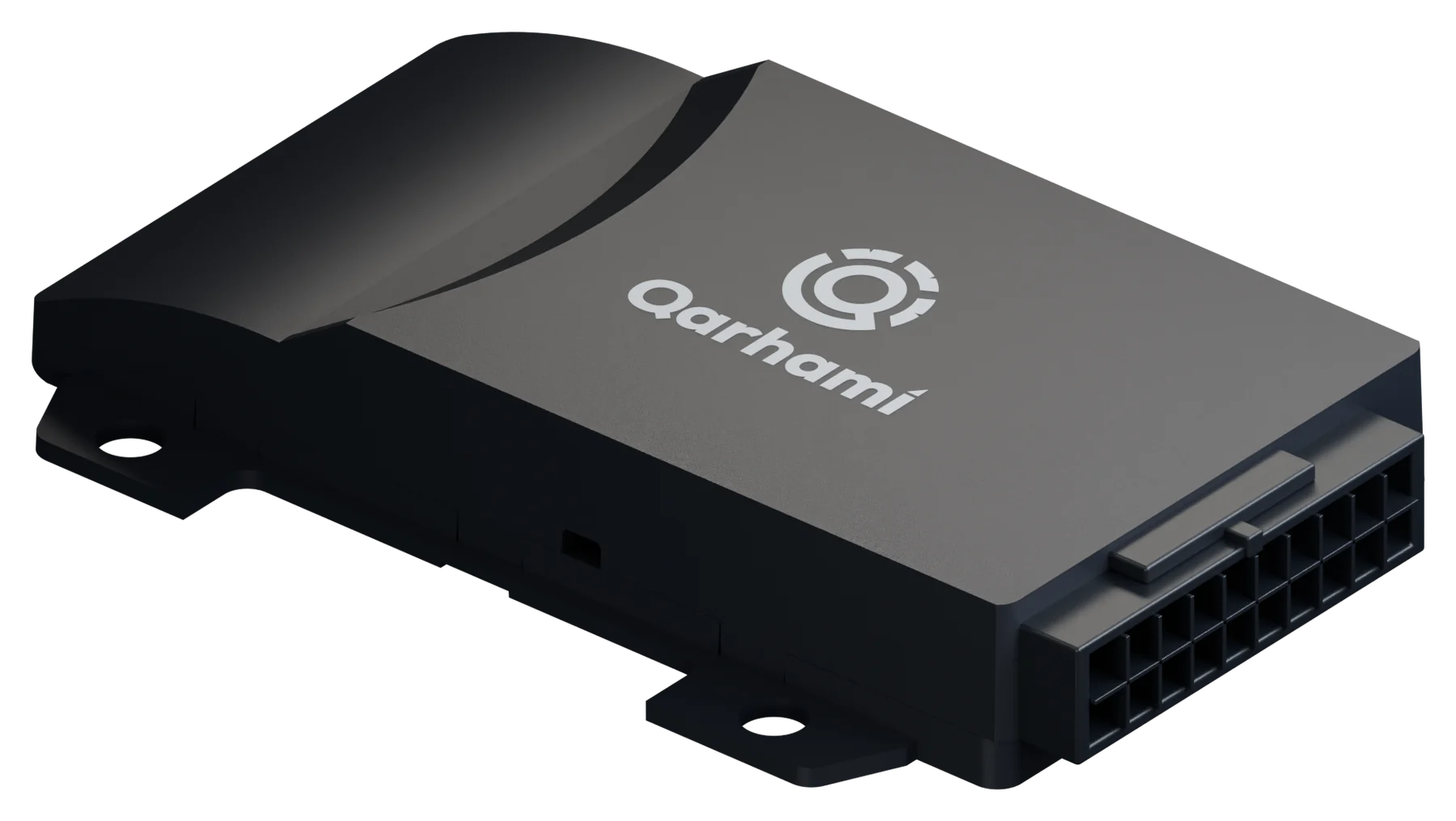
Qarhami Track
Installed by a professional and wired to the car. Live location, trips and maintenance, plus the controls: lock, unlock, horn, and engine controls for a parked car.
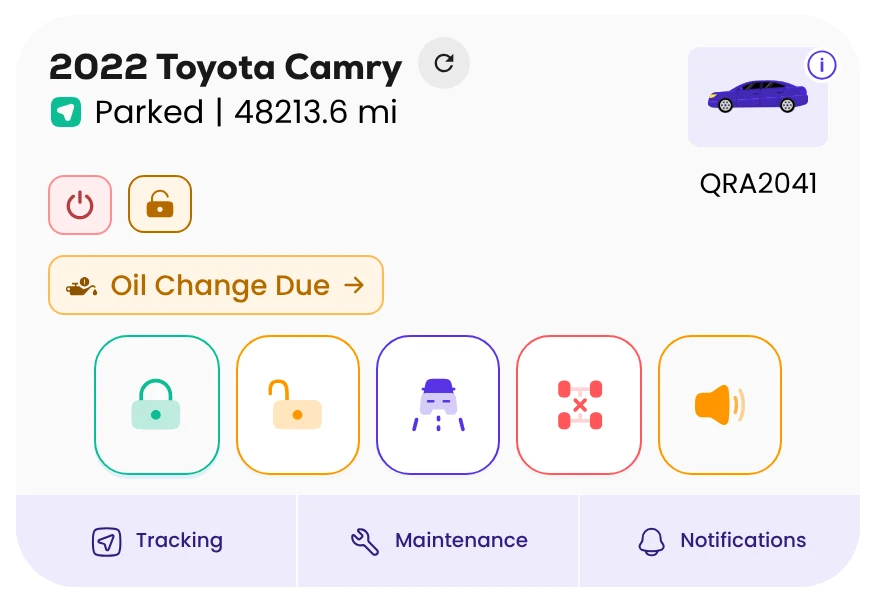
- Live location, trips, tracking, geofences, alerts, maintenance
- Lock, unlock and horn from the card and from a guest link
- Engine controls for a parked vehicle
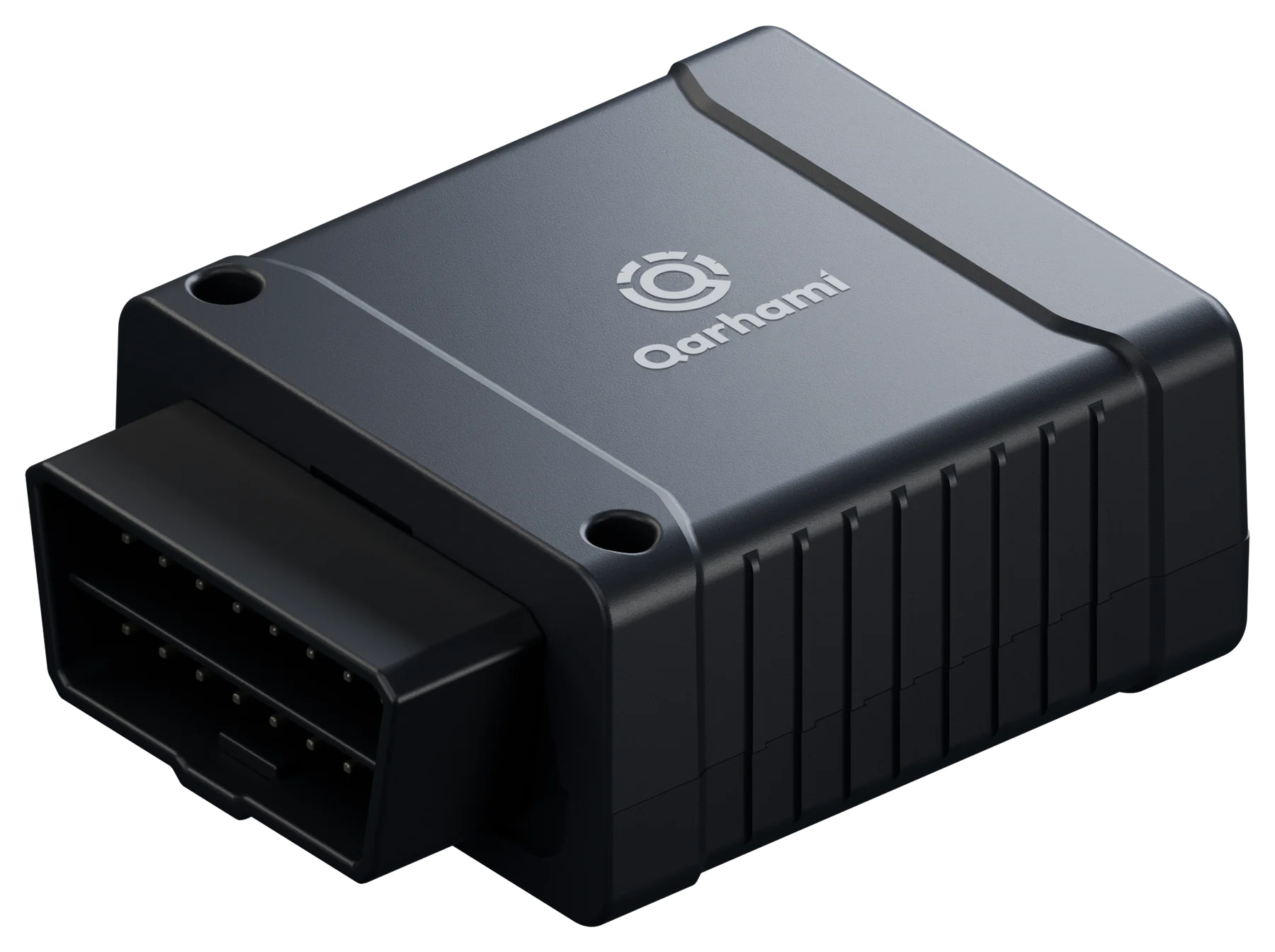
Qarhami OBD
Plugs into the OBD-II port under the dash, no tools needed. Live location, trips and maintenance, plus fuel level and the check-engine light from the car's own computer.
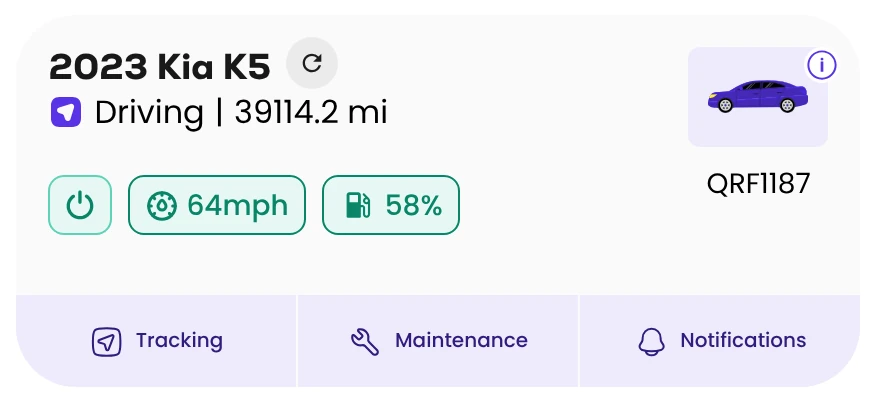
- Live location, trips, tracking, geofences, alerts, maintenance
- Fuel level and check-engine light on the card
- No remote controls
Insurance
Your insurer, connected to the car's record.
Share a car's telematics with ABI or Tint from its vehicle record, one checkbox per insurer, car by car. No second tracker for the insurer.
Qarhami is not an insurance agency, broker or carrier. Plans, pricing and eligibility are the insurer's. See insurance options →
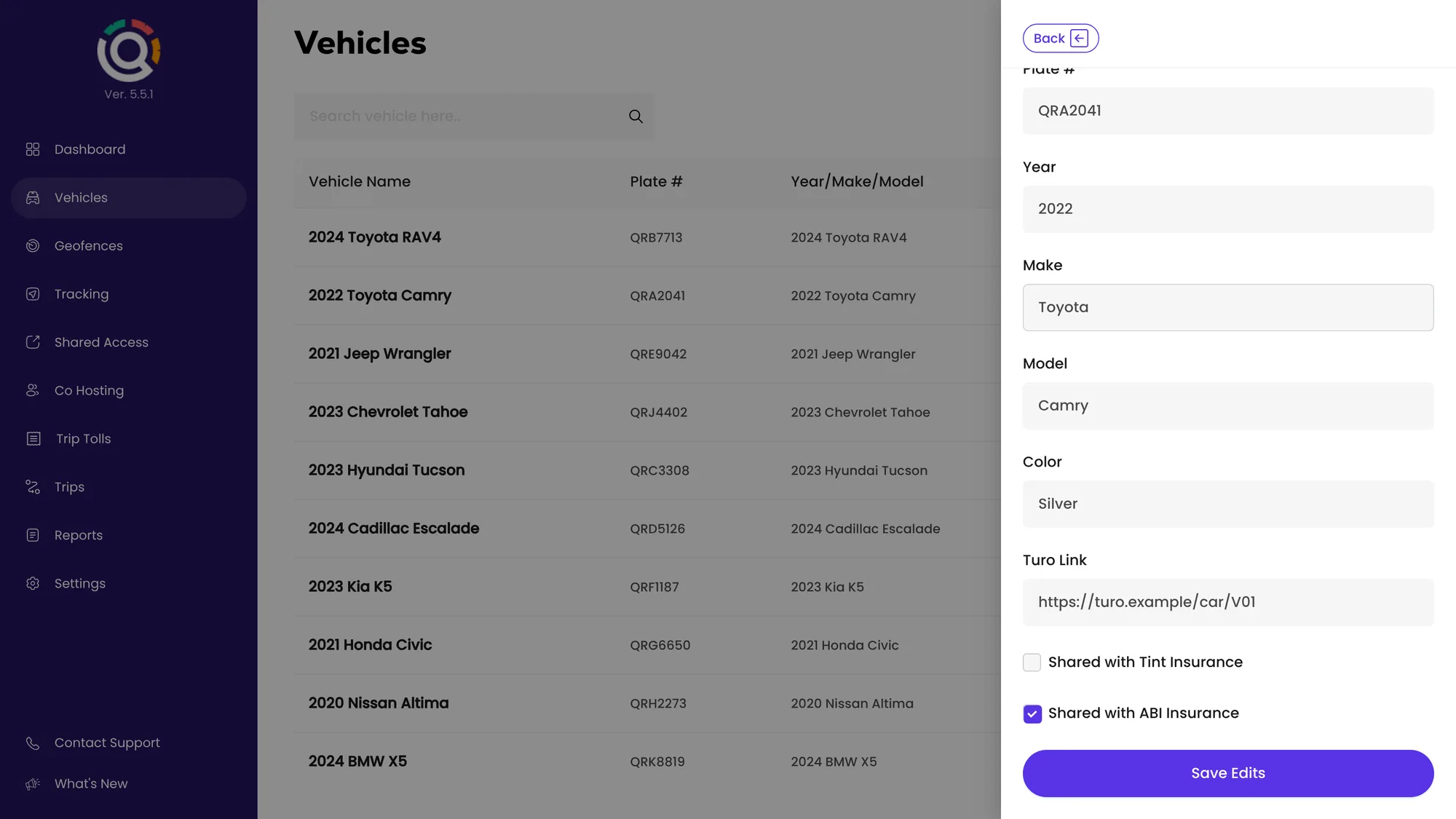

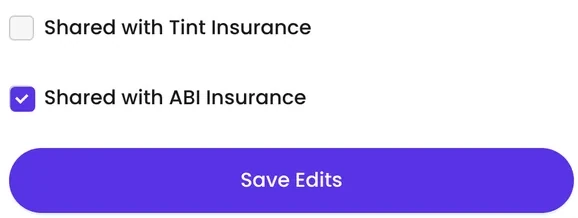

Share a car's record with American Business Insurance Services for faster rental verification and better-evidenced claims. Off by default; turn it on car by car.
How the ABI integration works
Qarhami is on Tint's list of approved GPS providers for Off-Trip Insurance. Tick the box on the car's record, then connect it in your Tint portal within its 60-day window.
How to connect a car to Tint60-second fixes
Rentals run all night. Hosts don't have to.
Each film opens on a moment every host knows, then fixes it in the Qarhami app in under a minute.
Maintenance · 0:54
Put it on the car.
9:14 AM, and a guest texts about a nail in the back-left tire. Report it from the car's card, resolve the open oil change with its cost and receipt, and set the next reminder by miles or date. Every fix lands in the car's service history.
Disclaimer: Remote commands need a hardwired Qarhami Track on a vehicle.
How it works
See exactly how it works, step by step.
Nineteen short video walkthroughs cover the whole app, from adding your first car and connecting Turo to guest links, maintenance and trip tolls. Start at the beginning or jump to the feature you need.
Feature spotlights
Two quick tours: keeping every car trip-ready, and handing over a car without the key.

Built by an operator
Areeb KhanFounder, QarhamiAreeb built Qarhami because he needed it.
Seven years hosting on Turo. Ten years in GPS telematics, running operations for a US tracker manufacturer. Three years building the operating system he wished he'd had — and still running his own cars on it.
- 7+years hosting on Turo
- 10+years in GPS telematics, Director of Operations at a US GPS manufacturer
- 3years building Qarhami
Learn pro hosting from a pro host and telematics expert.
New shorts every week on pricing, handoffs, protecting your cars and growing the fleet.
New videos every week.
Practical lessons on running rental cars: pricing, handoffs, protecting the car, maintenance and growing from one car to fifty. Subscribe so you never miss one.
Questions
What operators ask before they switch.
What is Qarhami?
Qarhami is a trip-aware rental fleet operating system for Turo hosts and rental operators.
It pairs a GPS tracker in each car, Qarhami Track or Qarhami OBD, with one app for bookings, guest access, remote commands, tracking evidence, maintenance, tolls and reports. Run one car or five hundred, on your own or with co-hosts.
Is Qarhami a GPS tracker?
The device in each car is a GPS tracker. Qarhami is the operating system that runs the fleet around it.
Qarhami Track is hardwired and adds remote lock, unlock and horn; Qarhami OBD plugs into the OBD-II port. The app turns their data into trips, guest links, alerts, tracking evidence and a service history for every car.
Is Qarhami only for Turo hosts?
No. Turo hosts and private rental companies run Qarhami the same way.
Turo bookings arrive from your forwarded confirmation emails. Direct and private bookings are created in the app, and a booking without a car is linked to the right one in a tap. The same dashboard runs one car or five hundred.
Can my whole team use Qarhami?
Yes. Co-Hosting gives each person their own login, with seven permissions you set per car.
A manager, a mechanic or a night coordinator signs in with their own email and sees only the cars and controls you allow, such as lock and unlock, horn, trip earnings, guest links and maintenance. Remove access any time; nobody shares a password.
How many vehicles can one account run?
One, or five hundred and more.
Filter the fleet by Driving, On Trip, Off Trip and Low Battery, see exception tags such as Oil Change Due on every card, and read the whole fleet's week in Reports. A large fleet runs by exception, not by scrolling through cars.
How do Turo bookings get into Qarhami?
Forward your Turo confirmation emails to Qarhami once, and each booking becomes a trip linked to its car.
Trips shows upcoming, ongoing and history, with miles used counted against included miles. Private bookings are added in the app, and any other booking channel syncs too. Qarhami reads the confirmation emails; it does not connect to Turo's systems or write anything back.
Can a guest get into the car without meeting me?
Yes. Shared Access sends your guest a link for one car and one trip window.
The link goes live before the trip, shows that car's supported controls and expires on its own. There is no account to create and no lockbox to fill. Lock and unlock through the link need a hardwired Qarhami Track.
What is the difference between Shared Access and Co-Hosting?
Shared Access is a link for a guest. Co-Hosting is a login for someone who works with you.
A Shared Access link covers one car from a start time to an end time, with no account. A co-host signs in with their own email and gets the permissions you tick for each car, out of seven, until you remove them.
What does Tracking record?
Every trip in the window you choose, by day, with the odometer at the start and the end and the events along the route.
Merge All Trips draws the whole window on one map, and Export CSV saves a file named by plate and dates, with each point's time, position and odometer. It is evidence for disputes and claims, not a way to watch anyone.
Can my insurer receive the car's data?
Yes, car by car. Each vehicle record has one checkbox for ABI and one for Tint.
Opt in per car and change it any time. Qarhami is not an insurance agency, broker or carrier; plans, pricing and eligibility are the insurer's. Need a policy? Green Atlas Insurance, an independent agency, can compare quotes for your fleet. See insurance options.
How does Qarhami handle tolls?
Trip Tolls builds a toll report for any car and any window.
Open it from a completed booking or pick the dates yourself, choose the report type (Tag, License Plate or Cash) and download it as a PDF. Qarhami does not charge guests or settle tolls on your behalf; the report gives you the record to do it.
Does Qarhami work with my cars?
Qarhami OBD plugs into the car's OBD-II port; Qarhami Track is hardwired by a professional installer.
What each car can do depends on the vehicle, its model year, the installation, your plan, permissions and connectivity. Remote lock, unlock, horn and engine controls need a Track install on a compatible vehicle.
What does Qarhami cost?
Qarhami Track is $100 and Qarhami OBD is $90, one per car, and each car has its own monthly plan.
Track plans are $10, $13 or $15 a car per month, depending on how often the car reports its location; OBD Ultimate is $9. The first month is pro-rated, then every car bills together on the 1st. See pricing.
Next step
See it run on your fleet.
Thirty minutes, your cars, your questions, whether you run three cars or three hundred. Or start with a device and add the first car tonight.