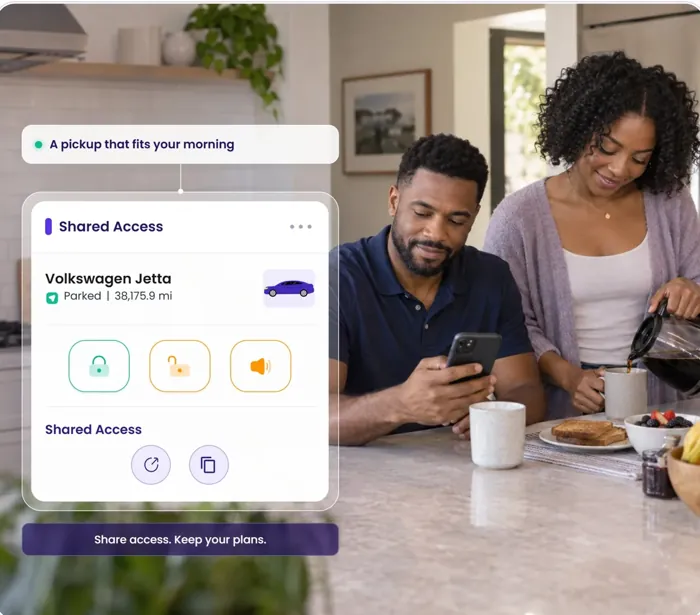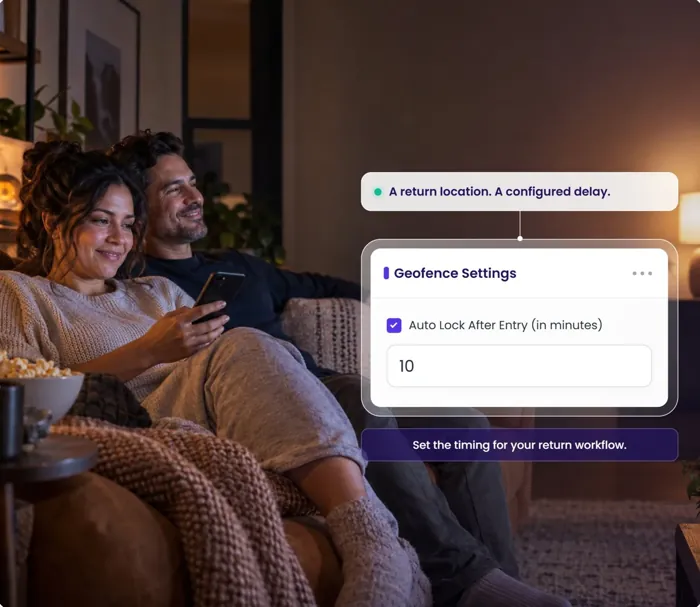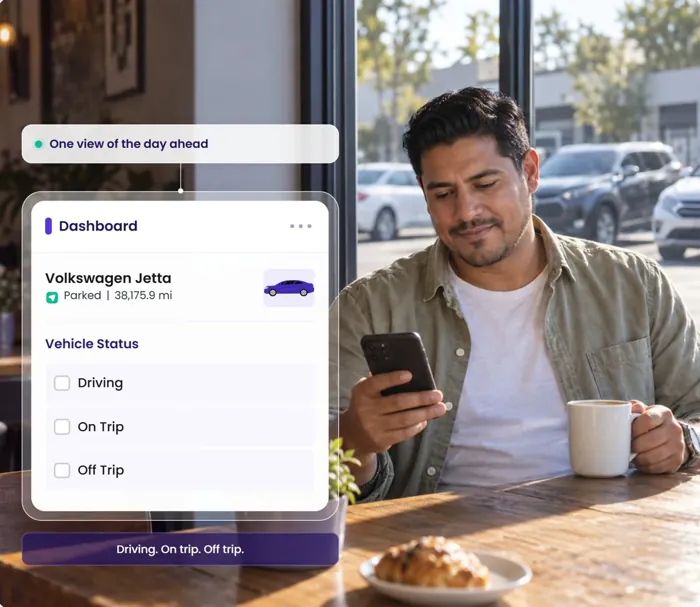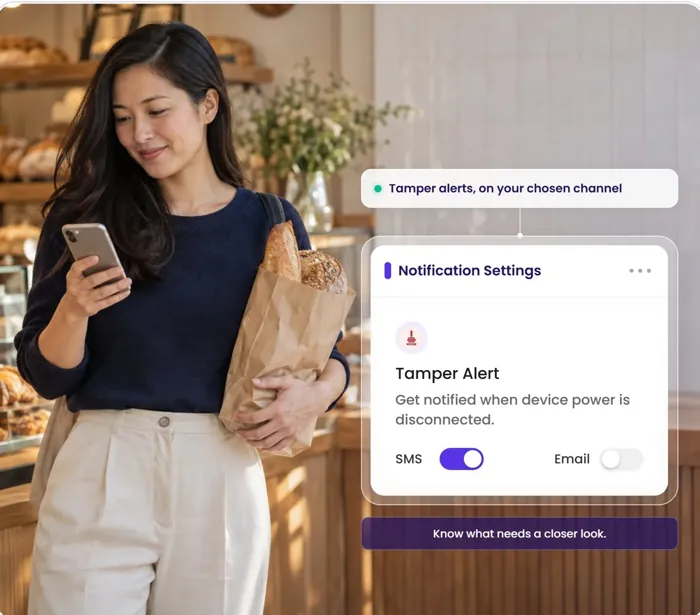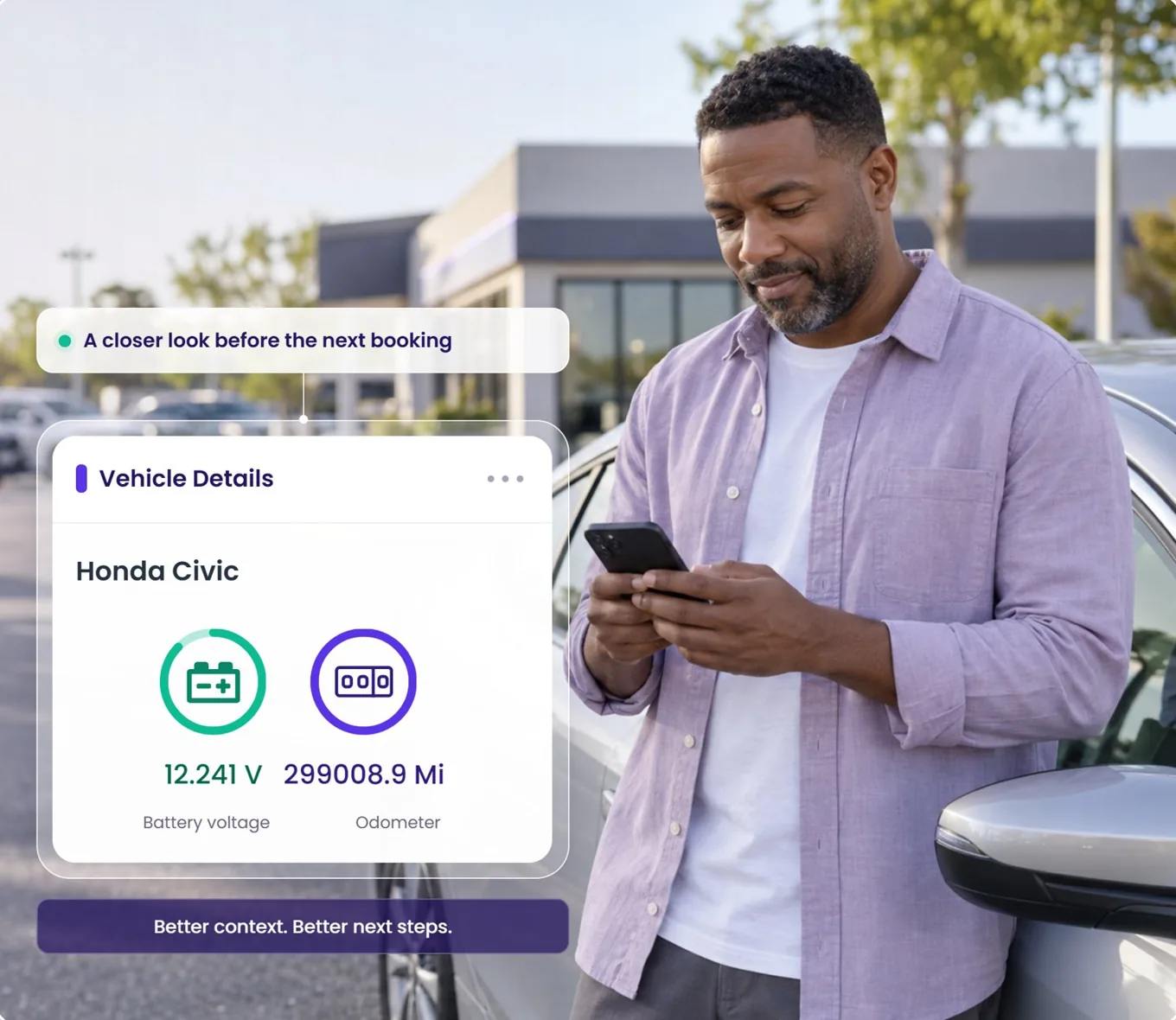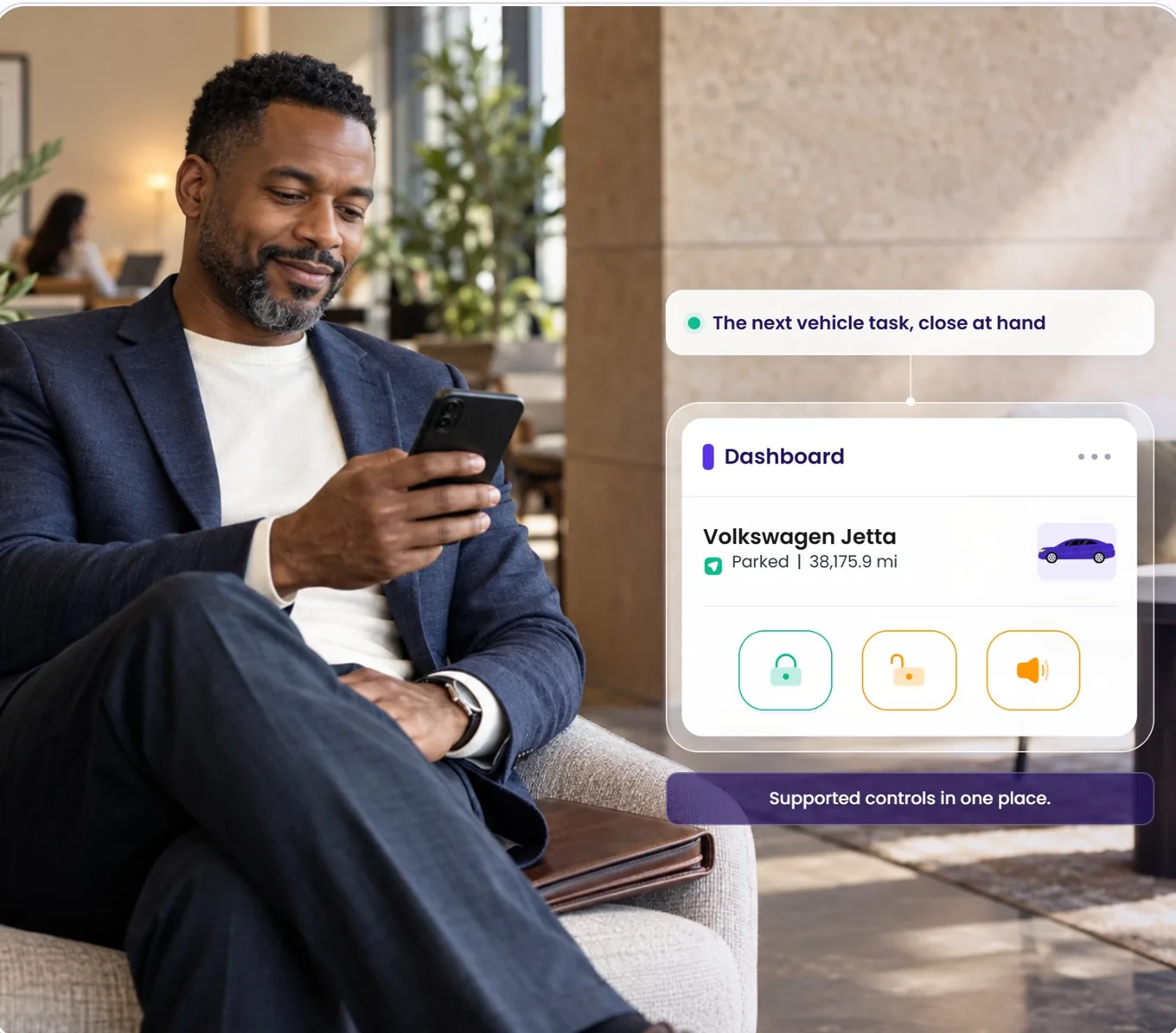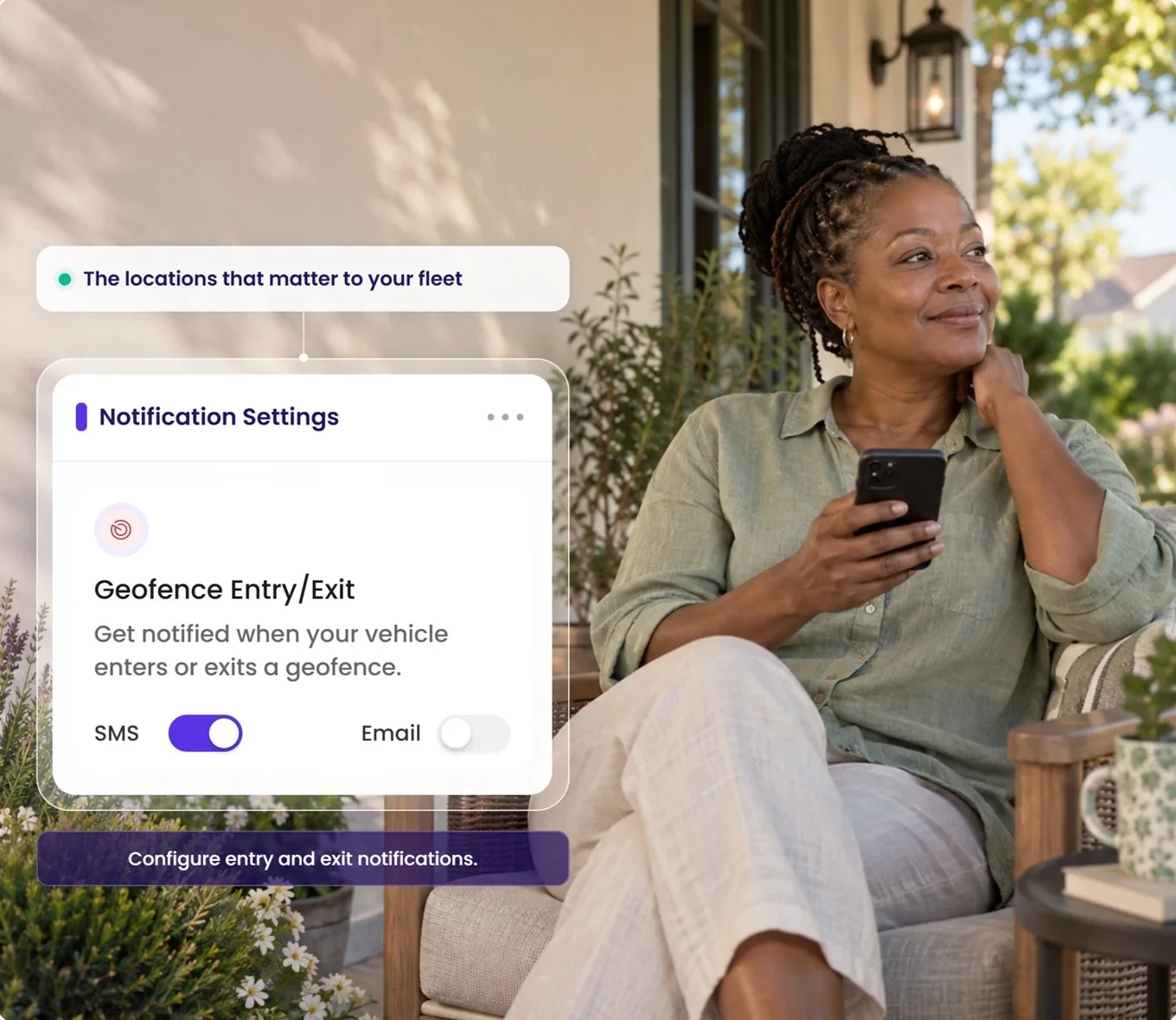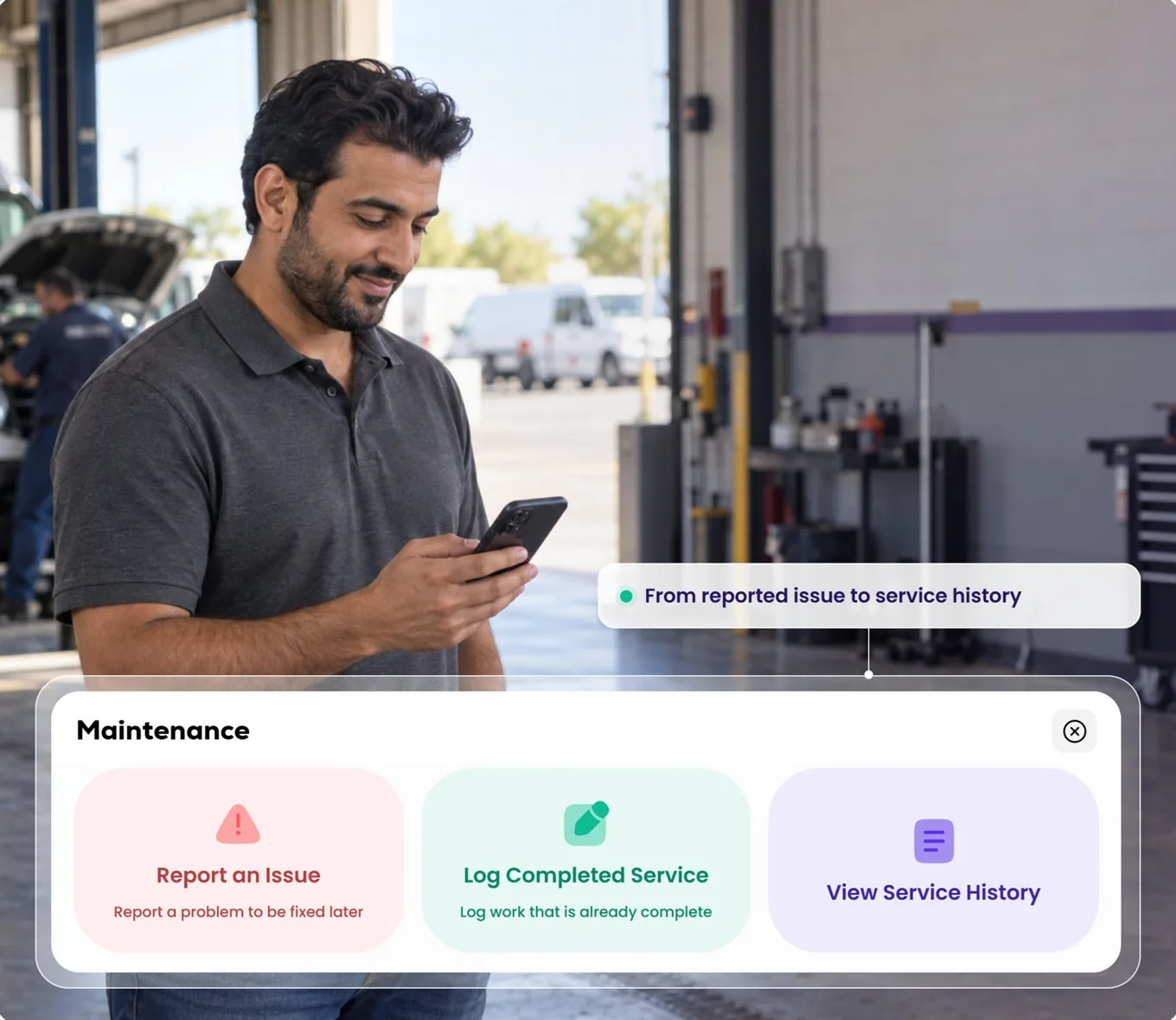



New  Qarhami is now technically integrated with ABI — American Business Insurance Services. New  Qarhami is now integrated with ABI. See how it works
PARTNERSHIP ANNOUNCEMENT September 2026
Qarhami American Business Insurance Services

Your fleet already keeps the record.
Now it can share it.

Qarhami is now technically integrated with American Business Insurance Services (ABI), one of America's largest commercial transportation insurance agencies. Turn sharing on for a vehicle and its Qarhami telematics reaches ABI — so rental activity can be verified faster, and a claim is supported by what the car actually did.

Opt-in, per vehicle Reversible at any time Live in the app today ABI insures 40,000+ vehicles
How it works in the app
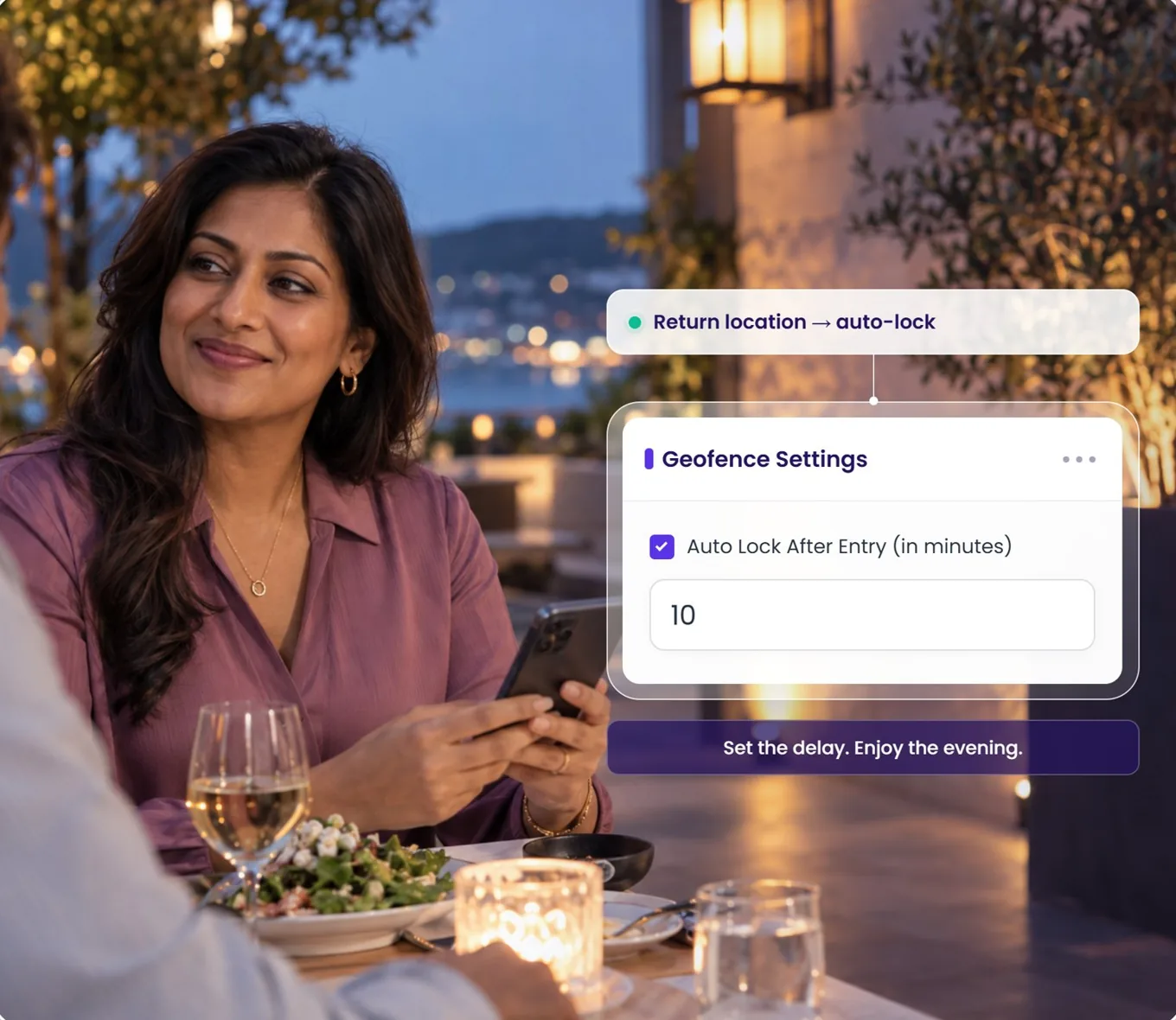
From your dashboard to a shared vehicle.

There is no separate insurance workflow to learn. It is the vehicle record every operator already edits, with one extra checkbox at the bottom of the form. Here is the exact path — rebuilt live on this page, and captured on a real phone.

Live in v5.5.2
Shared with ABI 2 of 9
  • 25 Mazda 3 Silver
  • Volkswagen Jetta
  • 2023 Nissan Kicks
  • 23 W Tiguan
  • 2023 Blue Tiguan
  • 2019 Merc C300
  • 13 Honda Accord
  • 22 Infiniti QX50
  • 26 Mazda 3 Red
Counter shown by this page — the app stores the setting on each vehicle record.
The integration

A connection between the system that watches the car
and the people who price the risk.

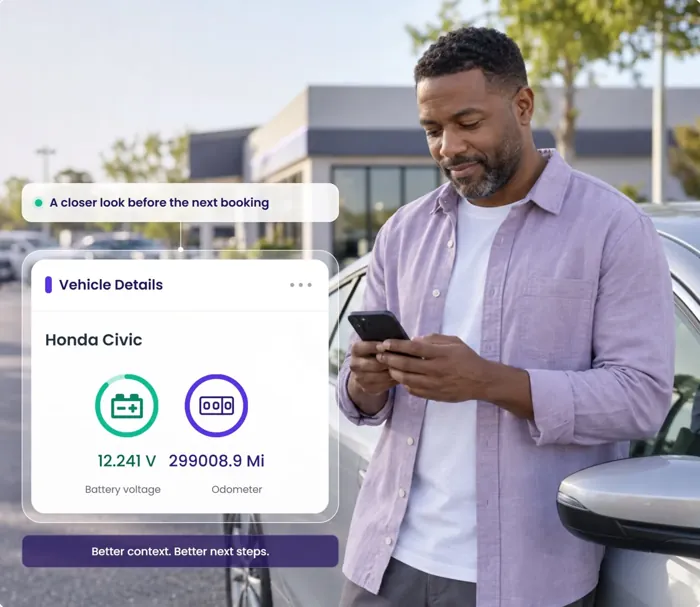
A tracker tells you where a car is. A rental operating system knows which trip it belonged to, who had access, what happened on the way and when it was last serviced. That is the difference between a location and a record — and a record is the thing an insurer can actually use.

Qarhami Qarhami Fleet OS
ABI ABI
American Business Insurance Shared vehicle record
  • Trip started09:14
  • Route recorded214.6 mi
  • Geofence exit14:02
  • Trip closed18:02
  • Service logged61,204 mi
  • Odometer92,268.5
Sharing enabled for this vehicle Illustrative record built from Fleet OS event types. Values are synthetic.
What changed

Three things are true today that were not true last month.

One switch, on the vehicle

Sharing with ABI is a checkbox on the vehicle record — Shared with ABI Insurance — saved with the rest of that vehicle's details. Turn it on for the cars it applies to. Leave it off for the ones it doesn't. Nothing is fleet-wide and nothing is automatic.

Live in v5.5.2

Rental activity that verifies itself

Trips in Qarhami carry start and end times, route, distance and the events along the way. When ABI needs to confirm whether a vehicle was on rental at a given moment, that answer already exists — it doesn't have to be reconstructed from messages and memory.

Faster verification

Claims backed by what happened

Most operators lose arguments they were right about, because the evidence was a screenshot and a timeline they wrote from memory. A connected vehicle brings dated, system-generated context to the claim instead.

Better-evidenced claims

Qarhami provides the data-sharing control. Eligibility, underwriting, coverage terms, claim outcomes and any commercial effect on a policy are determined by ABI and by the policy itself — not by Qarhami.

What the record proves

Four moments where the record does the arguing for you.

Operators rarely lose money because they were wrong. They lose it because they could not show they were right, quickly, in the format the other side needed. Here is what a connected vehicle brings to each of those conversations.

Trip record · 2019 Merc C300
Trip started09:14 · Hobby Airport
Route recorded214.6 mi
Hard brake14:41 · 38 mph
Trip closed18:02 · odometer 92,268.5
Distance on this trip214.6 mi
Trip startedThu 08:36
Location at startHandover point
Movement through the windowThu–Sat
Trip closedSat 11:20
Odometer delta+412.8 mi
Geofence exit02:47 · Metro boundary
Position at crossingLogged
Speeding event03:12
Alert delivered to operator02:47
Access window on recordShared Access
Issue reportedBrakes · 04 Aug
Service logged09 Aug · 61,204 mi
Invoice attached1 file
Service historyDated entries
Mileage at service61,204
ABI Visible to ABI only while sharing is enabled on this vehicle.
Scenario 01 · Disputed damage

“That dent was already there.”

The car comes back. Two days later a panel is damaged and nobody agrees about when it happened. Your version of events is a photo with no timestamp and a memory of what the car looked like on Tuesday.

The trip has a start, an end, a route and the driving events along it. The window narrows from “sometime this week” to a specific set of hours with a specific car in a specific place.
Scenario 02 · Rental verification

“The vehicle wasn't on rental then.”

Coverage often turns on whether a car was on rental at a given moment. Reconstructing that from booking screenshots and message threads takes days, and every day is a day the claim sits still.

Trip records already carry the answer — start, end, movement and odometer change across the period in question. ABI can verify rental activity faster because the record does not have to be assembled first.
Scenario 03 · Out of bounds

The car that left the area at 2am.

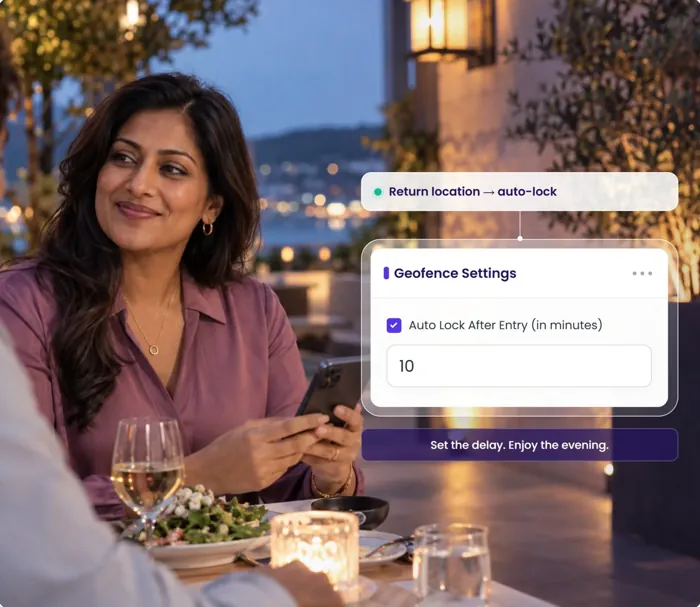
A vehicle crosses a boundary it was not supposed to cross, hours before anyone would have noticed by looking. By morning the trip has a different shape than the booking described.

The geofence event is dated and positioned the moment it happens, the alert goes out immediately, and the access window that applied at the time is on record next to it.
Scenario 04 · Maintenance liability

“When were those brakes last done?”

After an incident, the question of whether a vehicle was maintained stops being an operations question and becomes a liability question. A shoebox of receipts is not an answer.

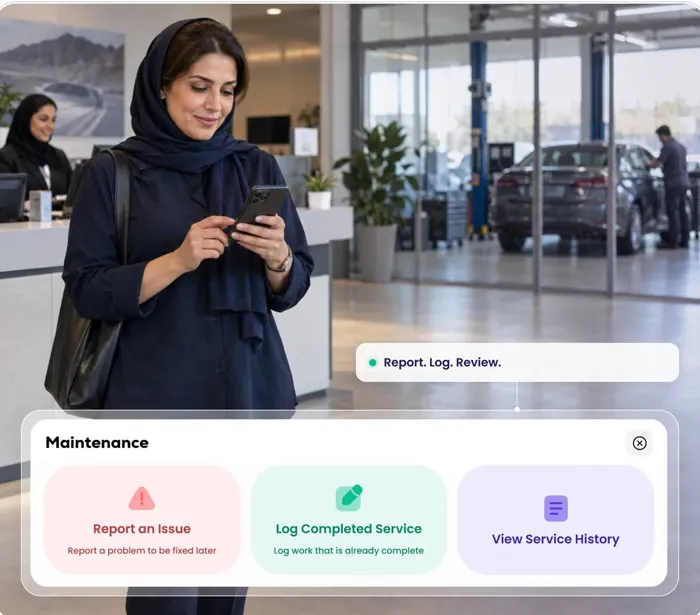
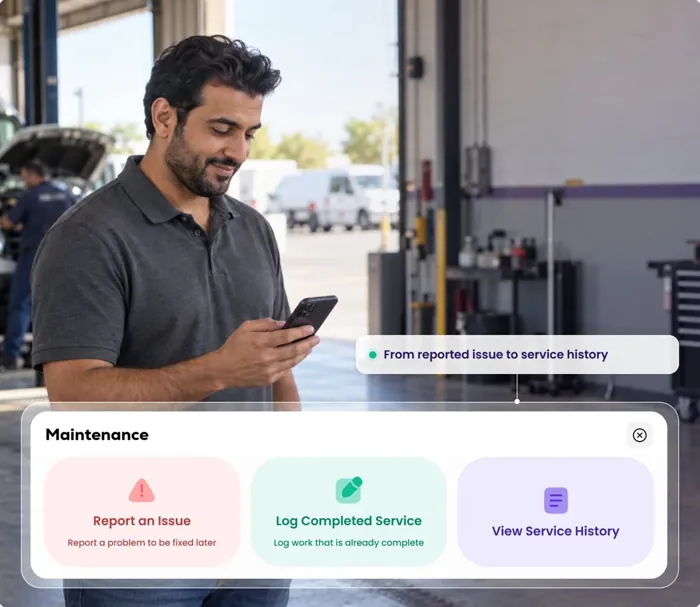
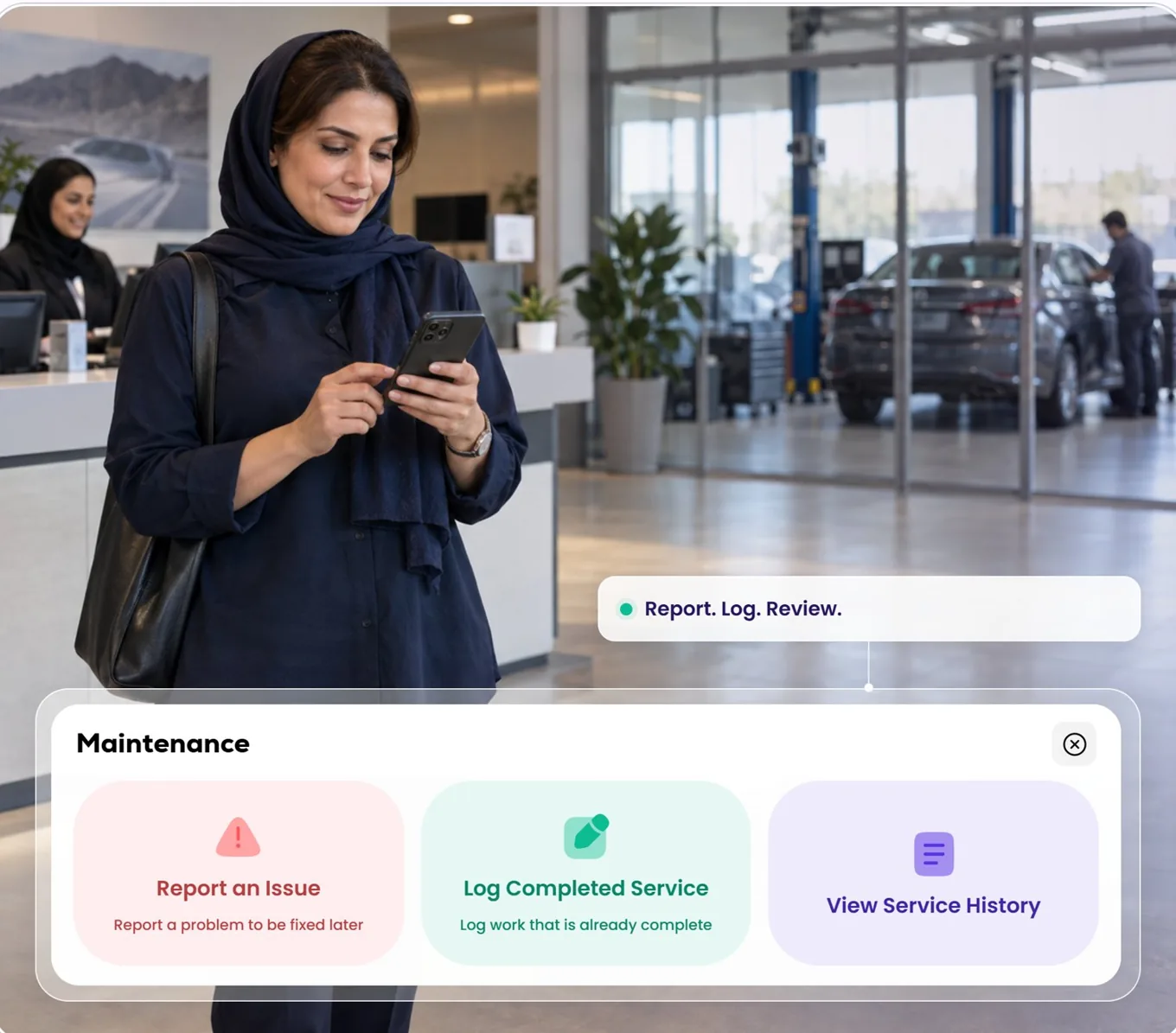
Report an issue, log the completed service, keep the history — with date, mileage, cost, notes and the invoice attached to the vehicle it belongs to.

Scenarios are illustrative and built from Fleet OS capabilities that exist today. They describe what a record can show; they are not a statement about how any particular claim will be assessed or settled. Event availability varies by device, vehicle, model year, installation, plan, permissions and connectivity.

The partner

Who ABI is, and why this integration matters to them.

American Business Insurance Services has been writing commercial transportation cover since 1984. They work across all fifty states with fleet owners, taxi and limousine operators, NEMT providers, TNC drivers, carshare fleets and Turo hosts — the operators whose risk does not fit a personal auto policy.

Their position has been that connected vehicles make for better insurance: clearer visibility, faster claims handling and safer vehicles. Qarhami is now part of how that works for rental fleet operators.

Period X™

ABI's on-demand commercial transportation platform, built to be customised and scaled around how a fleet actually operates.

Period Z

ABI's on-rental cover for carshare vehicles and fleets — the period when someone else is driving your car.

1984
Writing commercial transportation cover since
40,000+
Vehicles insured
50
States served
24/7
Online policy access and account management

Figures as published by American Business Insurance Services. Qarhami is not an insurance agency, broker or carrier and does not provide insurance advice.

Your control

Sharing is something you switch on, not something that happens to you.

Off unless you turn it on

New vehicles are created with ABI sharing off. It becomes active only when you tick the box on that vehicle and save. There is no account-wide switch that enrols your fleet behind you.

Decided one vehicle at a time

The setting lives on the vehicle record, alongside its plate, VIN and device serial. Some of your cars can share and others can sit outside it entirely — that is a normal, supported state.

Reversible

Open the vehicle, untick the box, save. The same three taps that switched it on switch it off, and you do not need to contact anyone to do it.

On what is shared. The exact data set exchanged is defined by ABI's programme requirements and by the agreement between you and ABI. Qarhami's role is to hold the vehicle's operating record and to pass it on for the vehicles you have enabled — not to decide what your insurer does with it.

By fleet size

What the connection is actually worth, at your scale.

1–3 vehicles
You are the record
  • Every incident is personal and every claim is a distraction from the day job
  • The trip record replaces the notes you were keeping in your head
  • Switch on the one or two cars that carry the most risk
3–10 vehicles
Other people touch the cars
  • Co-hosts and helpers create handoffs that nobody documents
  • Shared Access windows sit beside the events they explain
  • Sharing per vehicle keeps partner-owned cars separate
10–50 vehicles
Claims become a queue
  • More than one open matter at a time, all needing evidence
  • Verification that does not wait on you to assemble it
  • Maintenance history that answers the liability question
50–100+ vehicles
Risk is a line item
  • Insurance is one of your largest recurring costs
  • Your fleet's behaviour is documented rather than described
  • A different kind of conversation with an underwriter
The operators

Built for the people who run real fleets.

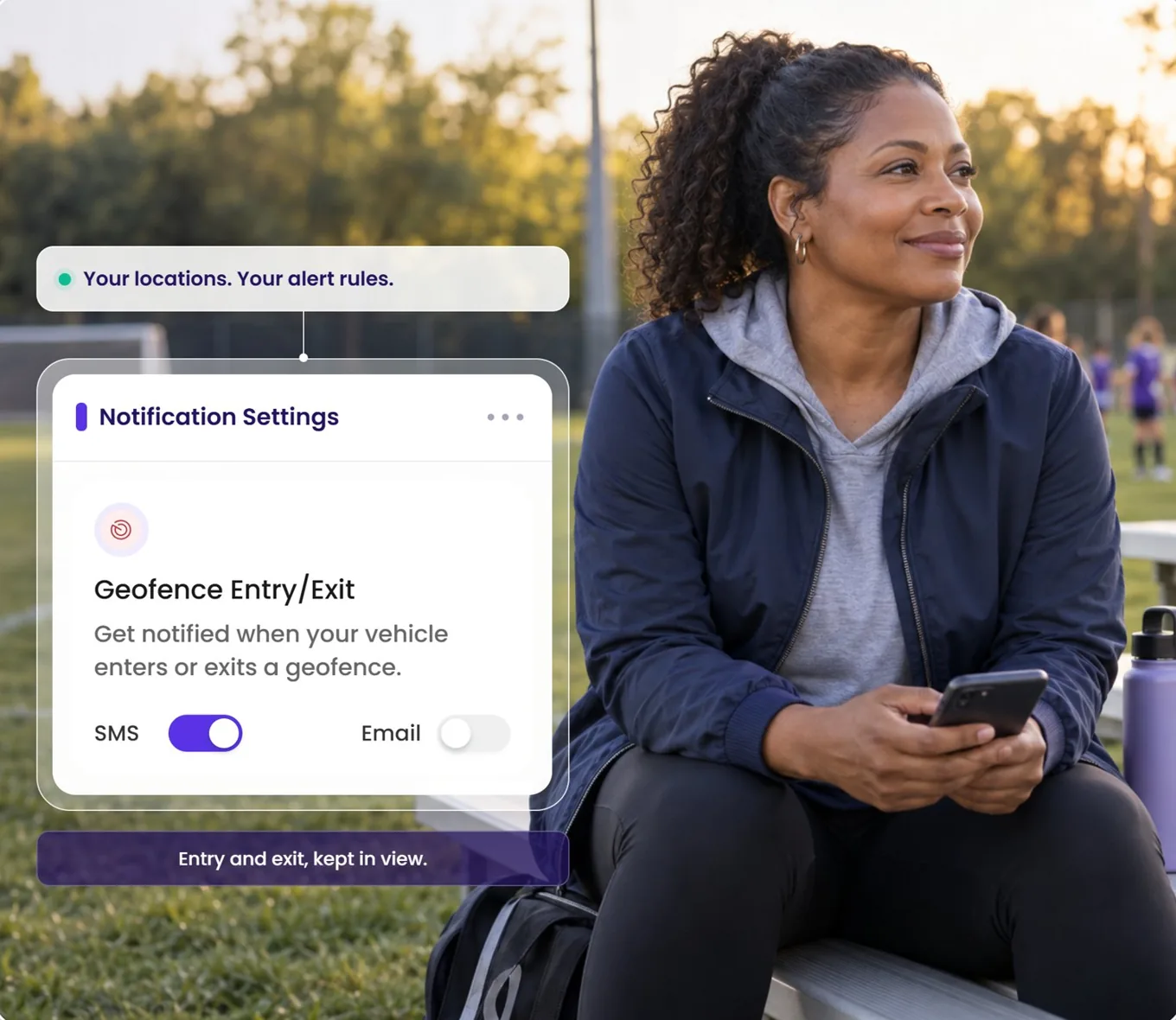
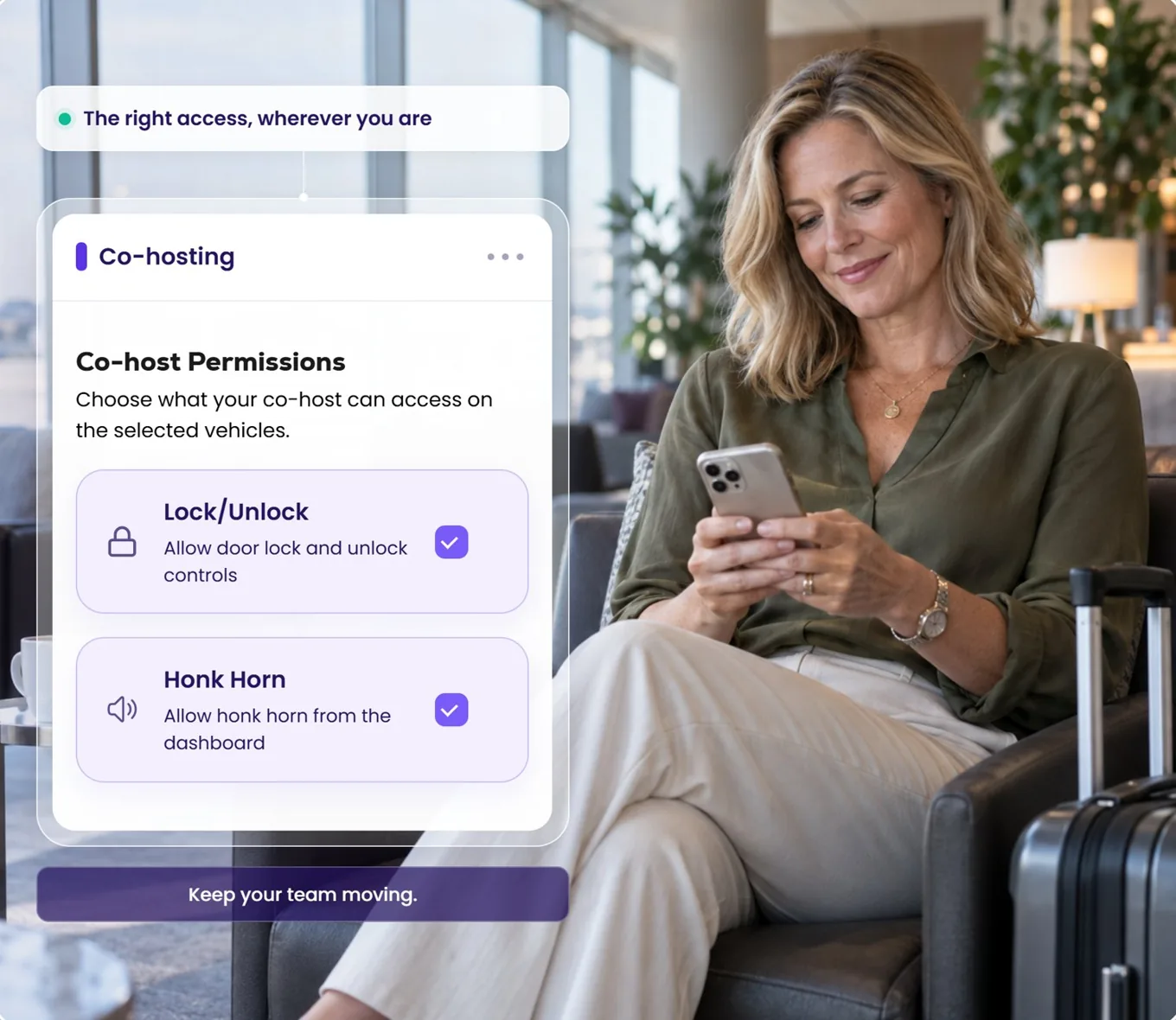
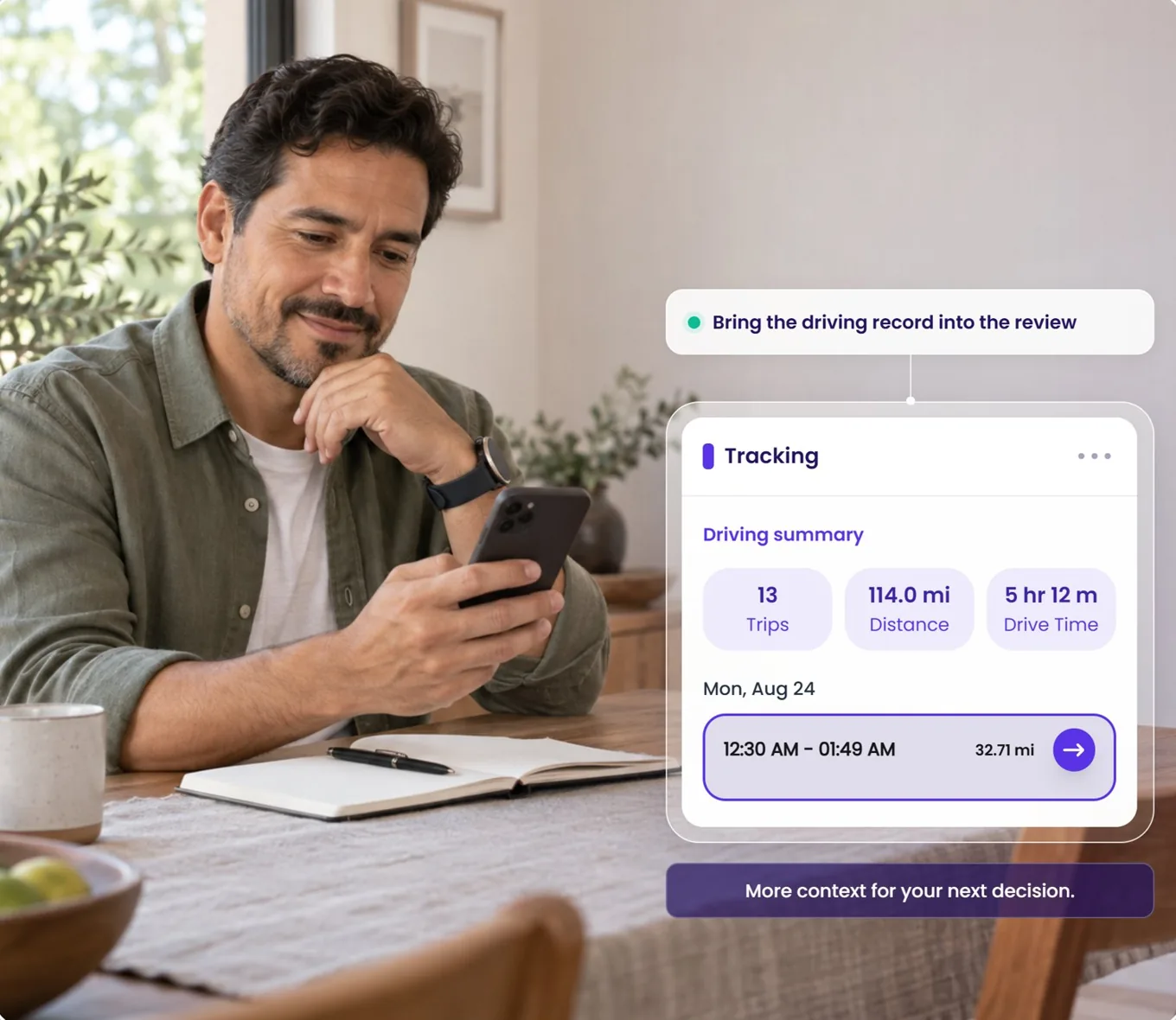
Turo hosts and private rental operators across North America run their vehicles on Qarhami — and from today, the ones who choose to can put that record to work with ABI.

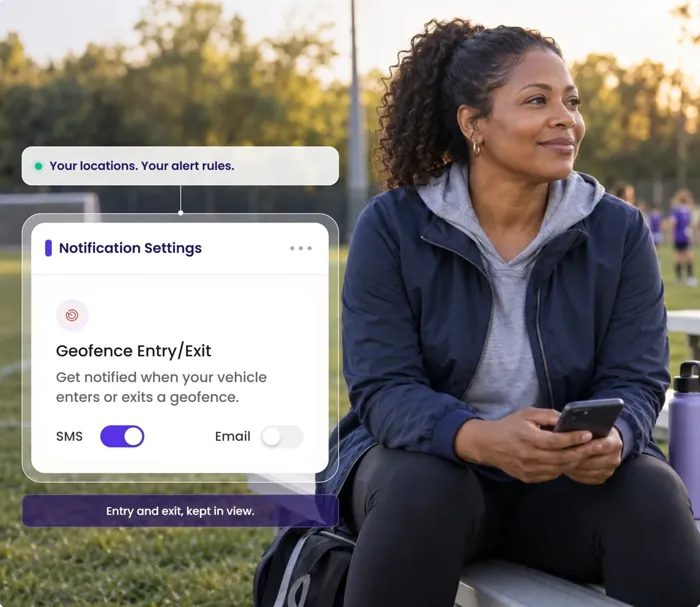
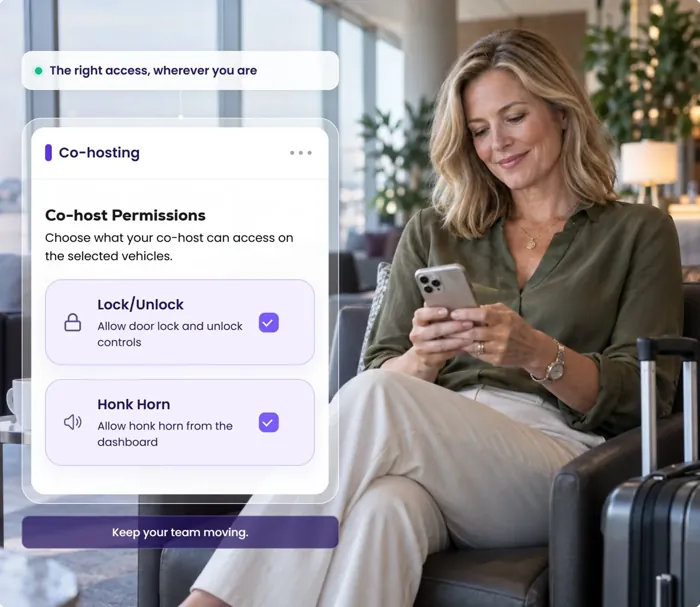
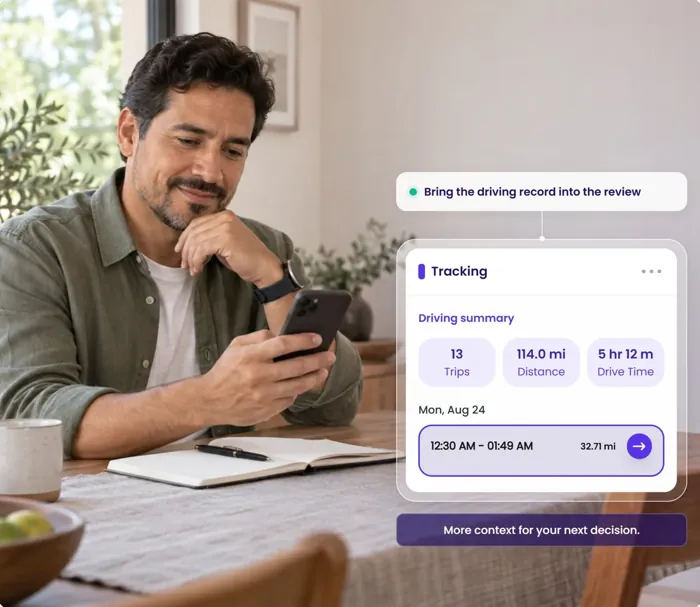
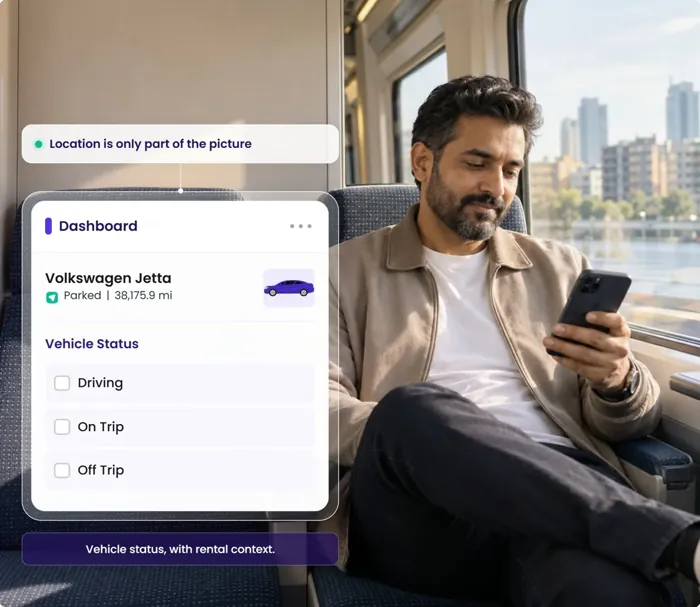
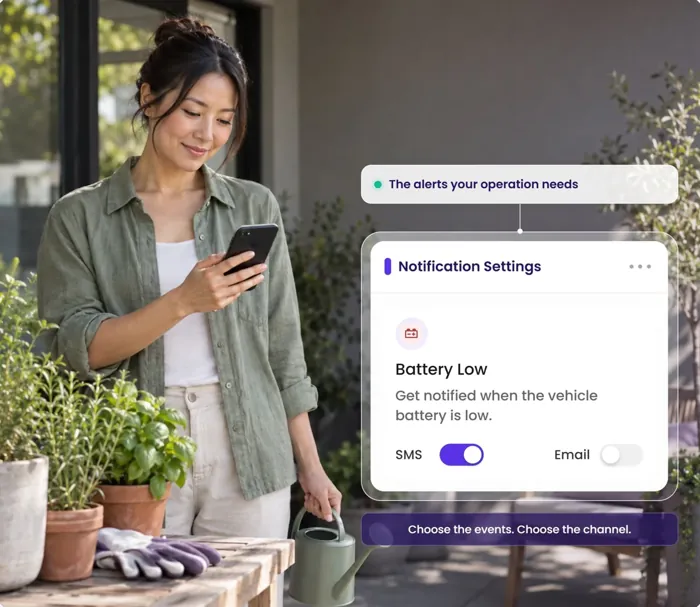
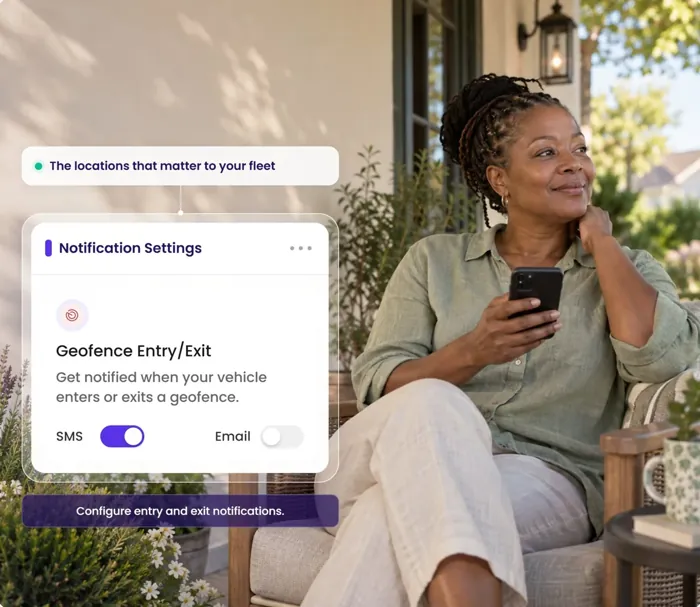
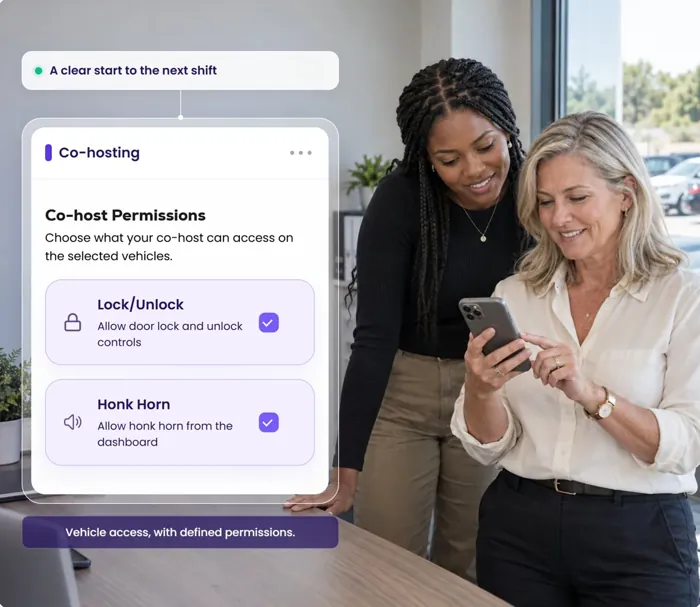
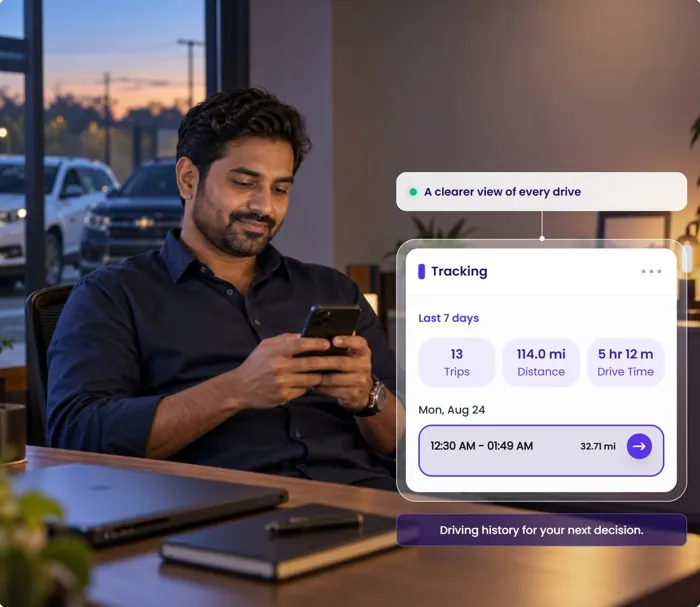
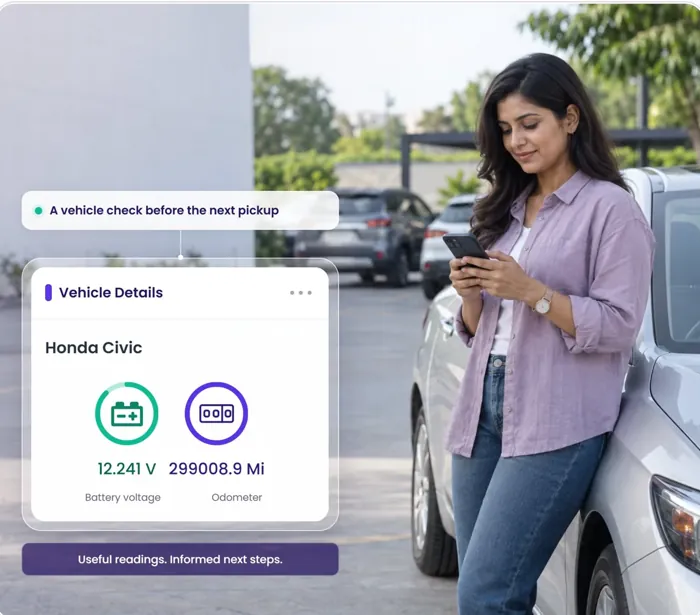
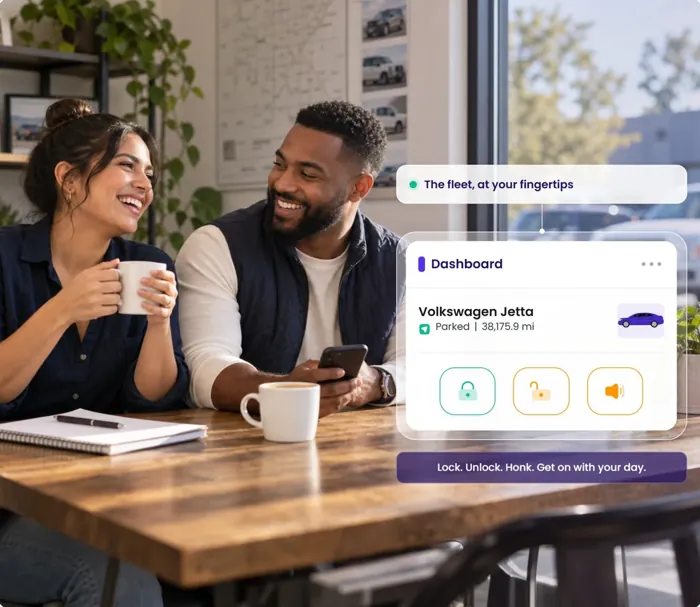
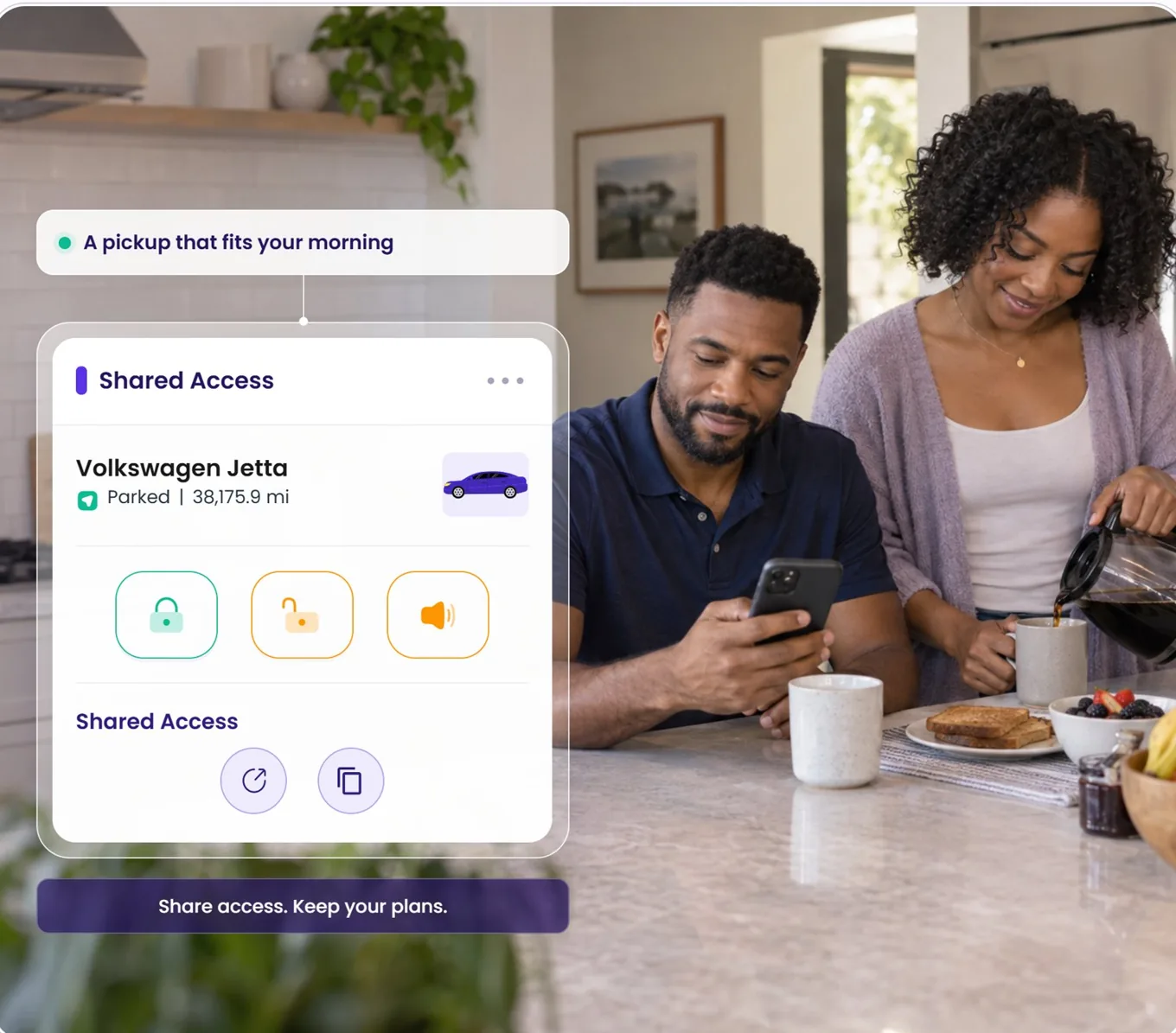
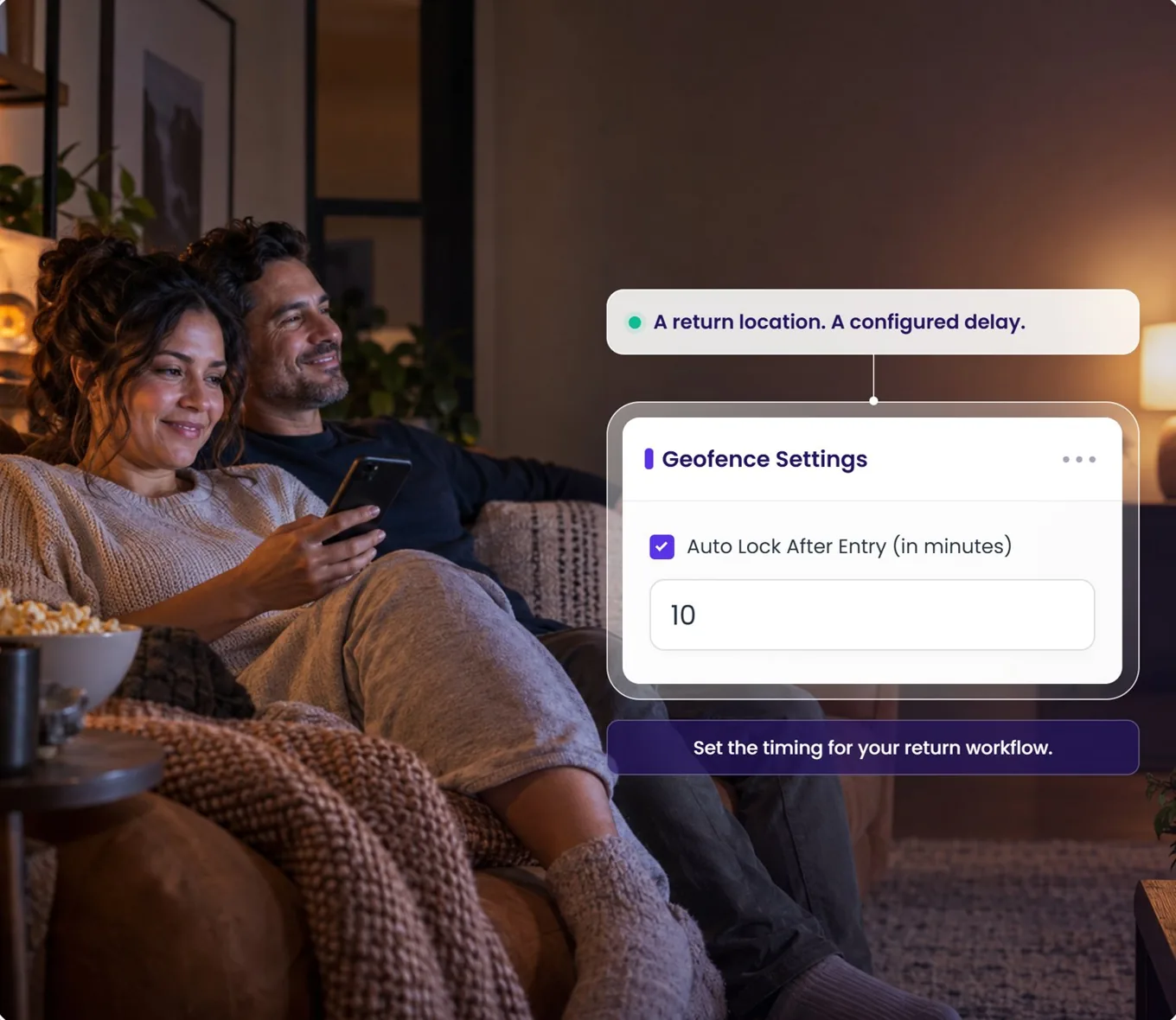
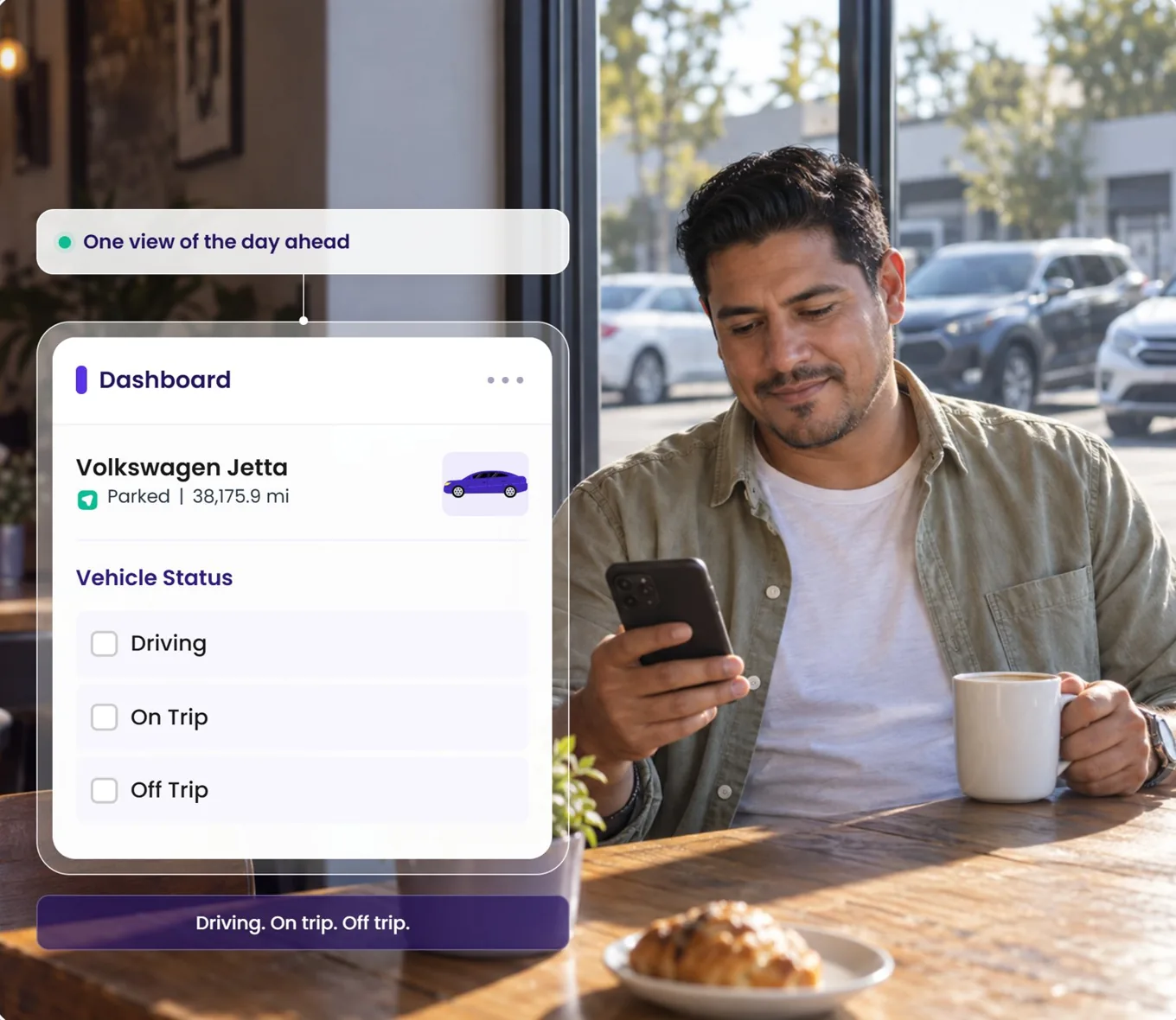
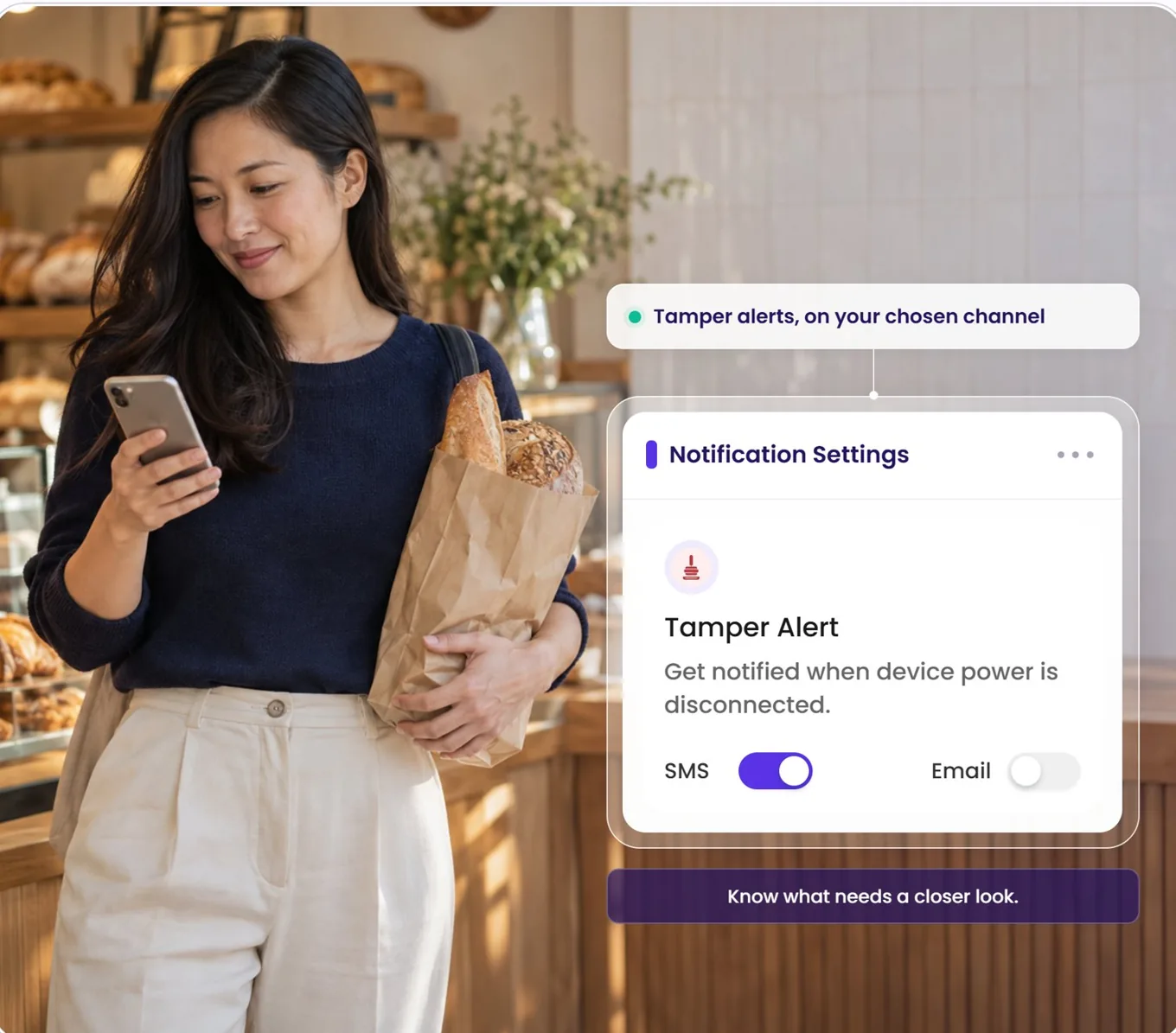
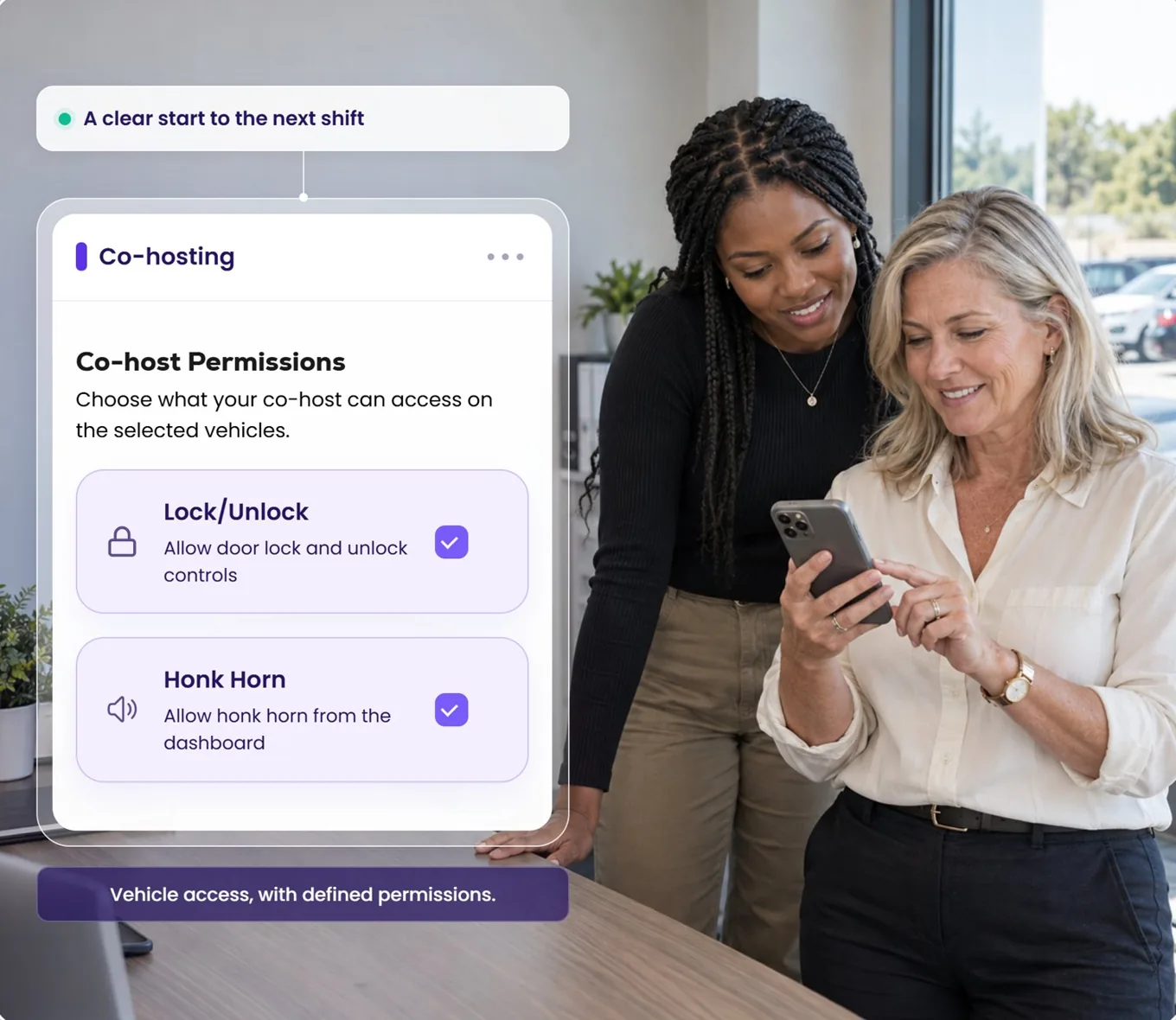
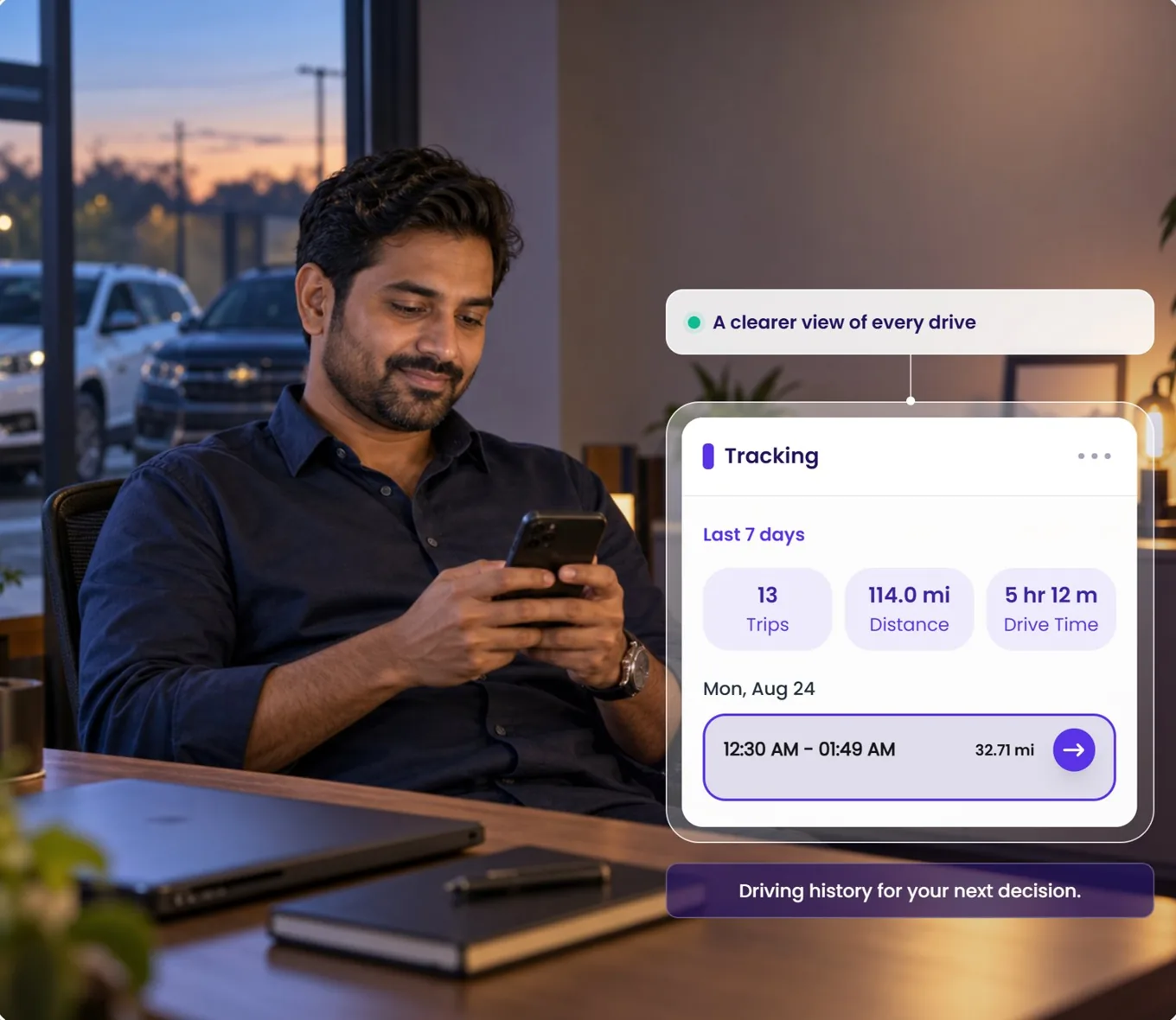
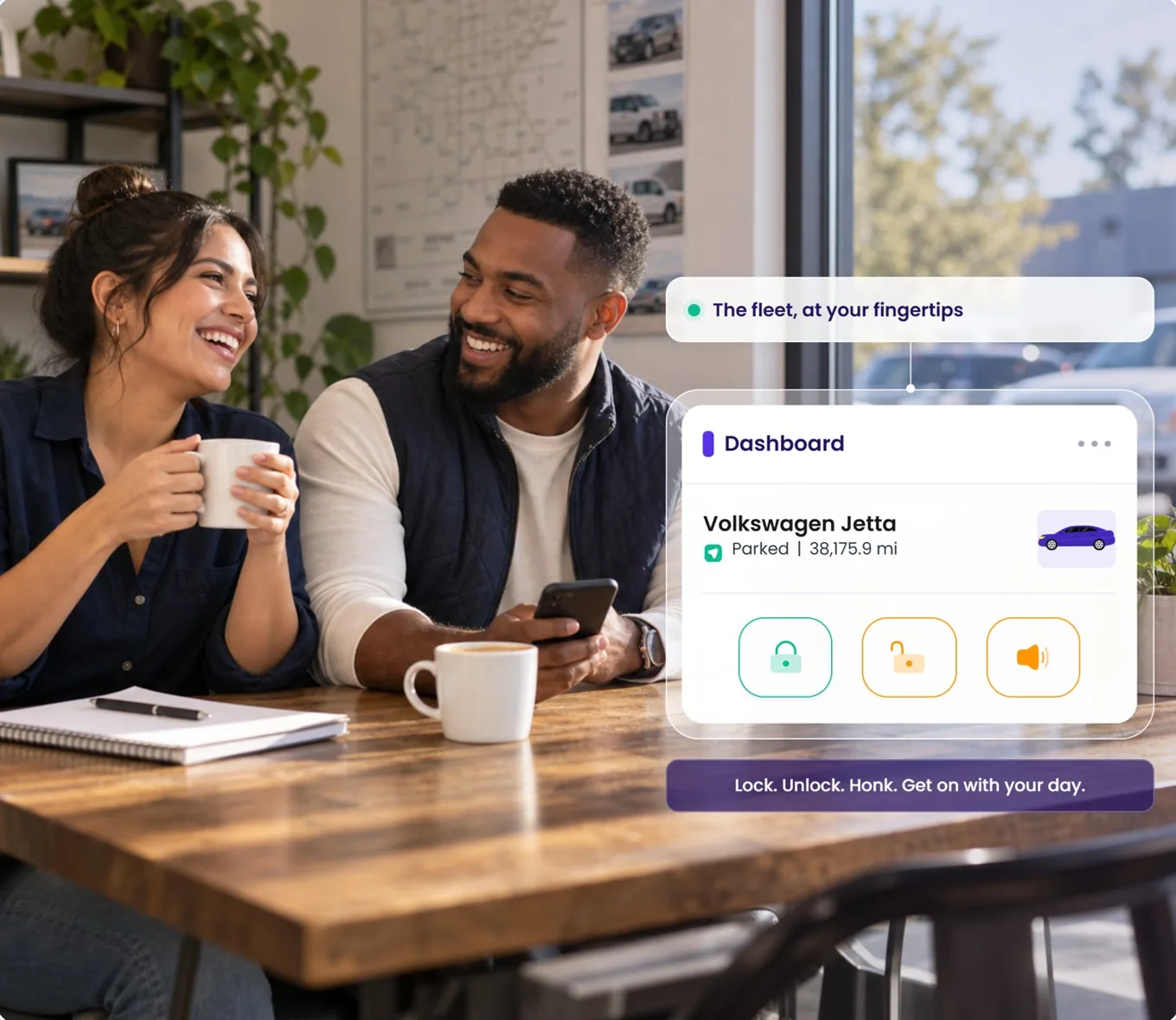
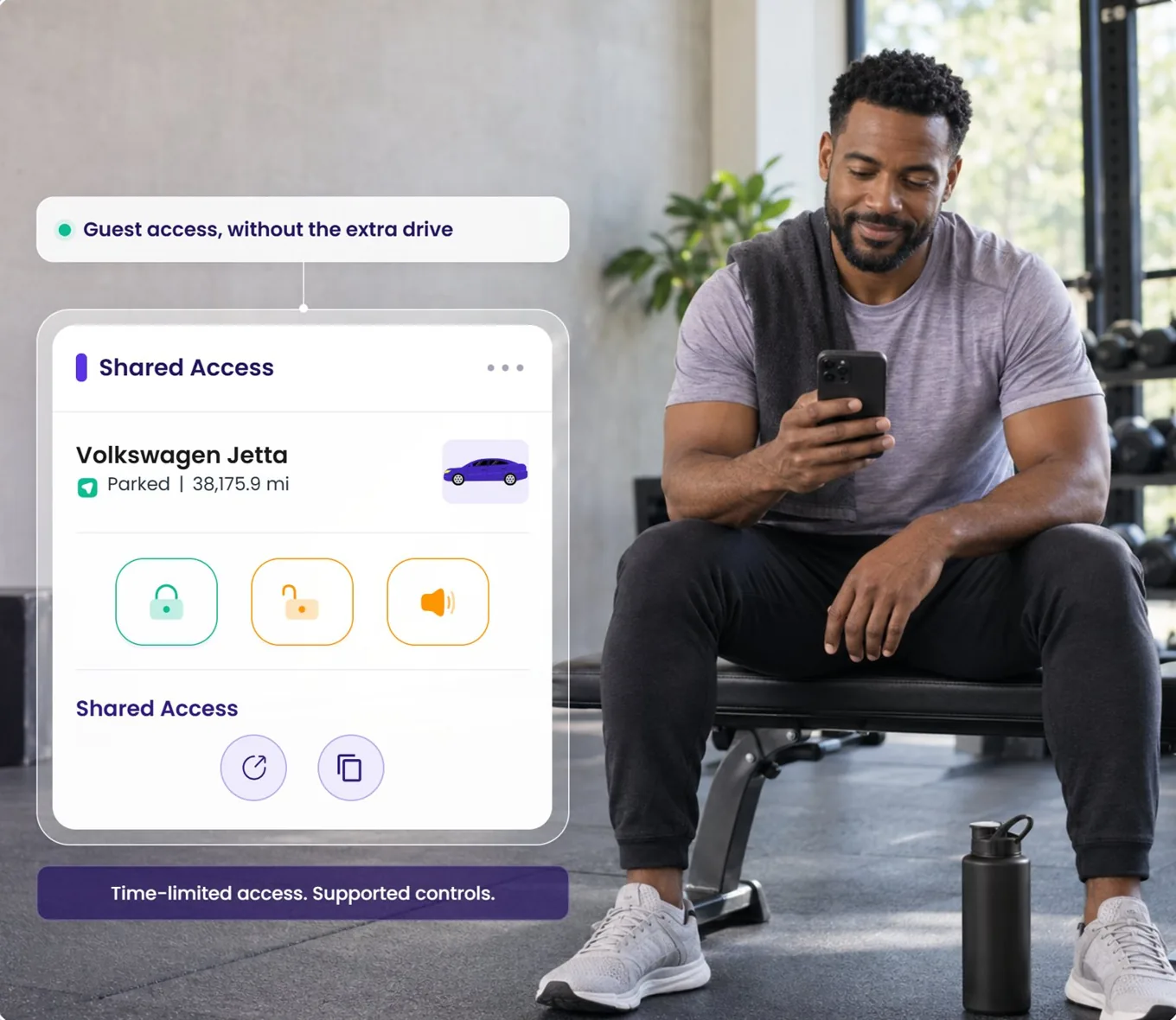
Open any photo to see the feature in focus

Already running Qarhami

Turn on ABI sharing today.

It is in the app right now. Open a vehicle, tap Edit, tick Shared with ABI Insurance, save. Repeat for each vehicle you want included.
  • No update, no migration, no support ticket
  • Per vehicle, and reversible
  • Works on Qarhami Track and Qarhami OBD
New to one or both

Get the device, then get the quote.

Qarhami gives the vehicle its record. ABI writes the cover. If you need either side of that, start here.

  • Hardwired Qarhami Track or plug-and-play Qarhami OBD
  • Commercial transportation cover across all 50 states
  • Talk to ABI about Period X and Period Z directly
Questions

What operators are asking.

Two things today: an opt-in, per-vehicle channel that shares that vehicle's Qarhami telematics with ABI, and the faster rental verification and better-evidenced claims that follow from it.

It does not, by itself, change your premium. Pricing, eligibility and coverage terms are decided by ABI and by your policy. If ABI applies any commercial benefit to connected vehicles, that comes from them and is confirmed by them, not by this page.

No. The setting lives on each vehicle record and is off unless you switch it on.

Sharing two cars and leaving seven off is a normal state. This matters for mixed fleets — partner-owned vehicles, cars insured elsewhere, or a vehicle you are about to sell.

Yes, from the same screen. Open the vehicle, tap Edit, untick Shared with ABI Insurance, save.

Any obligation you have already taken on with ABI under your policy is a matter between you and ABI — switching the Qarhami setting off changes what is shared going forward, not your contract with your insurer.

No. Qarhami is a rental fleet operating system first, and works exactly the same whether or not you share with any insurer.

The Fleet OS also supports data sharing with Tint, on its own separate checkbox. The two are independent of each other.

The sharing control is on the vehicle record, so it applies to a vehicle regardless of which device is fitted.

What varies is the data itself. Track is the hardwired path and OBD is the plug-and-play path, and the signals each one exposes depend on the vehicle, its model year, the installation, your plan, permissions and connectivity.

No. Qarhami is not an insurance agency, broker or carrier, does not sell cover and does not give insurance advice.

Qarhami provides the operating system and the data-sharing control. ABI provides the insurance.

Vehicles → View Vehicle → Vehicle Details → Edit. Scroll to the bottom of the form, under the Turo link.

You will see two checkboxes: Shared with Tint Insurance and Shared with ABI Insurance. Tick the ABI one and press Save Edits. The walkthrough on this page shows the whole path.