


On this page
With one or two cars, the Turo app, a tracker and a notes file are enough. From about three to ten, you need trips, locations and maintenance in one place. Past ten, the job changes to people and exceptions: who can do what, a record for every car, and alerts only when something is off. At any size, pick software that knows which trip a car is on.
What is fleet software actually for?
Strip away the feature lists and a rental fleet has six jobs that need doing. Software either does them, or you do them by hand at 11 pm.
The mistake is buying for the fleet you imagine. Buy for the job that's hurting this month, and check the tool can still do it at three times your size.
| The job | The question it answers | What it looks like without software |
|---|---|---|
| Location | Where is each car right now? | Texting the guest and hoping. |
| Trips | Which booking is this car on, and when is it due back? | Flipping between the Turo app and a calendar. |
| Handoffs | How does the guest get in? | Driving across town with a key. |
| Maintenance | What's due, on which car, at what mileage? | "I think it was done in spring." |
| Leaks | Which tolls, extra miles and late returns haven't been billed? | Finding out after the deadline. |
| People | Who can do what, on which cars? | One shared password. |
What changes at 1, 10 and 100 cars?
At one or two cars, you are the system. You know where the car is because you parked it. The Turo app handles bookings and invoices, and a tracker covers location. The only thing worth adding is a habit: write down every service with the mileage.
From three to ten, memory fails first. You miss a 72-hour invoice window, or two cars need oil in the same week and you only remembered one. This is where having trips, locations and maintenance on one screen starts paying for itself. It's also when remote handoffs stop being a nice-to-have.
Past ten, you can't look at every car every day, so you stop trying. You want to hear about the exceptions: the car that's late, the one that's over its miles, the one with an open issue. And you have help now, which means permissions matter more than features. A co-host who can unlock a door doesn't need to see your earnings.
What should you ask before you pay for any?
- Does it sync my bookings?If you re-type trips, you'll stop within a month.
- Is it trip-aware?A dot on a map isn't enough. It should know which guest has the car and until when.
- Which devices does it work with?Plug-in, hardwired, the car maker's own connection. Ask what each can and can't do.
- What can a co-host do, and not do?Look for permissions by vehicle and by task, with separate logins.
- How is maintenance recorded?Against mileage, with a receipt, and a reminder for the next one.
- Can I get my data out?Trip records and service history are yours. Check you can export them.
- What does it cost per car, all in?Hardware, monthly fee, install. Ask for the number at your size and at double.
- Who installs the hardware?And what happens when a car is sold or swapped.
Two guides go deeper on the hardware and the people side: hardwired vs OBD trackers, and what to put in a co-host agreement.
When is a spreadsheet enough?
Longer than software vendors would like you to think. A spreadsheet is a perfectly good service log and a decent fleet register, and it costs nothing.
What it can't do is anything live. It doesn't know where a car is, can't open a door, and won't tell you a trip ran two hours over. The day you find yourself updating the sheet from three other apps, the sheet has become the job. That's the signal.
What does this mean at your stage?
The same question, what software do I need, has four different answers. Find yourself below.
Don't buy a system for one car.
Use the Turo app, fit a tracker and keep notes. Starting on Turo is the best way to learn which parts of the job you actually find hard. Buy software for that part, later.
Fix the thing that broke this month.
A missed invoice, a forgotten service, a wasted drive to hand over a key. Pick the tool that removes that one, and check it covers the other five jobs before you commit.
Buy for exceptions and permissions.
You need to know what's wrong without checking what's right, and your team needs their own logins with limits. Ask for the price at double your current size.
You need the whole stack.
No platform is syncing bookings or verifying renters for you. Look for software that takes trips you enter yourself, and keep the agreement, deposit and ID checks in your own process.
Built around the trip, not the dot.
Qarhami is a trip-aware rental fleet operating system for Turo hosts and private rental operators. It covers the six jobs in one app, on a plug-in or a hardwired device.
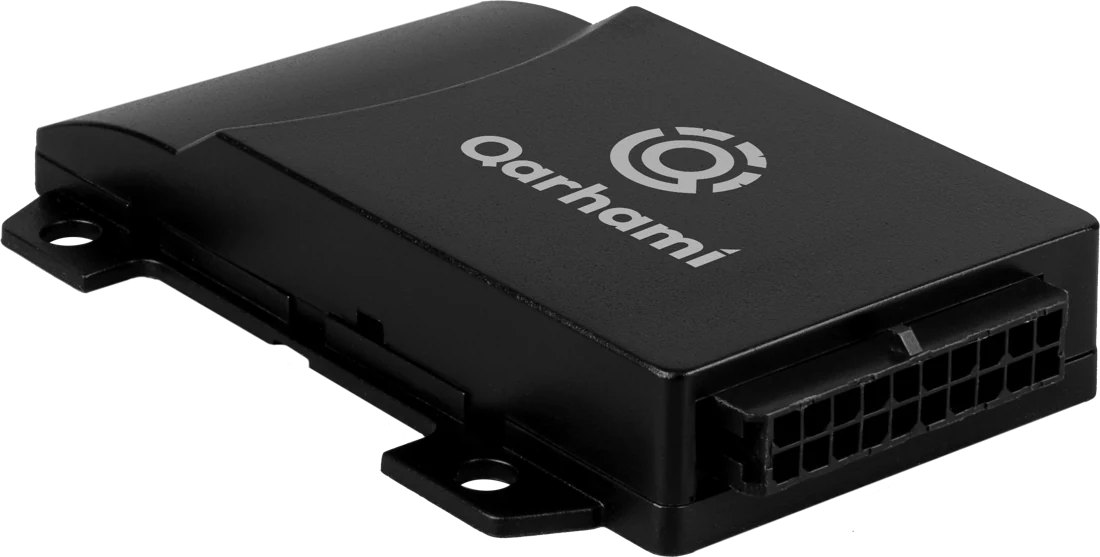
Trips sync from Turo and tie each drive to its booking. Tracking shows where the car has been. Shared Access handles the handoff with a time-bound link. Maintenance records each job against mileage. Trip Tolls works out a trip's tolls from its route. Co-Hosting gives each helper their own login, with switches per vehicle.
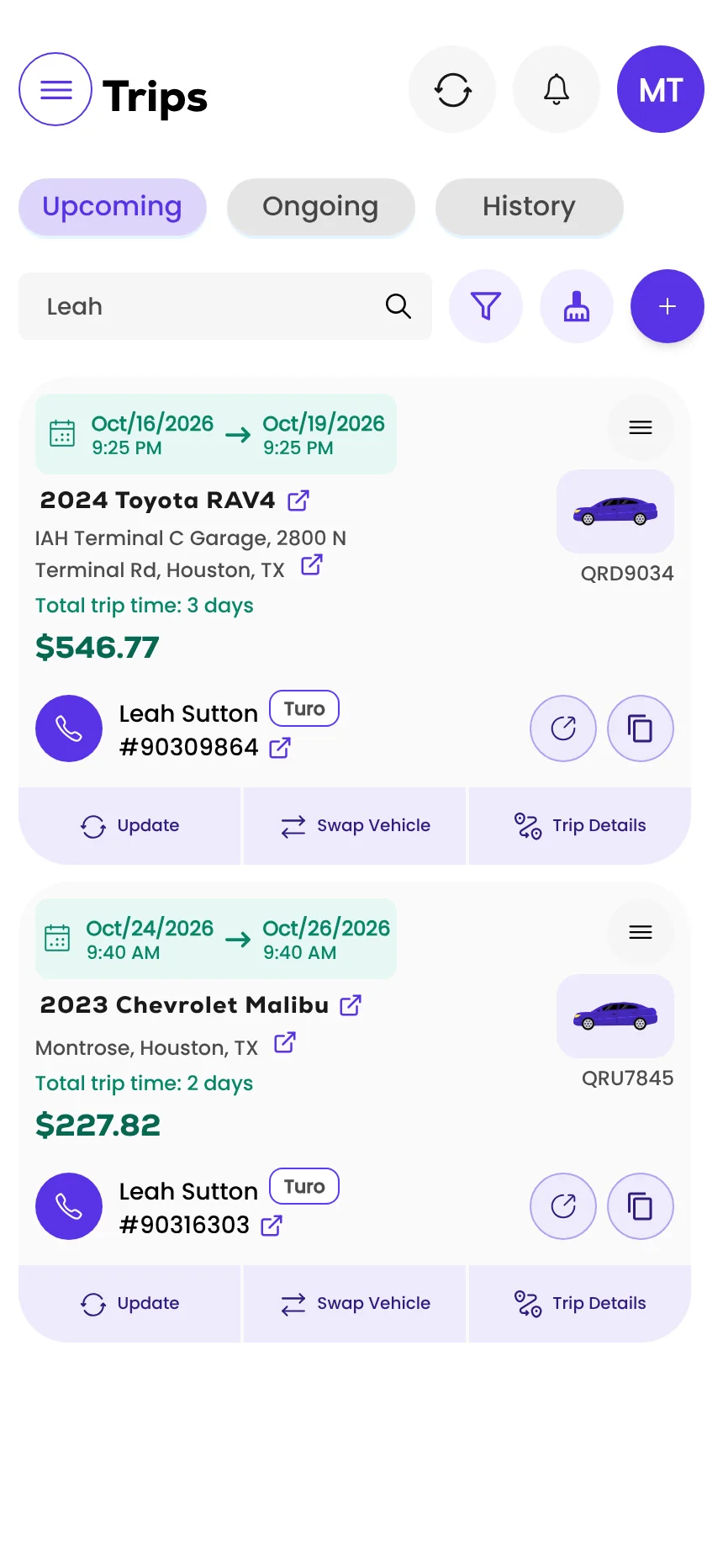
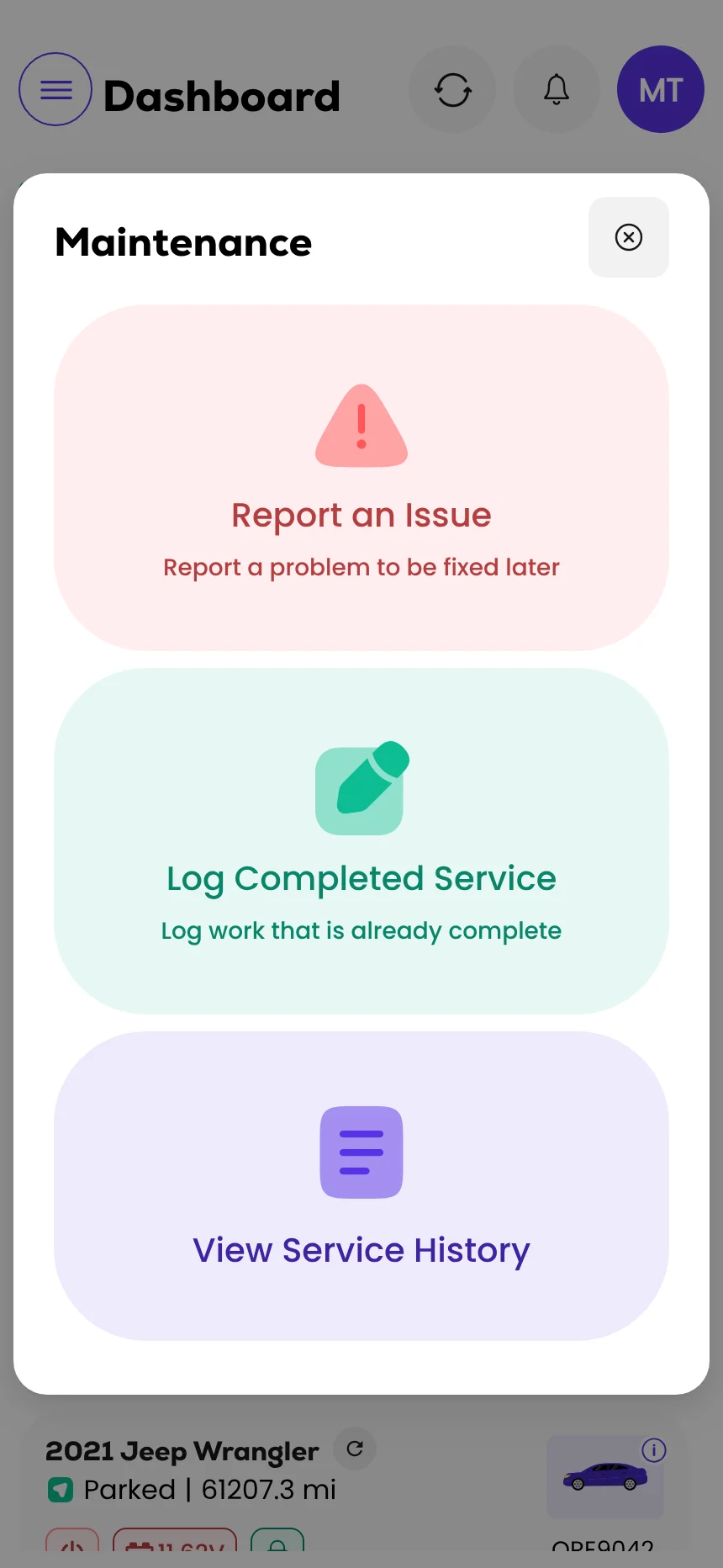
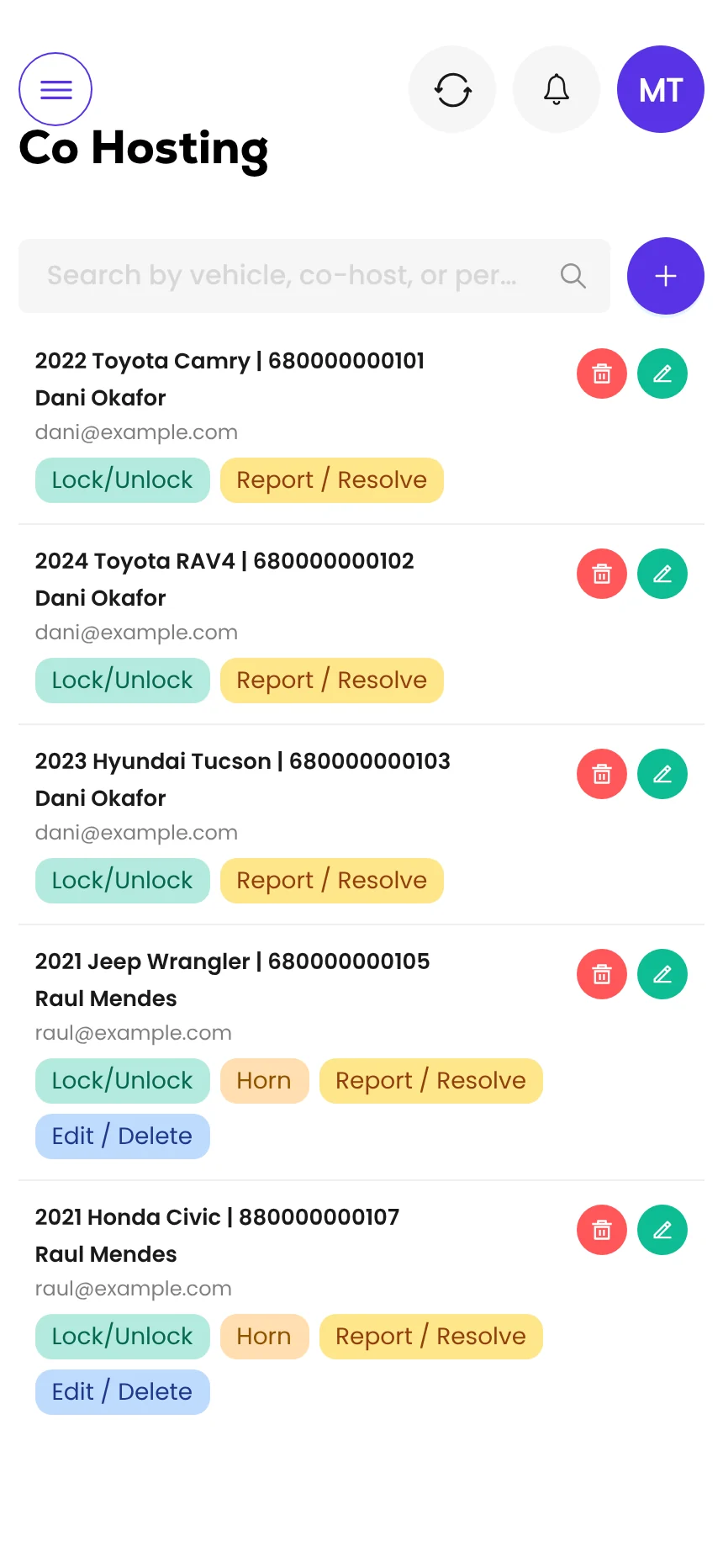
Screens from the Qarhami app running on demo data. Vehicles, guests and plates are fictional.
What changed since the last review?
- First published.
Frequently asked questions
Do I need fleet management software for one Turo car?
Usually not. With one or two cars, the Turo app, a GPS tracker and a simple record of maintenance cover it. Software starts paying for itself when you can no longer keep every car's trips, location and service in your head.
When should a Turo host get fleet software?
Most hosts feel it between three and five cars. The signs are missed invoices, a service you forgot, a handoff you had to drive to, or not knowing which car is free tomorrow without opening three apps.
What should fleet software for rental cars do?
Six jobs: show where each car is, tie that to the trip it's on, handle handoffs, track maintenance against mileage, catch money that leaks through tolls, extra miles and late returns, and control what each helper can do.
What does trip-aware mean?
The software knows which booking a car is on, not only where the car is. That lets it read a late return, extra miles or a toll against the right guest and the right dates.
Can I just use a spreadsheet?
Yes, for a while. A spreadsheet handles records well. It can't tell you where a car is, unlock a door or flag a trip that ran over, so it tends to stop coping as the fleet grows.
What should I ask before paying for fleet software?
Ask whether it syncs your bookings, which devices it works with, what a co-host can and can't do, how maintenance is recorded, whether you can export your data, what it costs per vehicle and who installs the hardware.
What should you do this week?
- Write down the one fleet job that cost you time or money this month.
- Count the apps you open to answer: which car is free tomorrow?
- List everyone with a login or a key, and what they actually need.
- Ask any vendor the eight questions above, in writing.
- Get the all-in price per car at your size and at double.
Sources
- Turo: Permissions for hosting teams · read 12 Nov 2026
- Turo: Reimbursement invoice guidelines (hosts) · updated 21 Sep 2026 · the 72-hour invoice window

Rental Operator Circle editorial. Rental Operator Circle is the operator-led publication for Turo hosts and private rental operators, powered by Qarhami. Policy guides are checked against the platform's own pages, dated, and reviewed by a working operator before they publish.
This guide explains platform policy. It is not legal advice. Spotted something out of date? Tell us at support@qarhami.com and we'll re-check it.