


On this page
No. Turo prohibits AirTags as an active tracking device in a vehicle, and hosts who keep using them risk penalties up to account suspension and removal. Turo's reasons are a poor guest experience and that AirTags are unreliable as GPS trackers. Fit a dedicated GPS tracker with its own cellular connection, and say so in your listing.
What exactly did Turo ban?
Turo's tracking policy names AirTags and prohibits using them in a vehicle as an active tracking device. Keep one in the car and you're exposed to penalties that run all the way up to losing the account.
The general policy doesn't list other Bluetooth tags by name. The UK policy does: for cars that must carry a tracker, consumer Bluetooth and mesh-network tags such as AirTags, SmartTags and Tile don't qualify, and neither does anything that alerts people nearby to its presence.
Read that as the direction of travel. A tag that leans on other people's phones isn't what Turo means by a tracker, whatever logo is on it.
Why was an AirTag never a real tracker?
Plenty of hosts started with a tag in the glovebox. It was cheap, it showed a dot on a map, and it felt like enough. Put it next to a GPS tracker and the gap is obvious.
| Bluetooth tag | GPS tracker | |
|---|---|---|
| How it finds the car | Through Apple's Find My network. It has no GPS and no cellular link of its own. | Its own GPS fix, sent over its own cellular connection. |
| Who it alerts | The person travelling with it. Phones flag an unknown tag moving with them, and the tag can play a sound. | Nobody in the car. You disclose it up front in the listing. |
| What you get back | A last-seen location, when one is available. | Location, routes, stops and trip history you can pull up later. |
| Where it stands on Turo | Prohibited as an active tracker. | Permitted. Some higher-value cars must carry a named class. |
The second row is the whole problem. AirTags are designed to tell people when an unknown one is riding along with them. That's a good safety feature, and it's exactly why a tag is the wrong tool for a rental: an honest guest gets an unsettling alert on day one, and the one person you'd need to find gets told where to look.
What should you use instead?
Three kinds of tracker do the job. Which one fits depends on the car, how often it moves between you and a co-host, and how much install you want to take on.
Whichever you pick, look for three things: its own cellular connection, alerts you can act on, and history you can pull up when a claim opens. If any of your cars is premium, check the tracker rules by country before the first trip, because some markets name the exact class.
What does this mean at your stage?
A tag in the glovebox means something different on a first car than it does across a 40-car lot. Find yourself below.
The cheap first step is the one that can cost the account.
An AirTag feels like the sensible way to start. On Turo it's the one tracker that puts your listing at risk. Start on Turo, and start with a real tracker. A plug-in unit is plenty for a first car.
Check every car, including the ones someone else set up.
A forgotten tag is still a tag in the car. Walk the fleet, co-host cars included, and standardise on one tracker type so every alert lands in the same place.
Make it a line on the onboarding checklist.
New units and new staff are how tags creep back in. Write “no consumer tags” into vehicle onboarding, and re-check when cars move between lots or managers.
Turo's ban doesn't bind you. The reasons still do.
On a direct rental a tag still warns the renter and still can't show you a route. Fit a GPS tracker and put the disclosure in the agreement the renter signs.
Do you have to tell guests about the tracker you fit?
Turo requires disclosure and written consent for cabin cameras and audio, and says some places add their own disclosure rules for tracking. Our recommendation is simpler: disclose GPS in every listing. It costs nothing and it ends the argument before it starts. The policy guide has wording you can copy.
A tracker that doesn't need a stranger's phone.
Qarhami is a trip-aware rental fleet operating system for Turo hosts and private rental operators. Qarhami Track is hardwired; Qarhami OBD plugs into the OBD-II port. Both report over their own cellular connection.
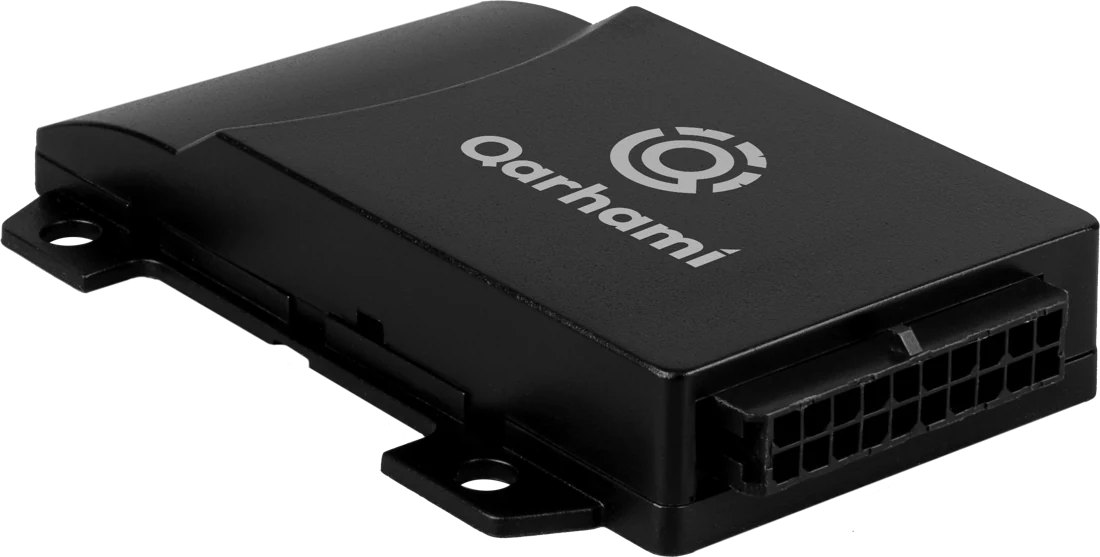
The tracker is where it starts. What you work from each day is the trail it leaves, read against the booking it belongs to.
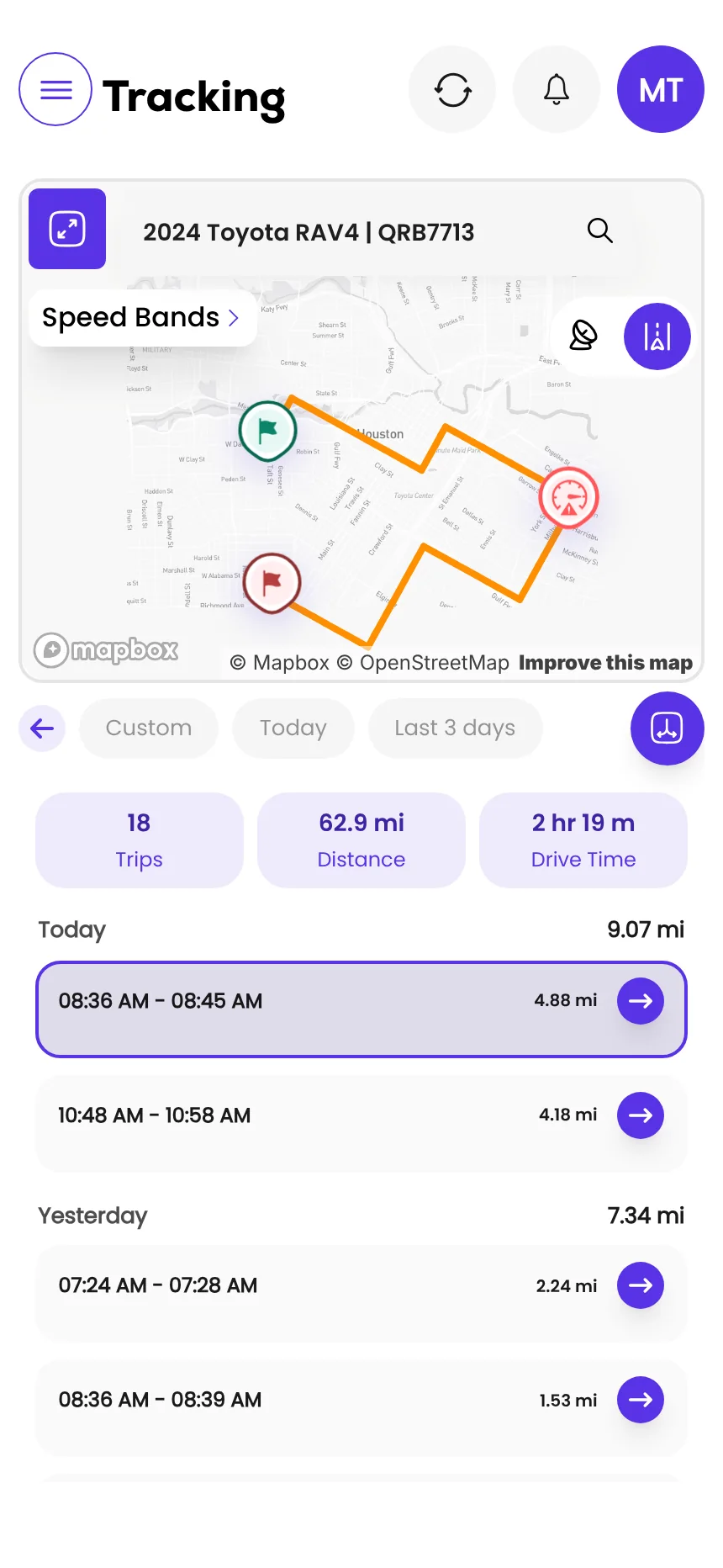
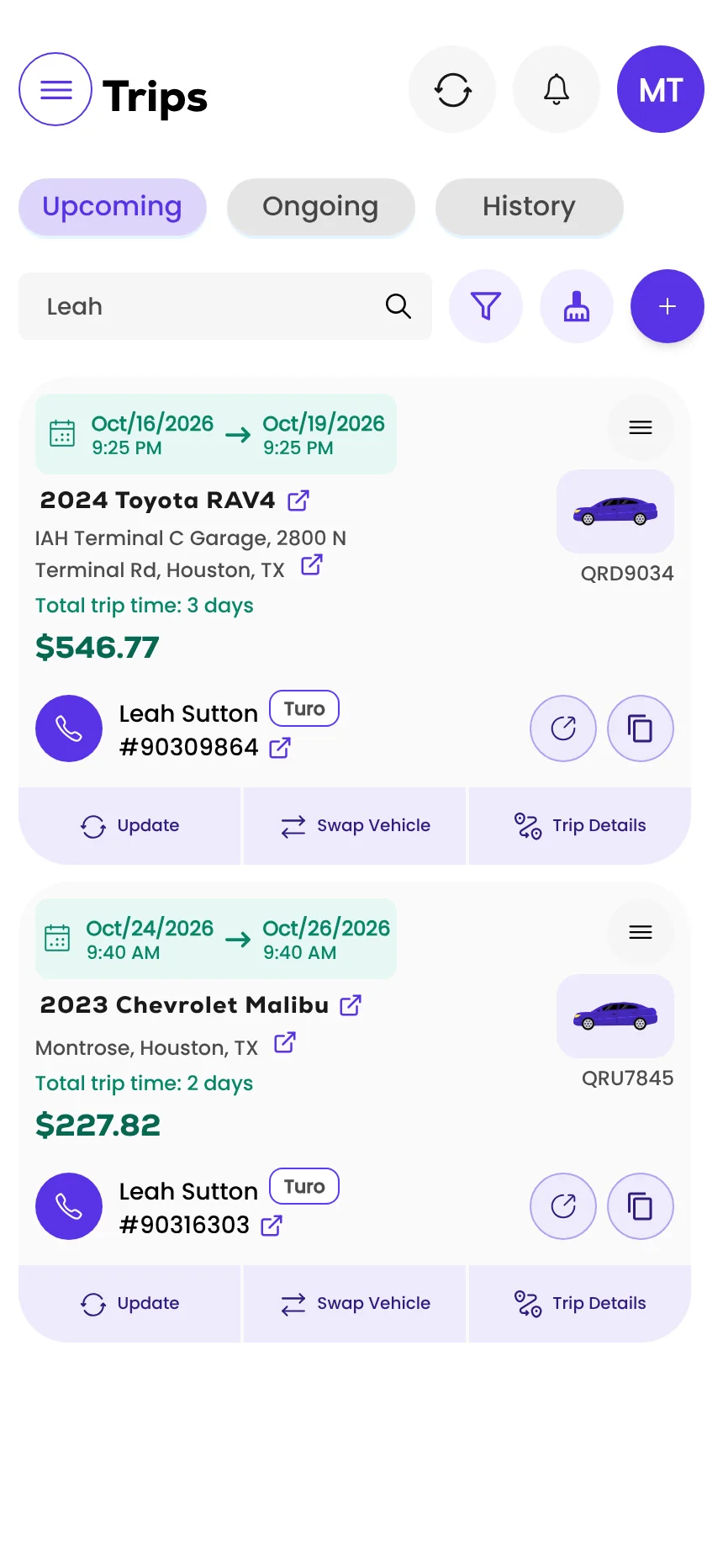
Screens from the Qarhami app running on demo data. Vehicles, guests and plates are fictional.
What changed since the last review?
- First published, from Turo's tracking policy as updated 12 October 2026 and its UK tracker policy as updated 15 June 2026.
Frequently asked questions
Can Turo hosts use AirTags?
No. Turo prohibits AirTags as an active tracking device in a vehicle. Hosts who keep using them face penalties up to account suspension and removal from the platform.
Why did Turo ban AirTags?
Turo says AirTags can create a poor guest experience and are unreliable as GPS trackers. An AirTag is also built to alert the person travelling with it, which defeats the purpose in a rental.
Are Tile or SmartTag trackers allowed on Turo?
Turo's general policy names AirTags. Its UK policy goes further for cars that must carry a tracker: consumer Bluetooth and mesh-network tags such as AirTags, SmartTags and Tile don't qualify. Treat any tag that depends on nearby phones as the wrong tool.
What happens if Turo finds an AirTag in my car?
Continued use can lead to penalties up to account suspension and removal. Take tags out of every car, including spares left in a glovebox or trunk.
What tracker can I use on Turo instead?
A dedicated GPS tracker with its own cellular connection: an OBD plug-in unit, a hardwired unit, or the car's factory connected service. Higher-value cars in some countries must carry a specific class, so check the rule for your market.
What should you do this week?
- Take every tag out of every car, including spares in a glovebox or trunk.
- Fit a GPS tracker with its own cellular connection on any car that doesn't have one.
- Add a GPS disclosure line to each listing.
- If any car is premium, check the value rules for its market.
Sources
- Turo: Vehicle tracking and technology policy (hosts) · updated 12 Oct 2026 · read 12 Nov 2026
- Turo: Active tracker policy, UK hosts · updated 15 Jun 2026 · read 12 Nov 2026
- Apple Support: What to do if you get an alert that an AirTag is with you · published 24 Sep 2026 · read 12 Nov 2026

Rental Operator Circle editorial. Rental Operator Circle is the operator-led publication for Turo hosts and private rental operators, powered by Qarhami. Policy guides are checked against the platform's own pages, dated, and reviewed by a working operator before they publish.
This guide explains platform policy. It is not legal advice. Spotted something out of date? Tell us at support@qarhami.com and we'll re-check it.