


On this page
Hosts have up to 90 days after a trip ends to invoice a guest for tolls on Turo. If your Turo account is linked to a toll agency, Turo drafts the invoice 7 days after the trip and you review and send it. If not, you create one by hand with photos of the toll bill. The guest then has 48 hours to pay or dispute.
How do you charge a guest for tolls on Turo?
Tolls are the charge that arrives late. The guest is long gone, the agency's statement finally lands, and now you're matching a line item to a trip from three weeks ago. Turo gives you two routes to get it back.
If your toll account is linked. In the app, open Vehicles, then Linked accounts, then Tolls information to see whether your agency connects. Once it does, Turo sends you an auto-generated invoice 7 days after each trip ends. You open it from the trip, check it and send it.
If it isn't linked, you build the invoice yourself:
- Open the trip.Go to its Details page and select Create or view invoices, then Create invoice.
- Choose Toll.Then Continue.
- Add photos of the toll bill.They have to clearly show the date, time, location and license plate or VIN. Turo also wants metadata on the photos: date, time and geolocation.
- Add anything else from the same trip.Other incidental costs can ride on the same invoice with Add another charge.
- Review and send.Send in the app, or Send Invoice on the web.
Linked accounts aren't fully hands-off. If the agency processes a toll after Turo drafted the invoice, you add that one manually. And every new car has to be linked when you list it.
How long do you have?
Ninety days sounds generous until you remember how slowly some agencies bill. The clock runs from trip end, and it has three stages.
On trips of 60 days or longer you don't have to wait for the end. You can invoice tolls mid-trip, one open invoice at a time. Just remove anything already paid from the invoice Turo generates afterwards, so the guest isn't billed twice.
Who pays the toll agency's admin fees?
The toll itself is the guest's. The fee on top depends on whose fault it was, and Turo is specific about it.
| Why the fee was charged | Who pays | What it means for you |
|---|---|---|
| The toll was paid late | You | Pay the agency on time, then invoice the guest for the toll. |
| The transponder balance ran low | You | Keep auto top-up on. A $3 toll shouldn't become a $28 one. |
| The car had no required transponder | You, except in Canada, where it's the guest | Fit one per car, or register the plate with the agency. |
| Tolls outside your transponder's coverage area | Guest | Chargeable. Keep the agency's notice. |
| A speeding ticket at a toll collection site | Guest | Chargeable as a fee. |
The dollar figures in the third column are an illustration, not Turo's numbers. Fee amounts vary by agency.
What happens after you send the invoice?
The guest is notified on the trip's Details page, by email and in their activity feed. From there:
- They pay. Turo adds the funds to your trip earnings.
- They dispute. You have 72 hours to cancel and resubmit a corrected invoice, or to escalate it to Turo support.
- They ignore it. After 48 hours the invoice escalates to support on its own, and Turo tells you the outcome.
One detail worth knowing when you talk to a guest about it: if support has to step in to resolve a toll invoice, Turo adds a 3% processing fee on the guest's side. Paying promptly is cheaper for them.
What trips hosts up?
- A bill with no plate or VIN on it. In the US and Canada you can still claim it, but only if you sent the guest the transponder ID in Turo messaging within 24 hours of the trip start.
- A guest who swaps in their own transponder. Turo prohibits guests from removing yours or using a personal one. If yours goes missing, replacing it is chargeable.
- Linked by plate when it should be transponder. If the car is registered with the agency both ways, Turo says to connect by transponder, or the charges won't be picked up.
- Australia. Cars listed in NSW, Victoria and Queensland must be toll-ready, and proof has to come from the toll account itself. Turo doesn't accept a generic spreadsheet.
Hi [name], this car has a toll transponder, ID [number]. Please leave it in place for the whole trip. Any tolls will be invoiced through Turo after the trip, with the toll statement attached. Safe travels.
What does this mean at your stage?
A $6 toll is an annoyance on one car and a leak across forty. Find yourself below.
Link the account before your first trip, if you can.
It's the difference between Turo drafting the invoice and you remembering to. Starting on Turo helps here: the invoice flow and the guest's 48-hour clock are already built. If your agency doesn't link, set a reminder for a week after each trip.
Give tolls a day of the week.
With a handful of cars, statements arrive on their own schedule and trips overlap. Pick one day, open every agency account, and match each line to a trip. Nothing gets near 90 days that way.
One transponder per car, and a register that says so.
Swapped transponders and unlinked new cars are where money goes missing at this size. Record the transponder ID against each vehicle, link every new listing the day it goes live, and have one person own the weekly reconcile.
Put tolls in the agreement, with the method.
On a direct rental there's no invoice button and no 48-hour clock. Say in the agreement that tolls are the renter's, how you'll bill them and by when, and keep the agency statement next to the rental dates.
Which guest had the car at 4:12 pm on the ninth?
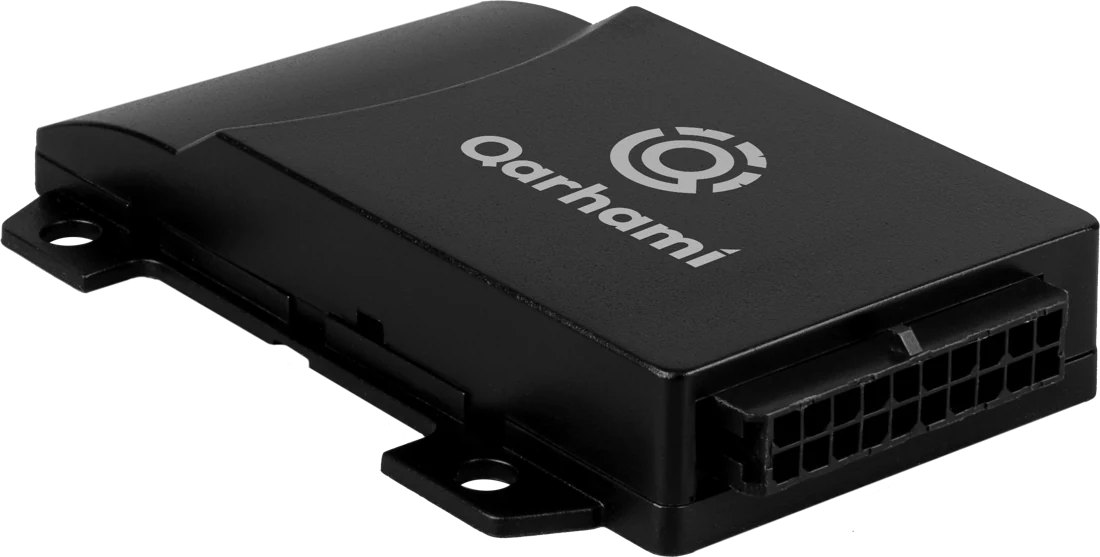
Qarhami is a trip-aware rental fleet operating system for Turo hosts and private rental operators. It reads each drive against the trip it belongs to, so a toll's date and time can be matched to a trip.
Trip Tolls goes a step further. It works out each trip's tolls from the route the car drove and prices them three ways, tag, license plate and cash, with a PDF per trip. That's a calculation from the route, so you know what to look for before the statement lands. The bill itself still comes from your toll agency, and the invoice still goes through Turo.
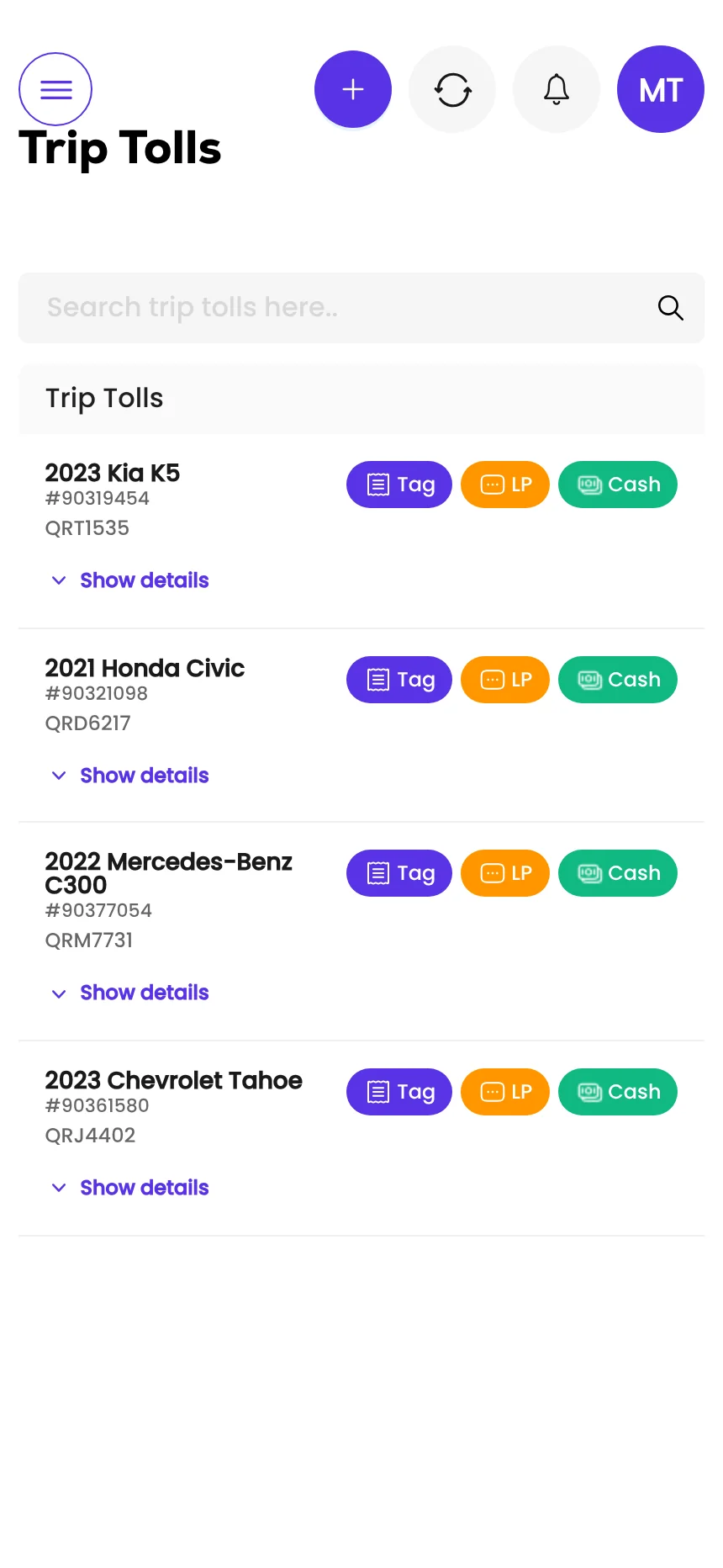
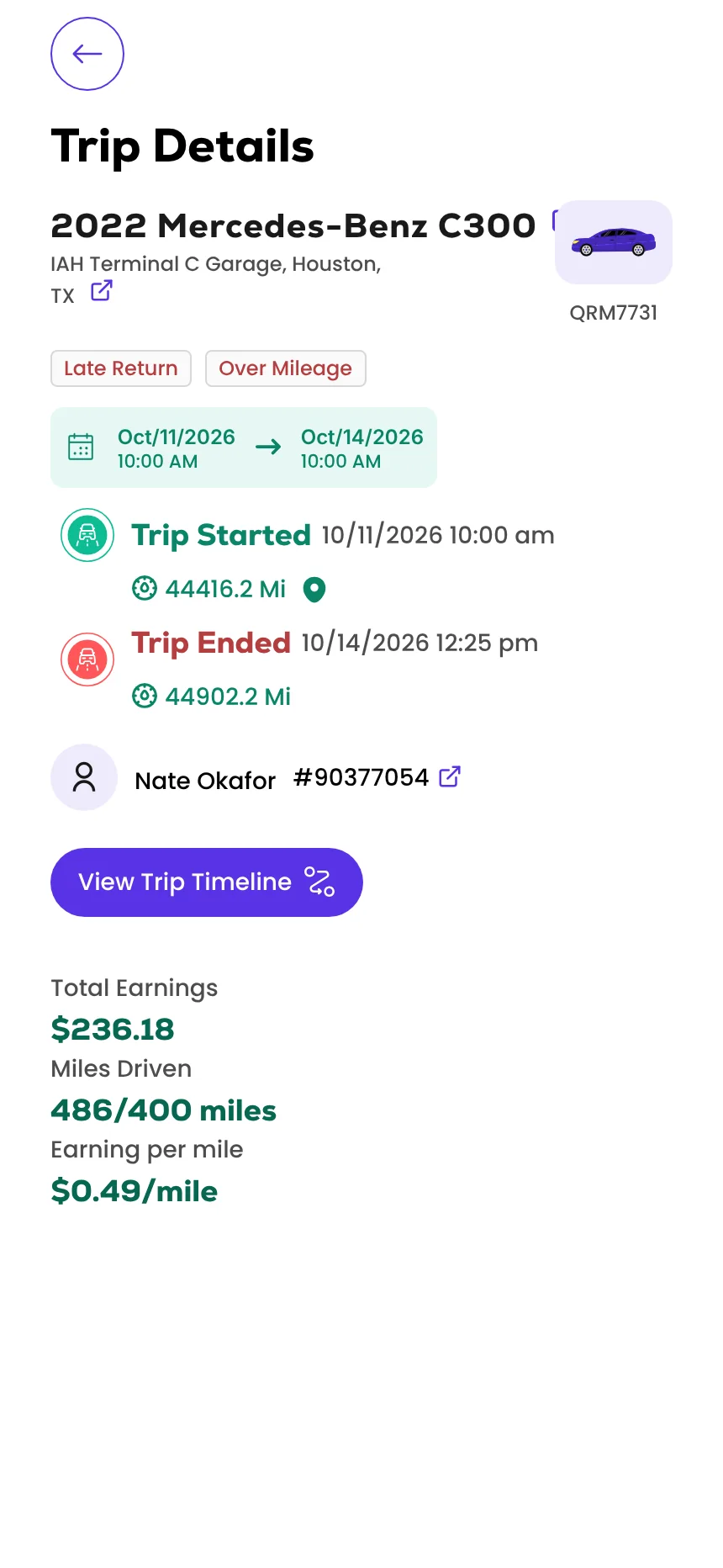
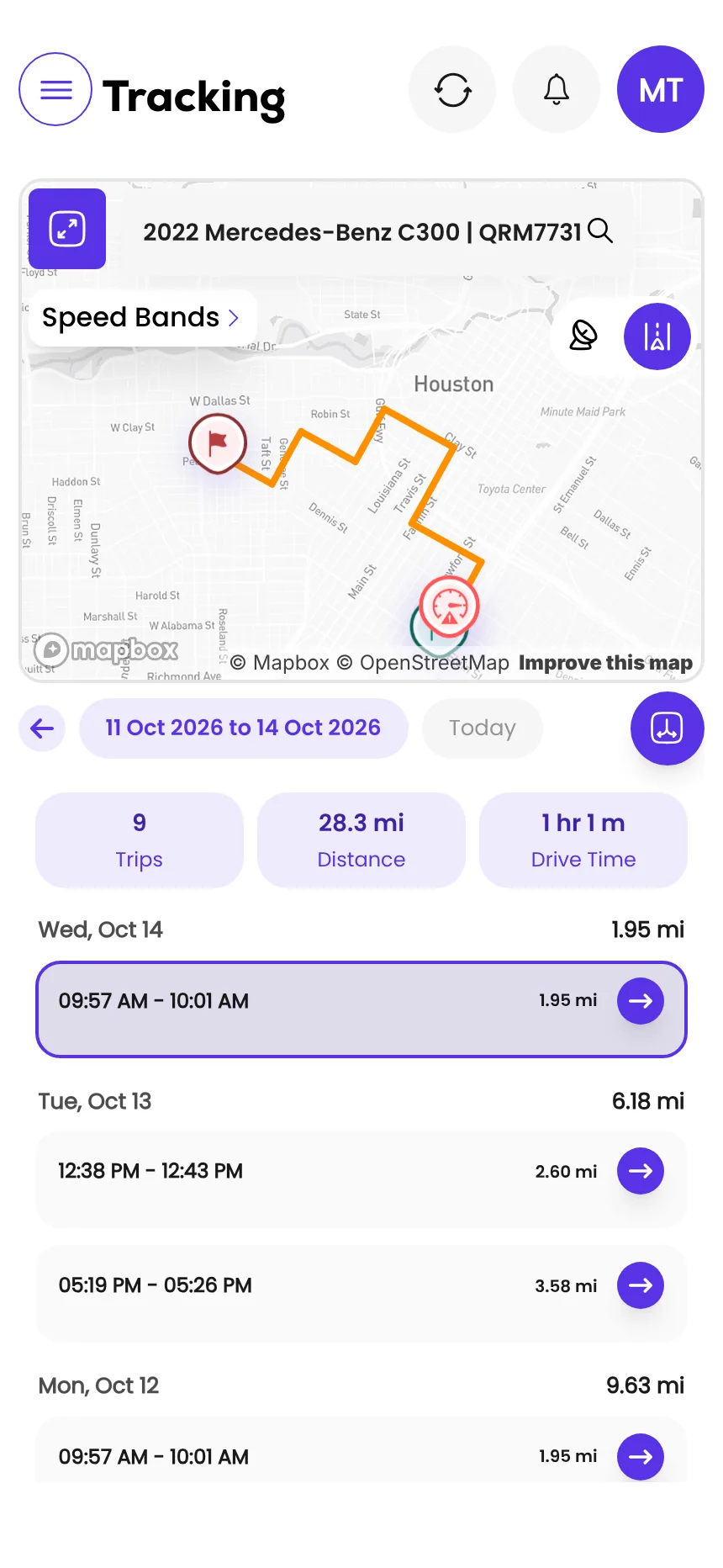
Screens from the Qarhami app running on demo data. Vehicles, guests and plates are fictional.
What changed since the last review?
- First published, from Turo's host and guest toll pages as updated 29 July 2026, its toll agency linking page as updated 28 April 2026 and its reimbursement invoice guidelines as updated 21 September 2026.
- Added how Qarhami's Trip Tolls works out a trip's tolls from its route.
Frequently asked questions
How long do Turo hosts have to charge a guest for tolls?
Hosts have up to 90 days after a trip ends to send the guest a toll invoice. If a toll notice arrives after that, the host must send it to Turo support within 30 days of the notice and within 180 days of the end of the trip. Tolls submitted more than 180 days after a trip ends aren't eligible.
How do I send a toll invoice on Turo?
Open the trip to its Details page, select Create or view invoices, then Create invoice, choose Toll and add photos of the toll bill. If your Turo account is linked to a toll agency, Turo generates the invoice for you 7 days after the trip ends and you review and send it.
What proof does Turo want for a toll?
Photos of the toll bill that clearly show the date, time, location and license plate or VIN. Turo says the photos must also carry metadata showing date, time and geolocation.
Can I charge a guest the toll agency's admin fee?
It depends on why the fee was charged. Hosts are responsible for fees caused by late payment, a low transponder balance or, outside Canada, a vehicle with no required transponder. Guests are responsible for fees from tolls outside the transponder's coverage area and from speeding tickets at a toll site.
How long does the guest have to pay a toll invoice?
Guests have 48 hours to pay or dispute the invoice. If they dispute it, the host has 72 hours to cancel and resubmit a revised invoice or escalate it to Turo support. An invoice the guest ignores escalates to support automatically.
Can a guest use their own toll transponder in my car?
No. Turo's guest page says removing the host's transponder or using a personal transponder is prohibited. If there's no transponder in the vehicle, the guest must notify the host when a toll is incurred.
What should you do this week?
- Check Vehicles, then Linked accounts, to see whether your toll agency links to Turo.
- Make sure every listed car is linked, by transponder where it has one.
- Save the transponder message and send it at the start of every trip.
- Look back 90 days for trips with unbilled tolls, oldest first.
- Turn on auto top-up with your toll agency so a low balance never becomes a fee.
Sources
- Turo: How to charge guests for tolls (hosts) · updated 29 Jul 2026 · read 12 Nov 2026
- Turo: How to pay an invoice from your host for tolls (guests) · updated 29 Jul 2026 · read 12 Nov 2026
- Turo: Linking your account to a toll agency (US hosts) · updated 28 Apr 2026 · read 12 Nov 2026
- Turo: Reimbursement invoice guidelines (hosts) · updated 21 Sep 2026 · read 12 Nov 2026

Rental Operator Circle editorial. Rental Operator Circle is the operator-led publication for Turo hosts and private rental operators, powered by Qarhami. Policy guides are checked against the platform's own pages, dated, and reviewed by a working operator before they publish.
This guide explains platform policy. It is not legal advice. Spotted something out of date? Tell us at support@qarhami.com and we'll re-check it.